Resources
Everything for running the copy room.
Step-by-step guides, plain answers and reference pages for teachers, copy room staff, administrators, the business office and IT. Search them all, or pick your desk.
7 resources (videos, for copy room).
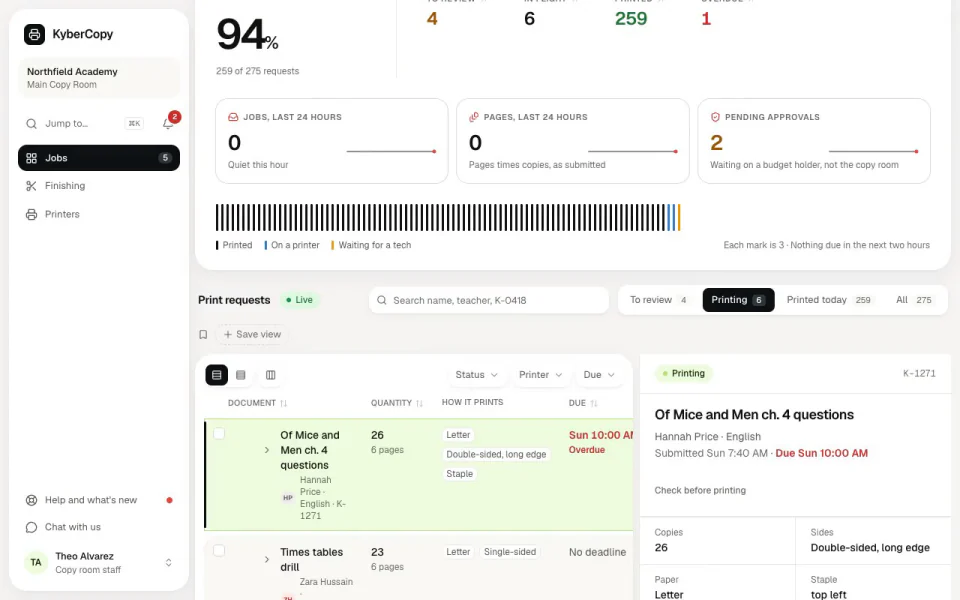 VideoPrint a request from the copy room queueThe copy room opens a teacher's request in the queue, checks its settings and prints it, and the job moves to the Printing tab.Video · 0:11
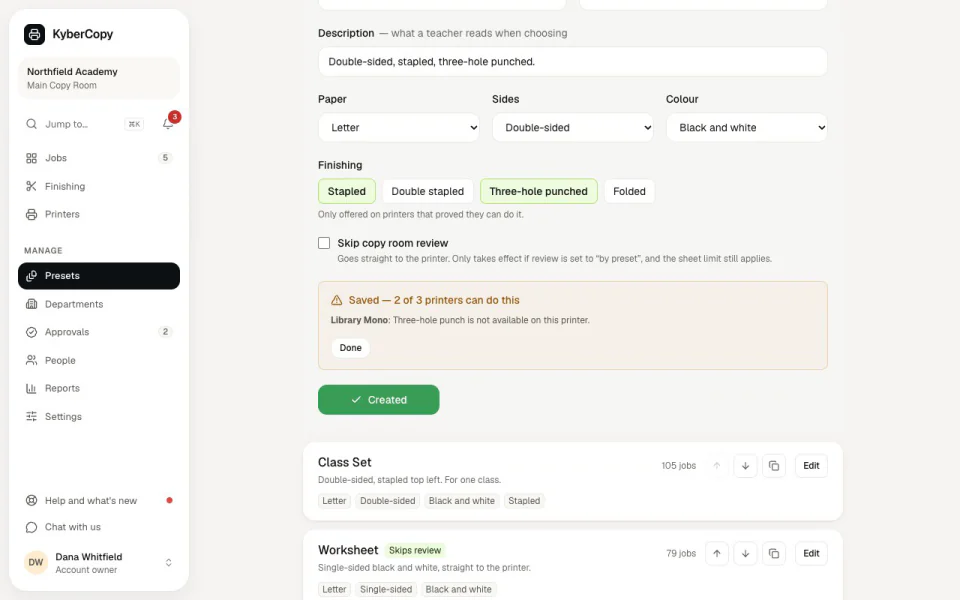 VideoWrite a preset and read the printer checkThe account owner writes an Exam Packet preset, double-sided, stapled and three-hole punched, creates it and reads which of the demo school's printers can do it.Video · 0:19
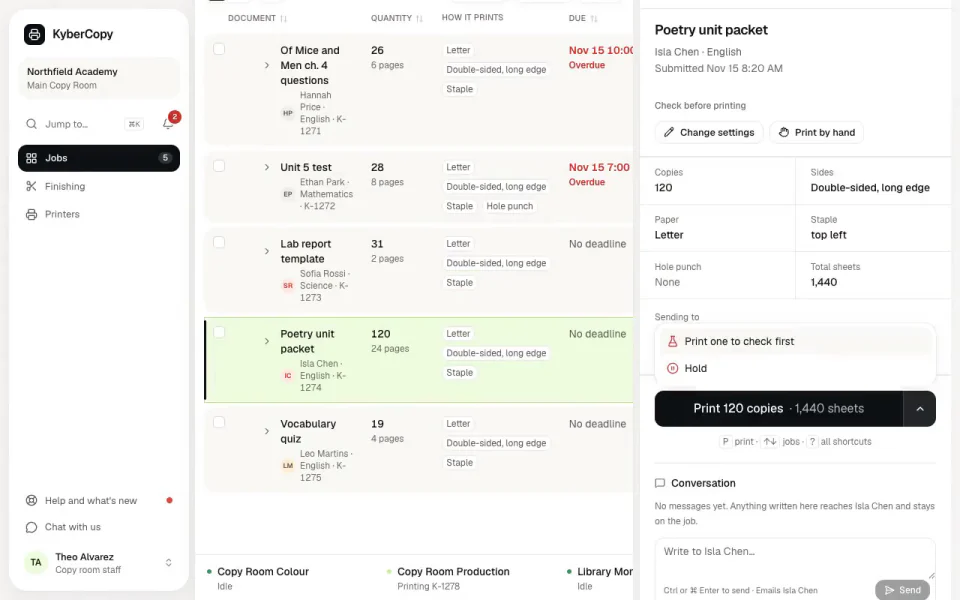 VideoCheck a big job and print one copy firstThe copy room opens a 120-copy packet waiting on To review, reads its settings, opens Change settings and backs out, prints one copy to check first, and sees the job go on hold until the full run.Video · 0:24
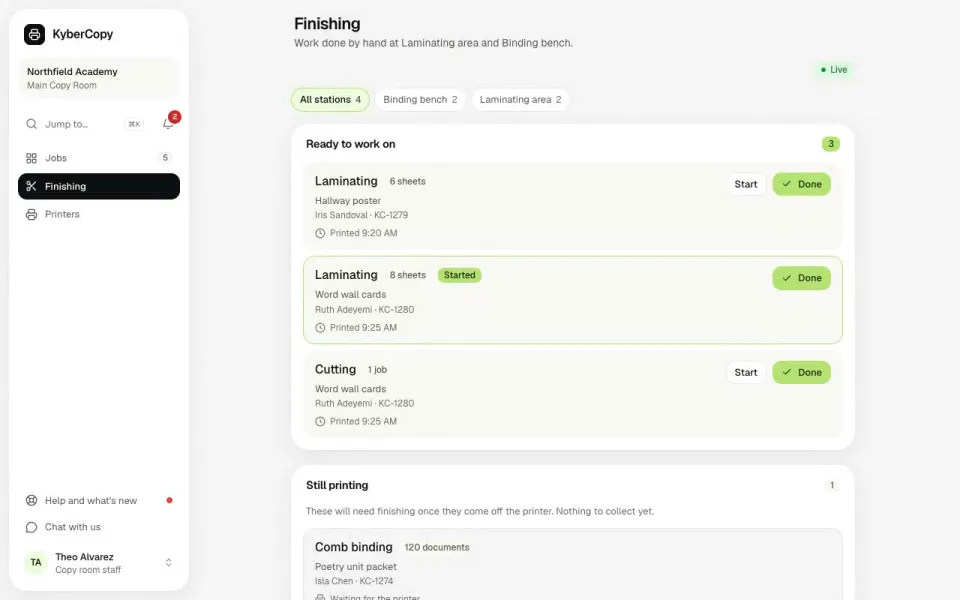 VideoWork laminating and cutting from the finishing boardThe copy room opens Finishing, filters to the Laminating area, starts one job and marks another done, then finishes the cutting at the Binding bench, the last step on that job, so only then is the teacher told it is ready.Video · 0:22
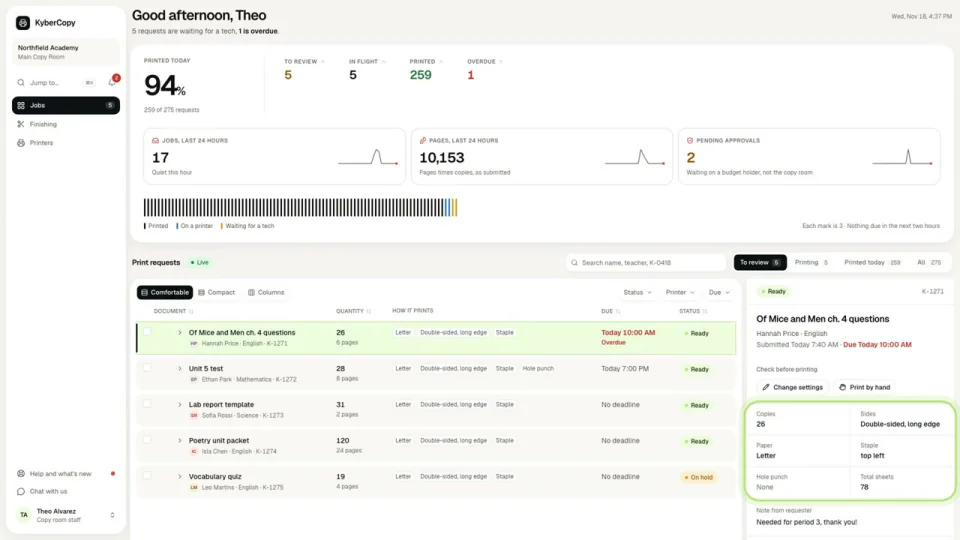 VideoPrint the day's queueOpen a request, check its settings, print it and mark it collected.Narrated video · 2:07
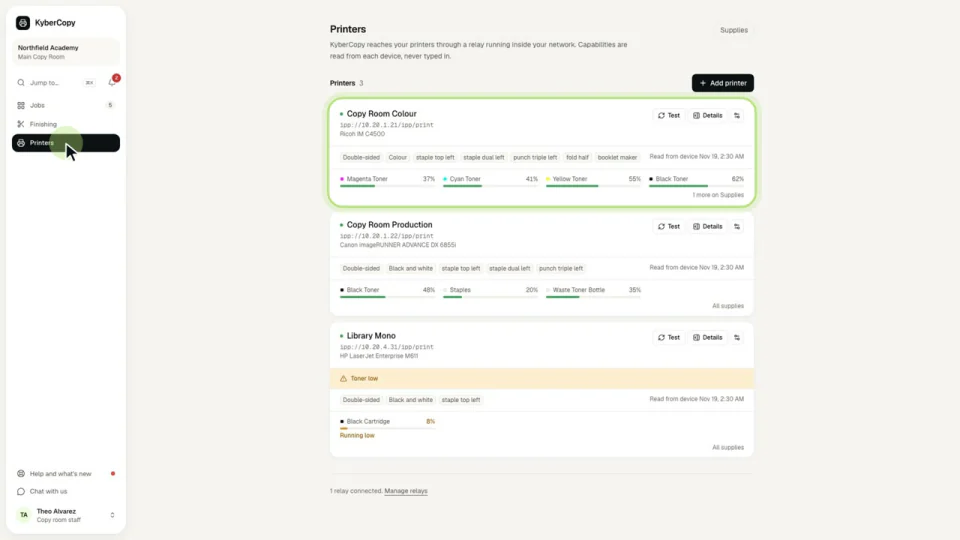 VideoPrinters and supplies at a glanceRead the printer strip, open a printer's detail, see what supplies to order and refill a tray.Narrated video · 2:03
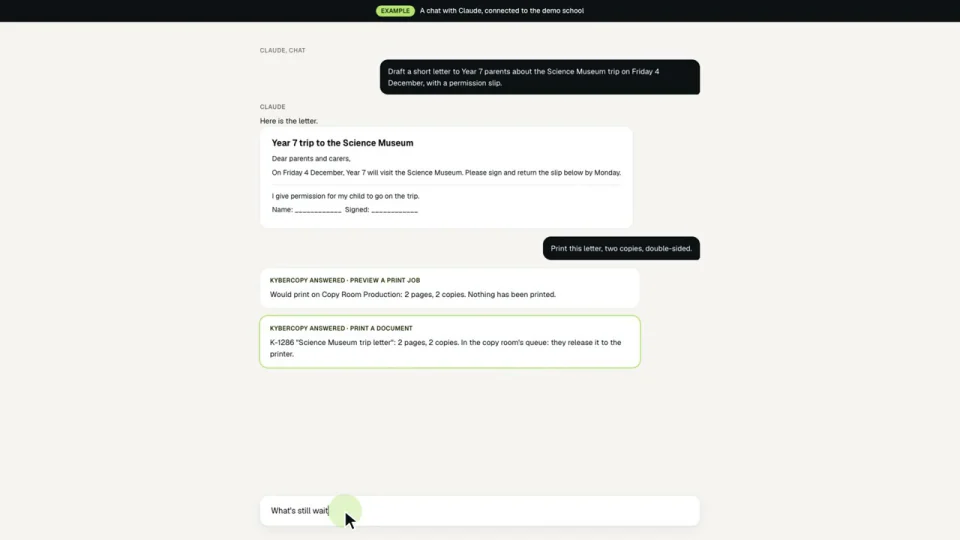 VideoPrint from ClaudeConnect KyberCopy in Claude, ask it to print, check your jobs and disconnect it.Narrated video · 2:03
Rather see it than read about it?
On the demo call we set up the demo school with your printers' names and walk through the guide you came here for, as a teacher, the copy room and the business office.
Book a demo