Blog category · 11 articles
Copy room basics.
Plain explanations of the print settings a school copy room meets every day: double-sided flips, paper sizes, booklets and presets.
More in Copy room basics
 Copy room basicsHow to print on colored paper at school: trays, settings and what to check firstWhich tray to load colored paper in, the settings that matter, why print colors shift on tinted stock, and how a school copy room keeps colored jobs off white.8 min read
 Copy room basicsHow to print from a school iPad: AirPrint, the network, and sending work to the copy roomHow a school iPad prints with AirPrint, why it cannot find the printer across networks, the faults that come up most, and how to send work to the copy room.7 min read
 Copy room basicsChromebook printing at school: how teachers print to the copier without a print serverWhy Chromebooks print differently at school, the three ways schools set it up, common faults, and how KyberCopy sends a Chromebook's job to the copy room.7 min read
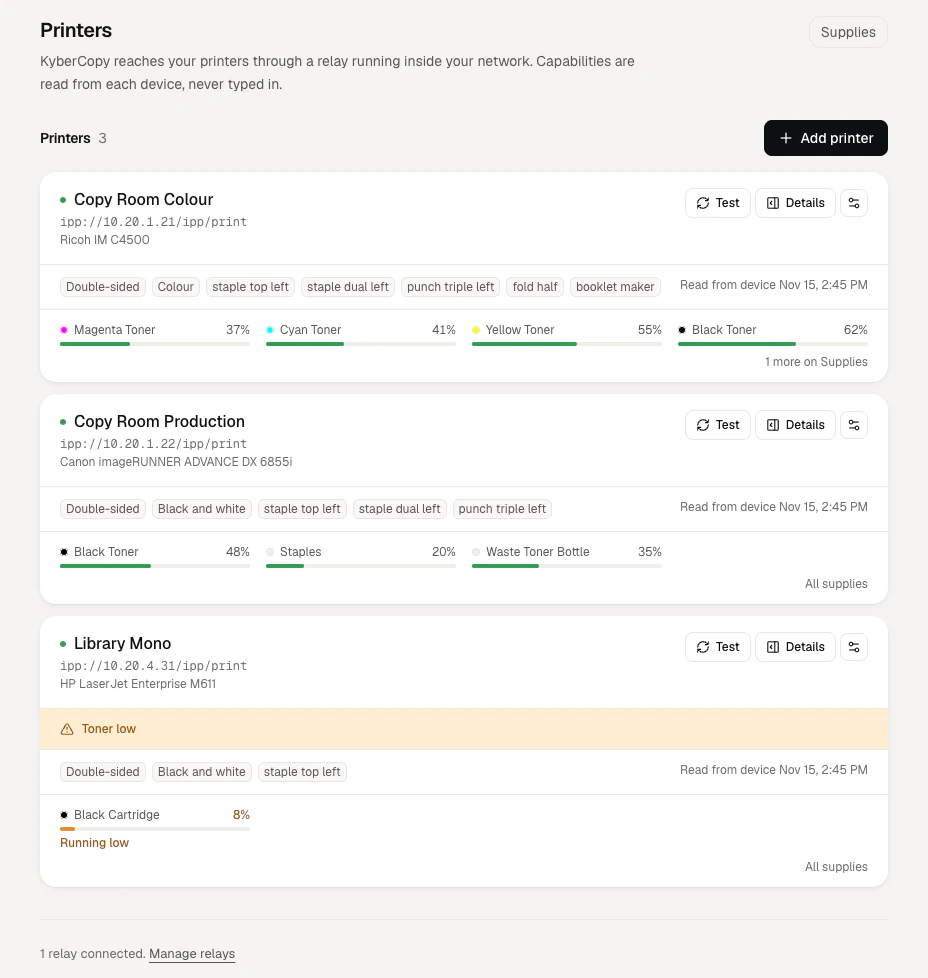 Copy room basicsIPP vs TCP/IP printing: which one should a school printer use?What IPP and TCP/IP (port 9100) printing each do, which ports they use, what each tells you back, and why KyberCopy reads over IPP and prints over port 9100.9 min read
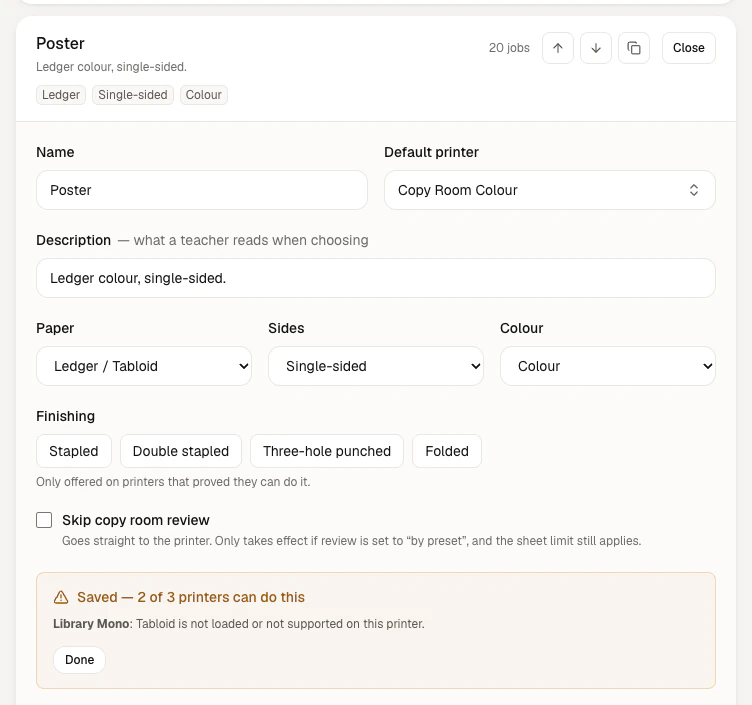 Copy room basicsHow to print on 11x17 paper: tabloid and ledger size at schoolWhat 11x17, tabloid and ledger mean, how to set the size in Word, Excel and a PDF, why a copier still prints on Letter, and how a copy room sets it once.7 min read
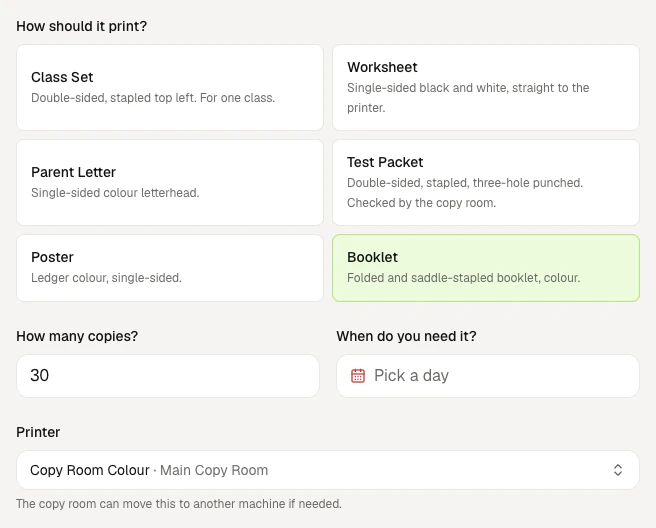 Copy room basicsHow to print a booklet: page order, settings and folding at schoolHow a booklet is laid out, why pages come in fours, the settings in Word and a PDF, the short edge flip, and how a copy room sends booklets to the right copier.7 min read
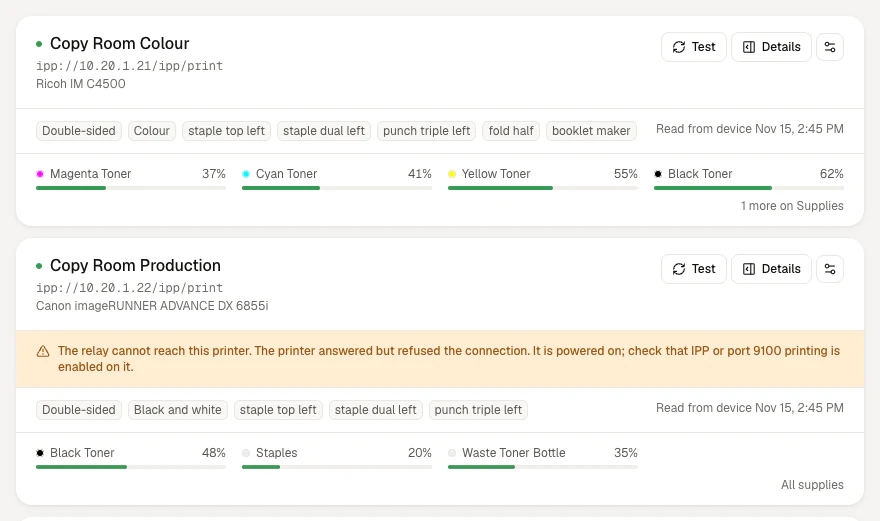 Copy room basicsNetwork printer offline? How a school finds the cause and fixes itWhy a school network printer shows offline when it is switched on, how to find which of five causes it is, and how to stop the address changing again.8 min read
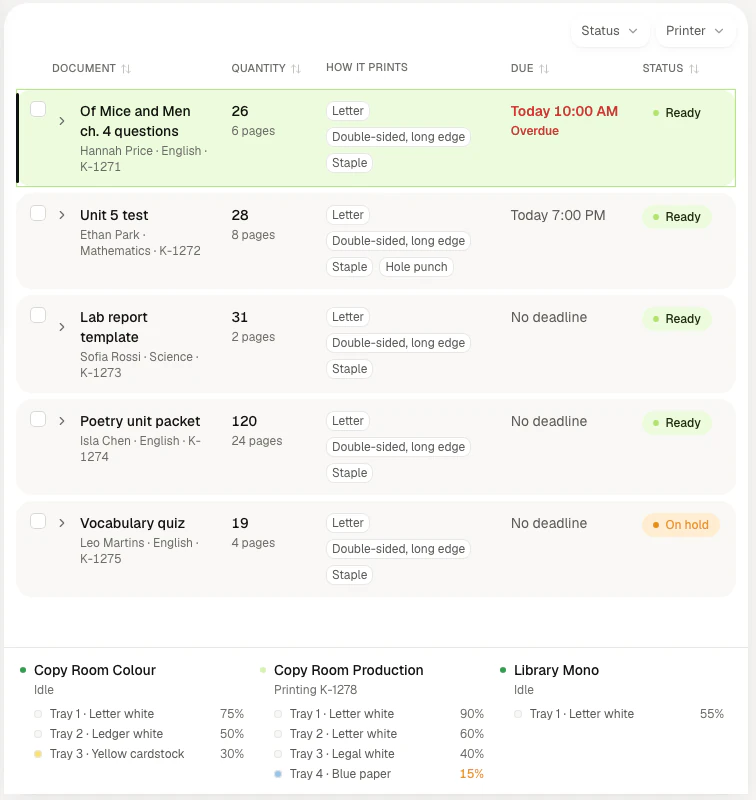 Copy room basicsPrinter not printing double sided? Why it happens and how to fix itWhy a printer prints one side when double-sided was chosen, how to check the driver, the paper and the printer itself, and how a school copy room stops it.8 min read
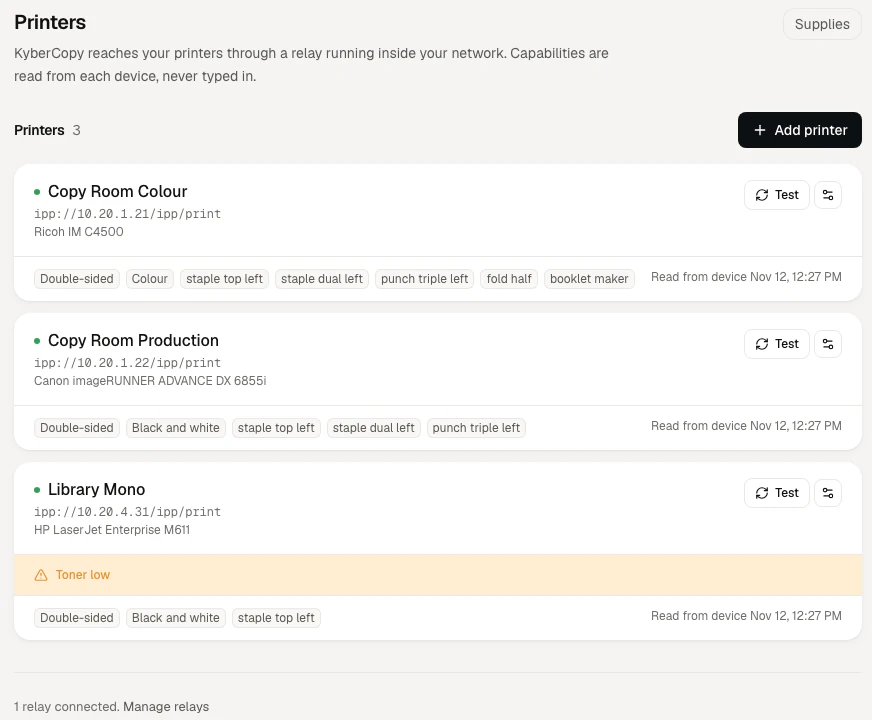 Copy room basicsHow to print stapled and 3-hole punched copies at schoolWhere the staple and holes go on a class set, which printer setting picks them, why a copier sometimes skips them, and how a copy room can set it once.7 min read
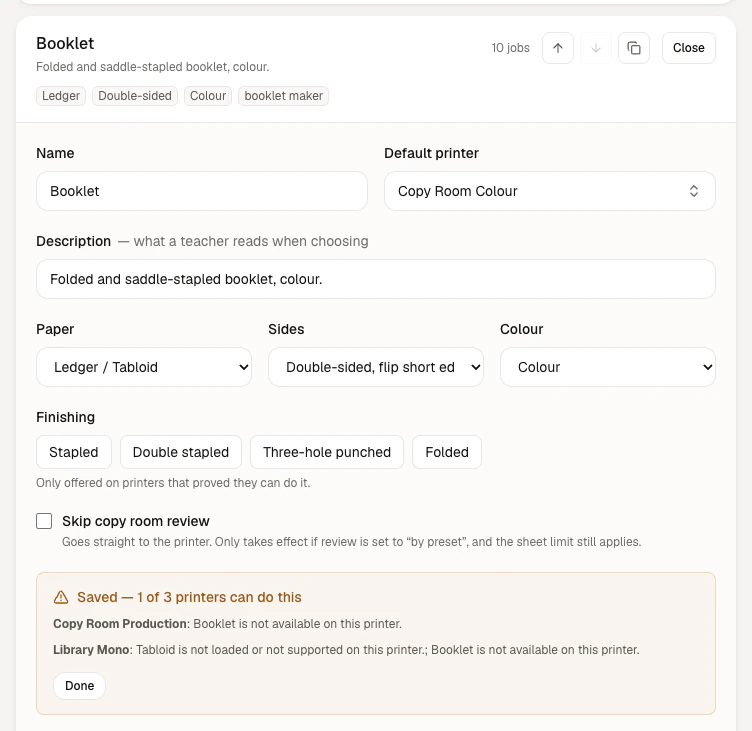 Copy room basicsLong edge vs short edge: which way should double-sided copies flip?What long edge and short edge mean on double-sided copies, which one a portrait packet, a landscape handout and a folded booklet need, and how to stop guessing.7 min read
See it with your own copy room.
On the demo call we connect one printer in your copy room and send one of your own documents through it, from the teacher's request to the finished stack.
Book a demo