Resources
Everything for running the copy room.
Step-by-step guides, plain answers and reference pages for teachers, copy room staff, administrators, the business office and IT. Search them all, or pick your desk.
51 resources (for copy room).
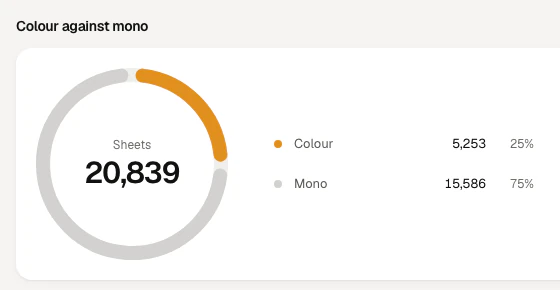 ArticleColour vs black and white printing: what the gap costs a school, and how to keep colour for what needs itWhy colour printing costs more than black and white, how to work out the gap from your own invoices, and how a school keeps colour for the jobs that need it.8 min read
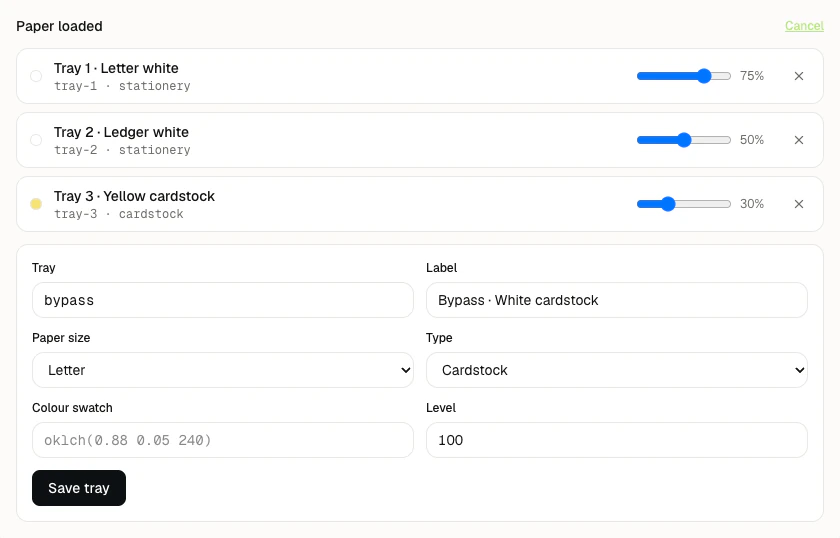 ArticleHow to print on cardstock at school: settings, trays and why it jamsThe paper type setting, which tray to use, why cardstock jams or will not print, and how a school copy room keeps cardstock jobs off the wrong drawer.8 min read
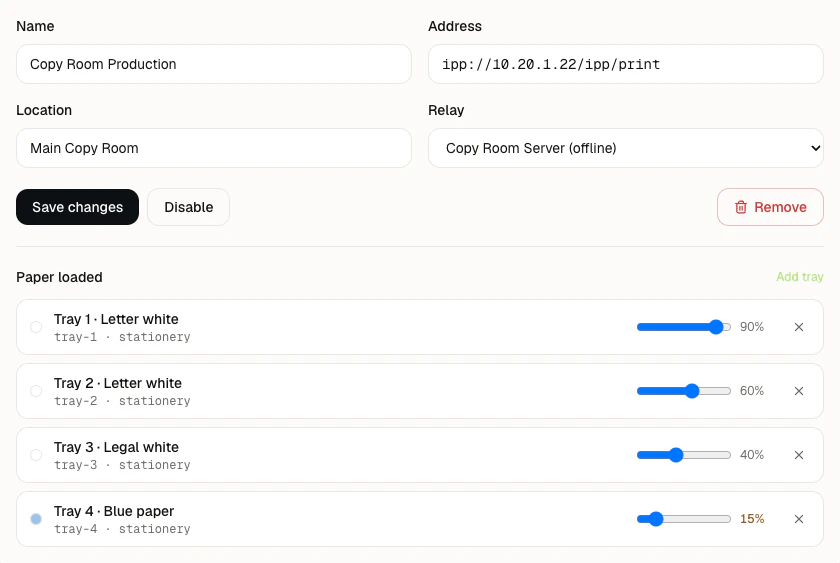 ArticleHow to print on colored paper at school: trays, settings and what to check firstWhich tray to load colored paper in, the settings that matter, why print colors shift on tinted stock, and how a school copy room keeps colored jobs off white.8 min read
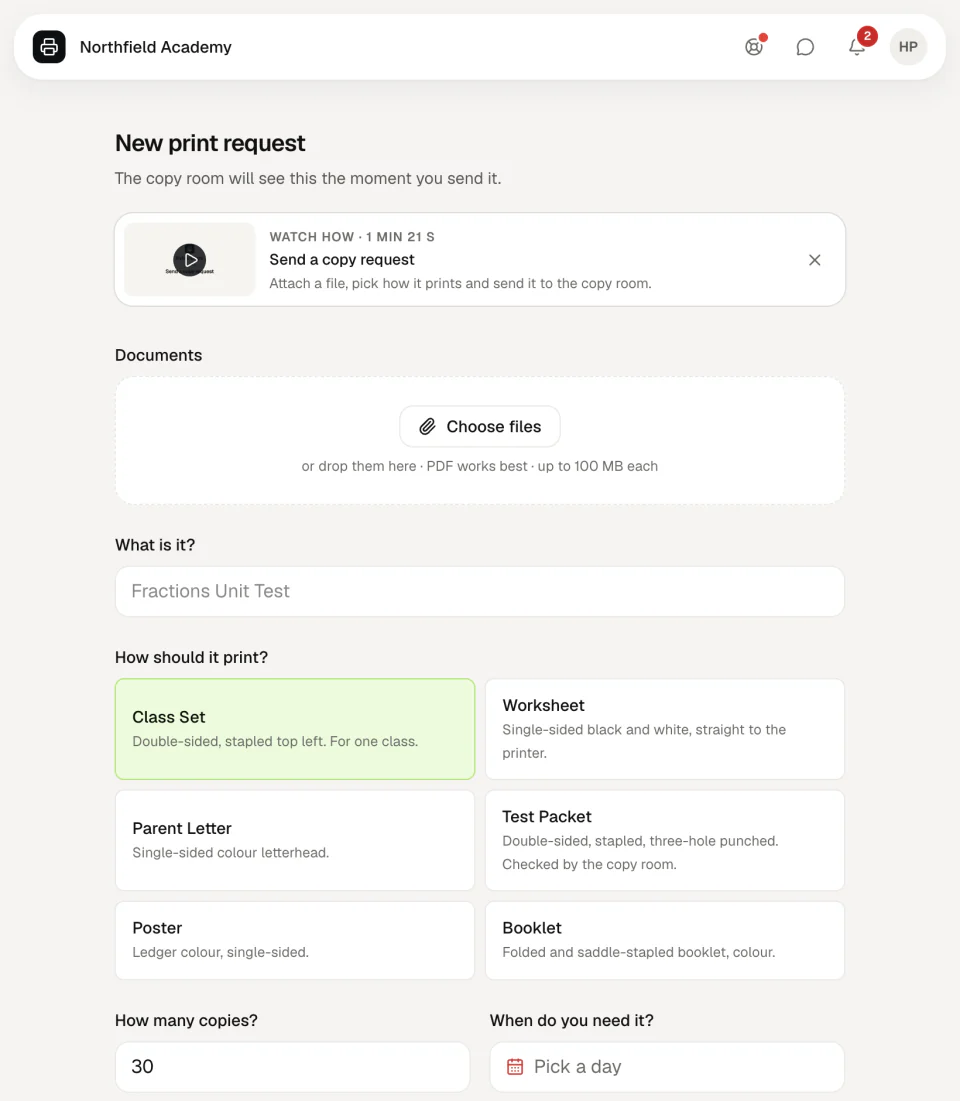 ArticleHow to print from a school iPad: AirPrint, the network, and sending work to the copy roomHow a school iPad prints with AirPrint, why it cannot find the printer across networks, the faults that come up most, and how to send work to the copy room.7 min read
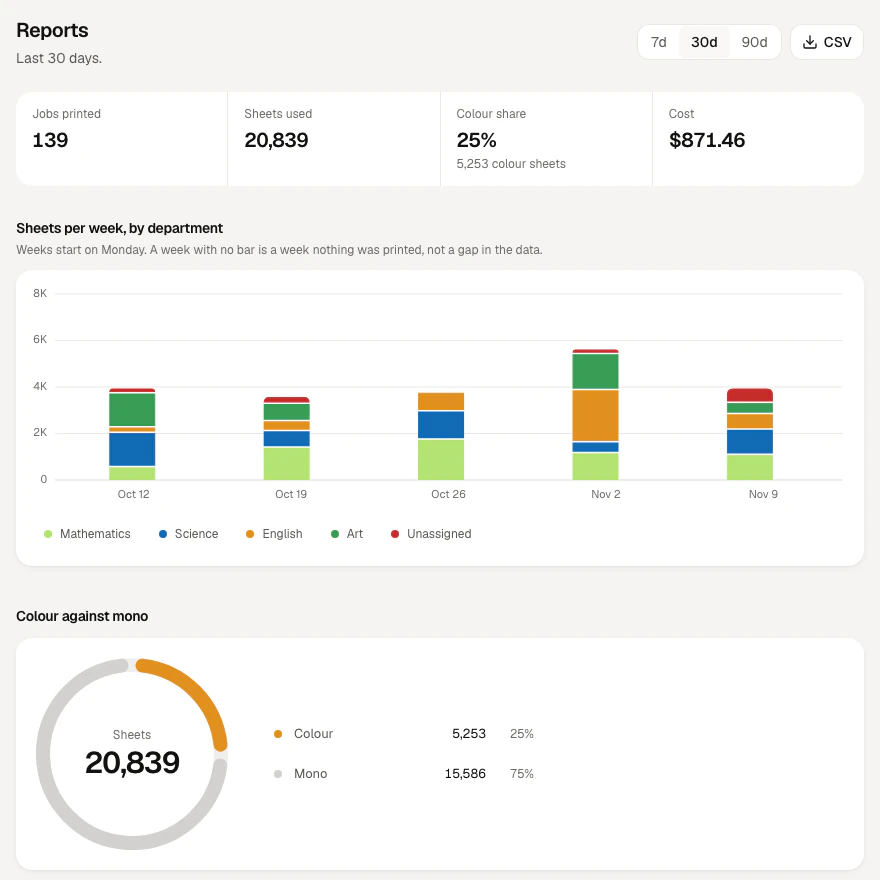 ArticleHow to reduce paper waste in schools: where the copy room's paper goes and what to changeWhere a school's paper really goes, the copy room habits that waste it, ten changes that cut it without a fight, and how to measure whether they worked.7 min read
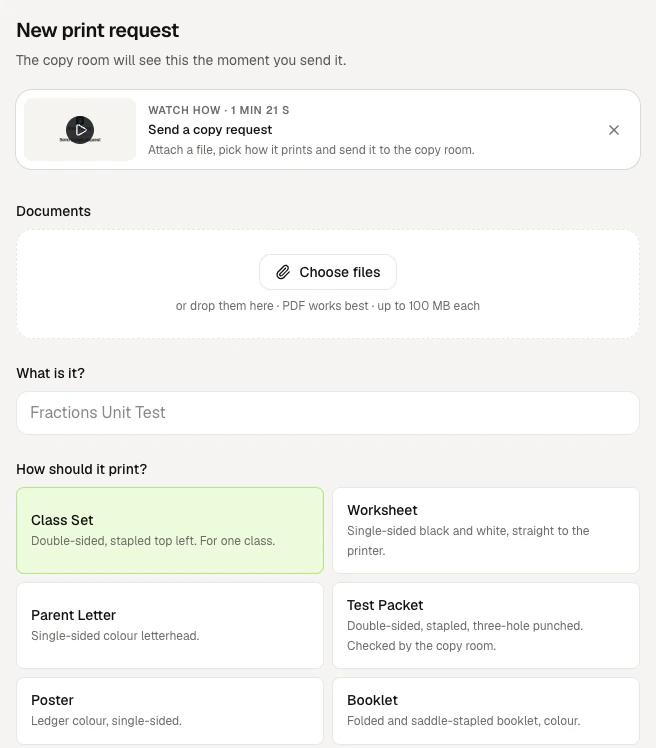 ArticleChromebook printing at school: how teachers print to the copier without a print serverWhy Chromebooks print differently at school, the three ways schools set it up, common faults, and how KyberCopy sends a Chromebook's job to the copy room.7 min read
 ArticleCopier lease vs buy: how a school decides, and what to check in the contractWhether a school should lease or buy its copiers, what a lease and service contract charge for, the clauses to read, and the usage to bring to the decision.7 min read
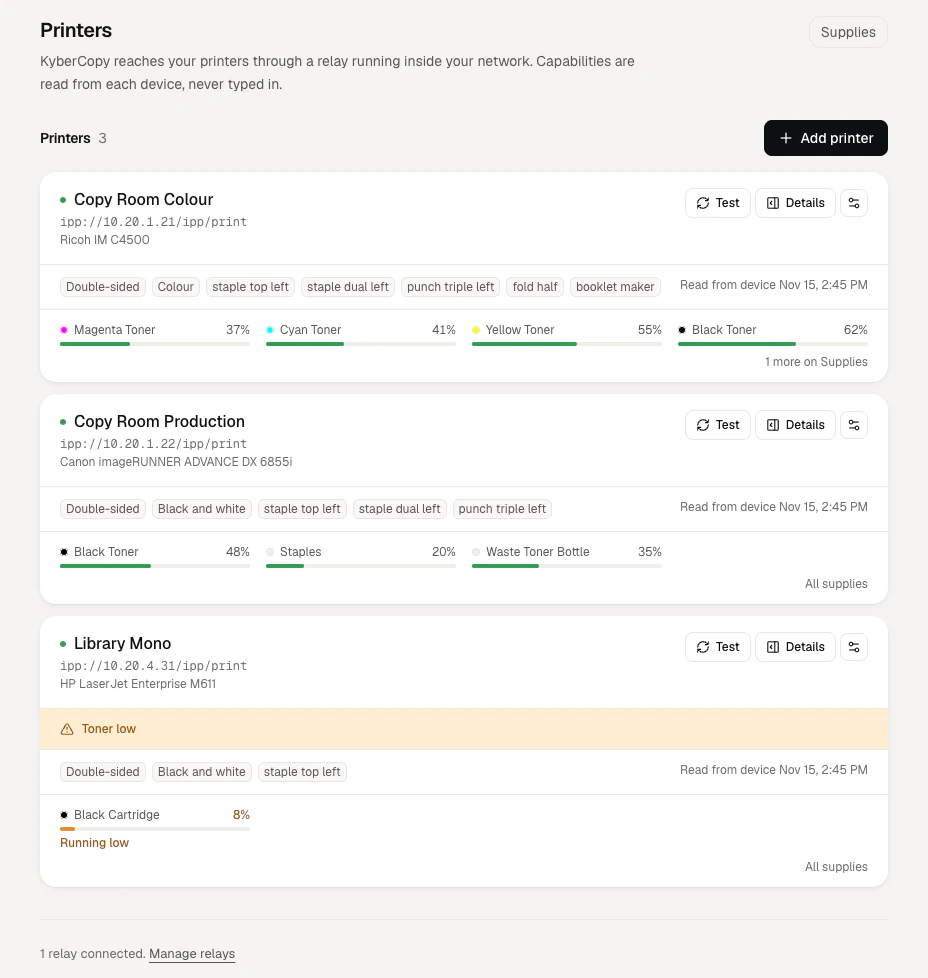 ArticleIPP vs TCP/IP printing: which one should a school printer use?What IPP and TCP/IP (port 9100) printing each do, which ports they use, what each tells you back, and why KyberCopy reads over IPP and prints over port 9100.9 min read
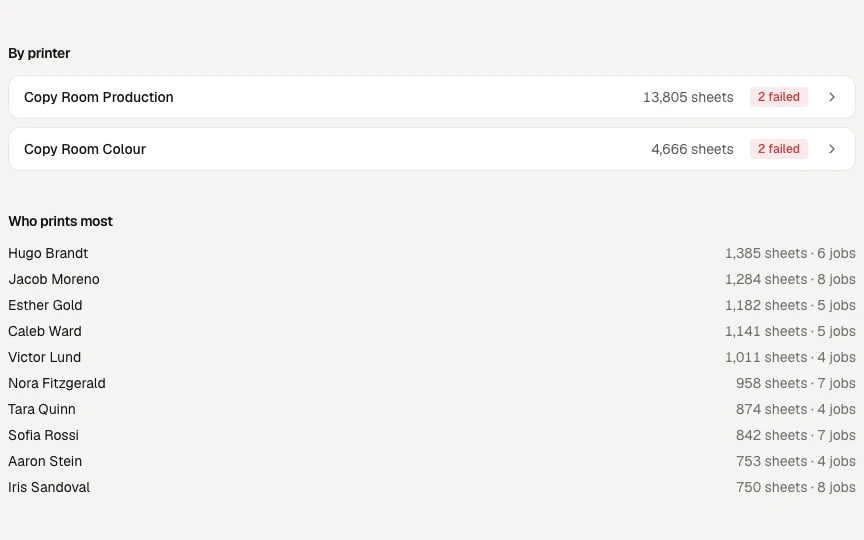 ArticlePrinter usage report: what a school should track and how to read itWhat a school printer usage report should show, where to get one, how to read it by department, printer and person, and the mistakes that make it wrong.8 min read
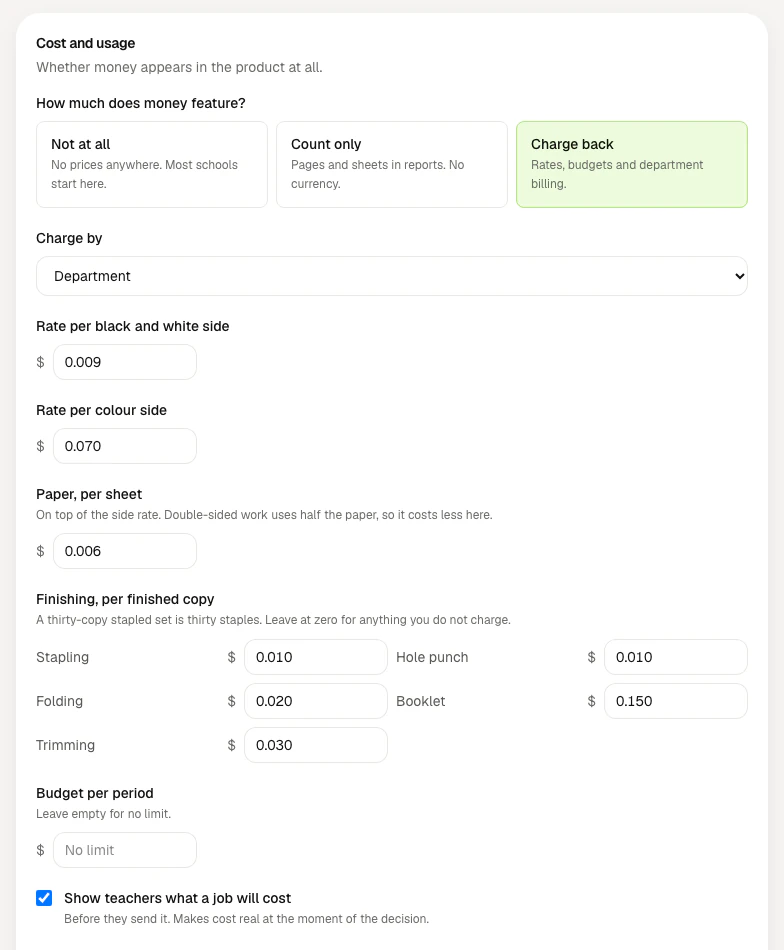 ArticlePrinting cost per page: how a school works it out and bills it backHow to calculate printing cost per page for black and white and colour, why sides and sheets are priced apart, and how a school bills it to departments.7 min read
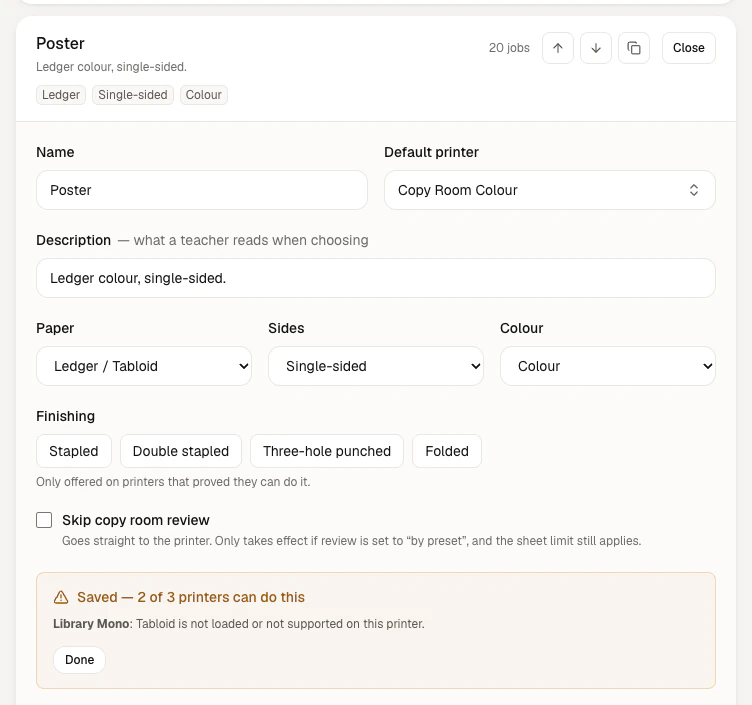 ArticleHow to print on 11x17 paper: tabloid and ledger size at schoolWhat 11x17, tabloid and ledger mean, how to set the size in Word, Excel and a PDF, why a copier still prints on Letter, and how a copy room sets it once.7 min read
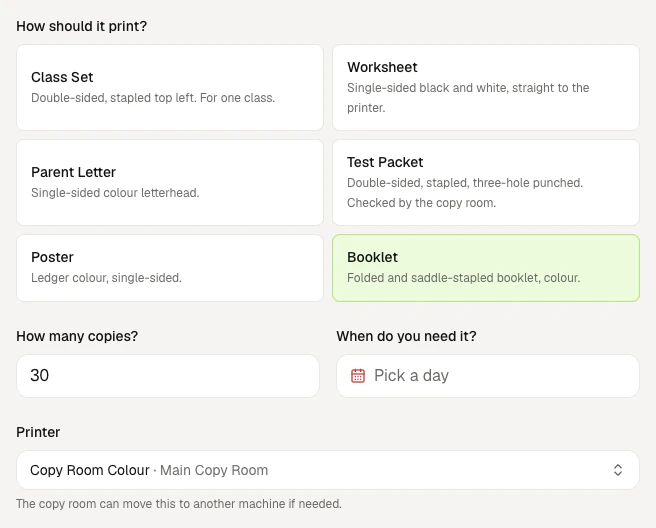 ArticleHow to print a booklet: page order, settings and folding at schoolHow a booklet is laid out, why pages come in fours, the settings in Word and a PDF, the short edge flip, and how a copy room sends booklets to the right copier.7 min read
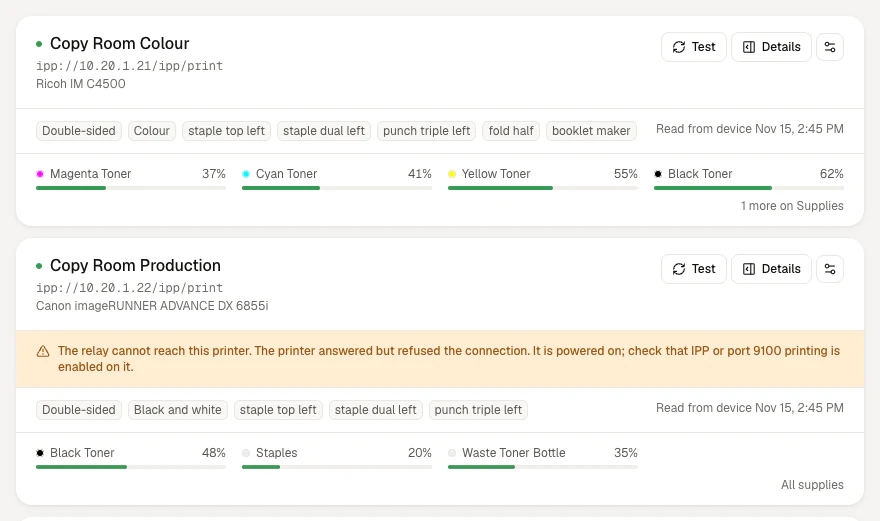 ArticleNetwork printer offline? How a school finds the cause and fixes itWhy a school network printer shows offline when it is switched on, how to find which of five causes it is, and how to stop the address changing again.8 min read
 ArticlePrinter not printing double sided? Why it happens and how to fix itWhy a printer prints one side when double-sided was chosen, how to check the driver, the paper and the printer itself, and how a school copy room stops it.8 min read
 ArticleHow to print stapled and 3-hole punched copies at schoolWhere the staple and holes go on a class set, which printer setting picks them, why a copier sometimes skips them, and how a copy room can set it once.7 min read
 ArticleLong edge vs short edge: which way should double-sided copies flip?What long edge and short edge mean on double-sided copies, which one a portrait packet, a landscape handout and a folded booklet need, and how to stop guessing.7 min read
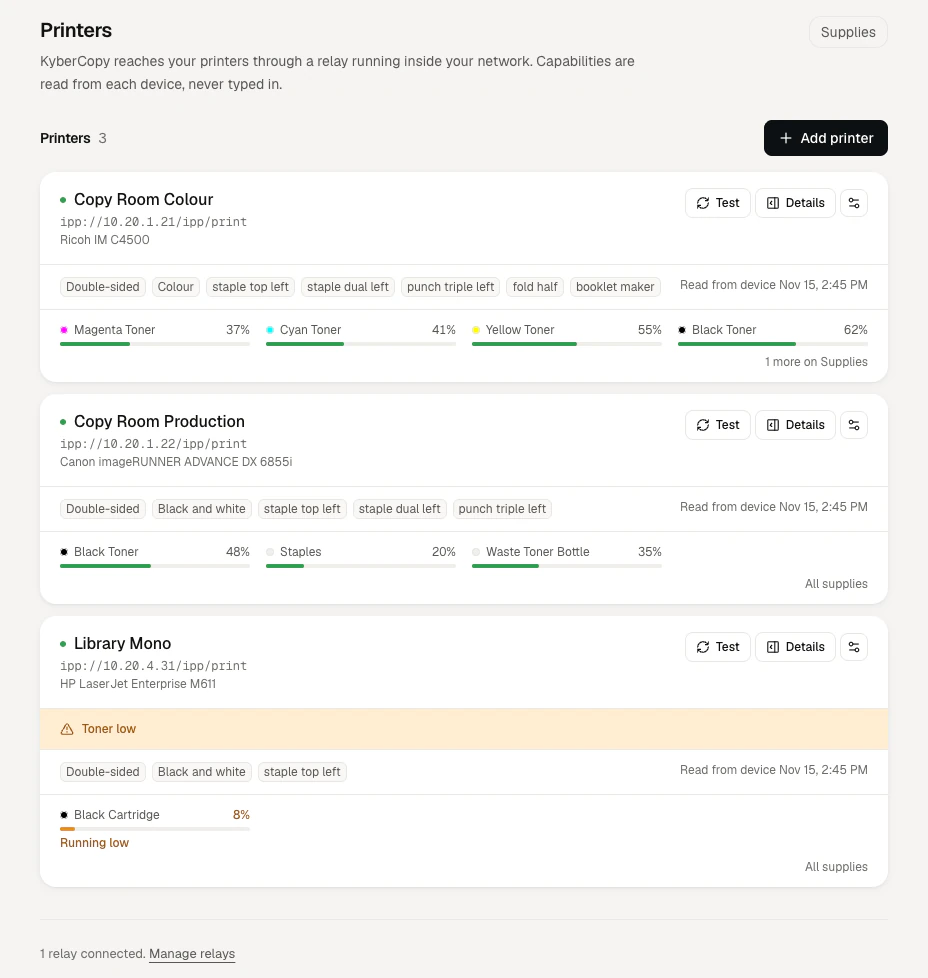 GuideHow to run a school copy roomHow to run a school copy room in eight steps: one way in for requests, printers that say what they can do, presets, review rules, finishing and pickup.8 steps
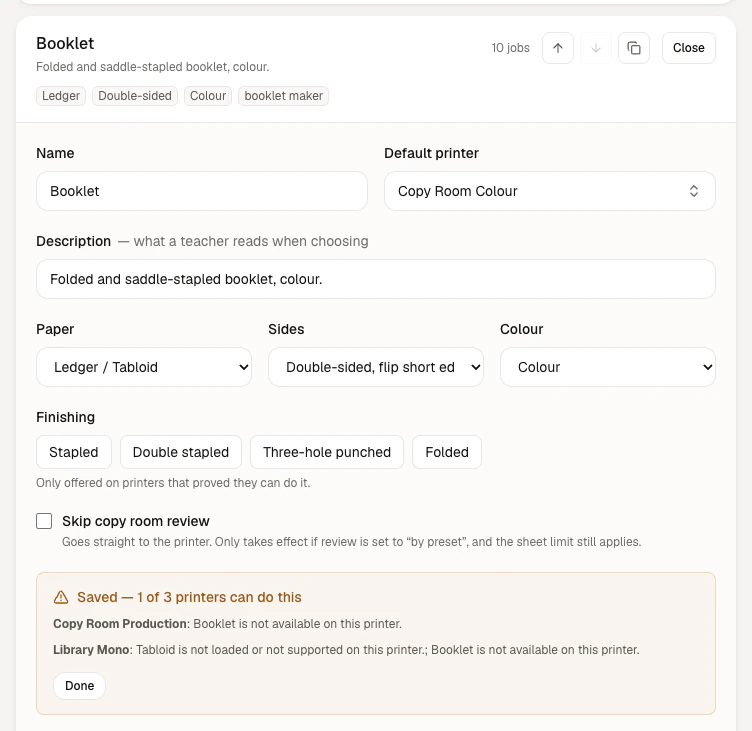
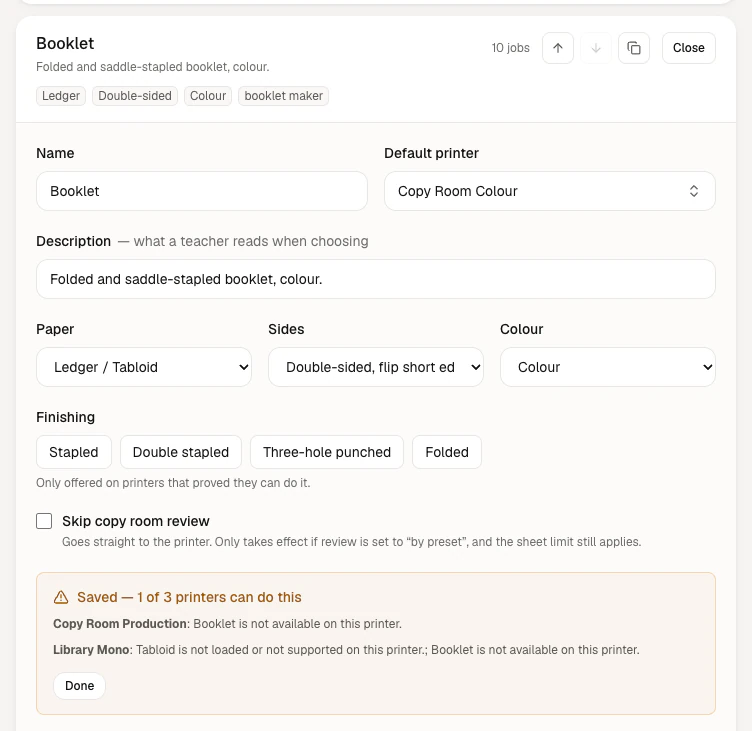 GuideWrite print presets for your teachersWrite presets such as Class Set and Test Packet once, check each against every printer when you save, and put the one teachers use most at the top.6 steps
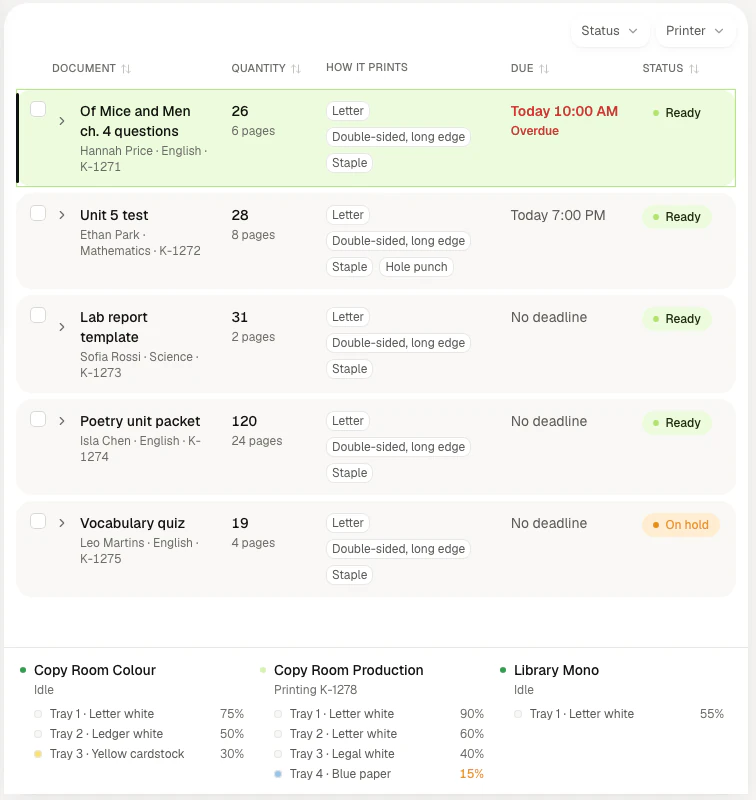
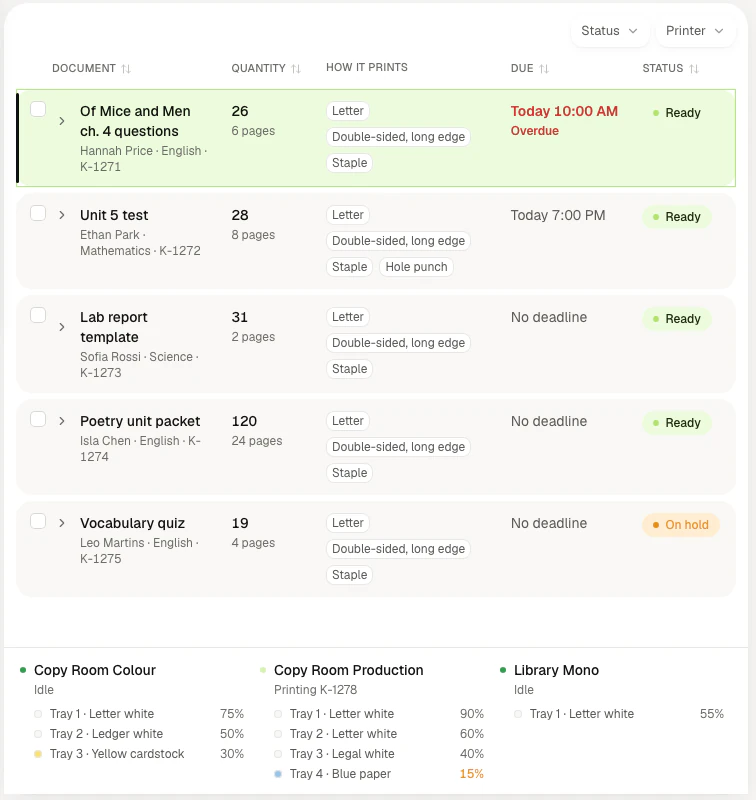 GuideWork the copy room queueA day in the copy room queue: read the tabs, check a job before printing, hold one with a reason, finish by hand and put the copies on a shelf.6 steps
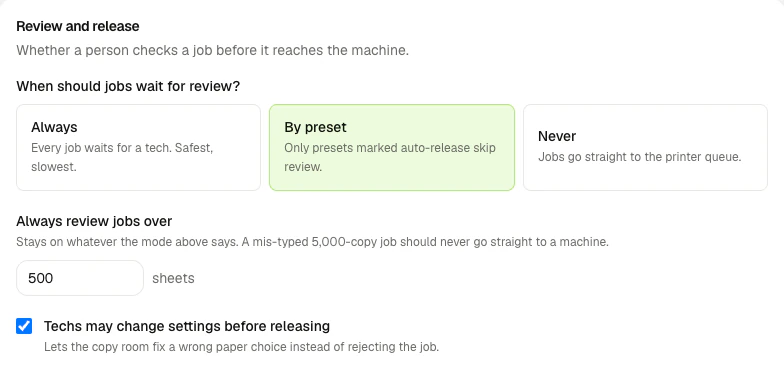 GuideCheck print jobs before they printDecide which copy room jobs wait for a person, keep a sheet limit, then check a job's pages, print one test copy and fix settings before the full run.7 steps
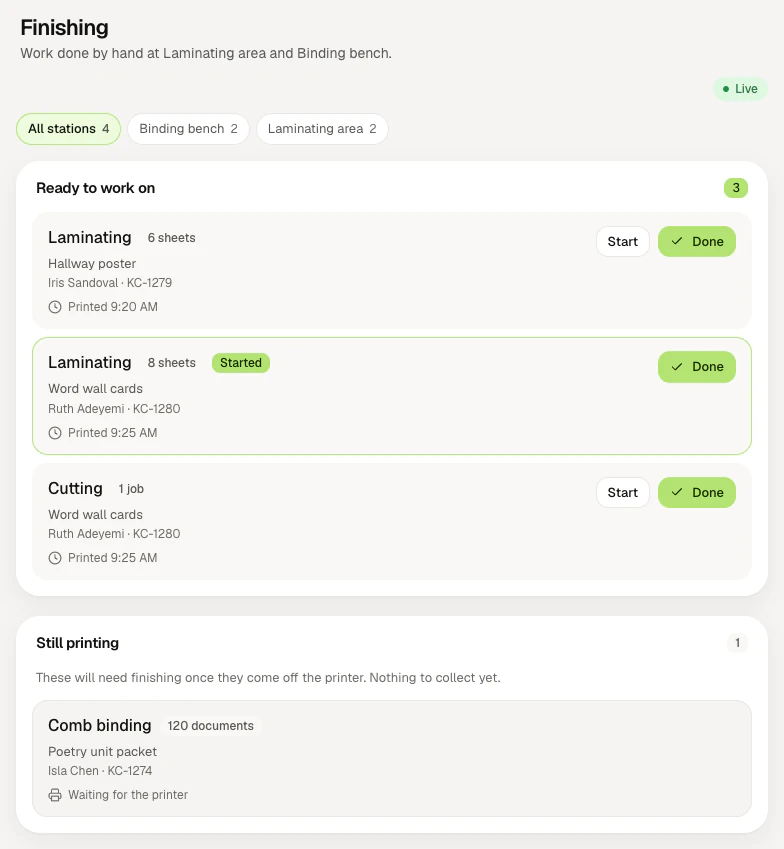 GuideTrack laminating, binding and cutting from request to shelfHow a school copy room takes laminating, binding and cutting requests, works them from the finishing board and tells the teacher only when all of it is done.8 steps
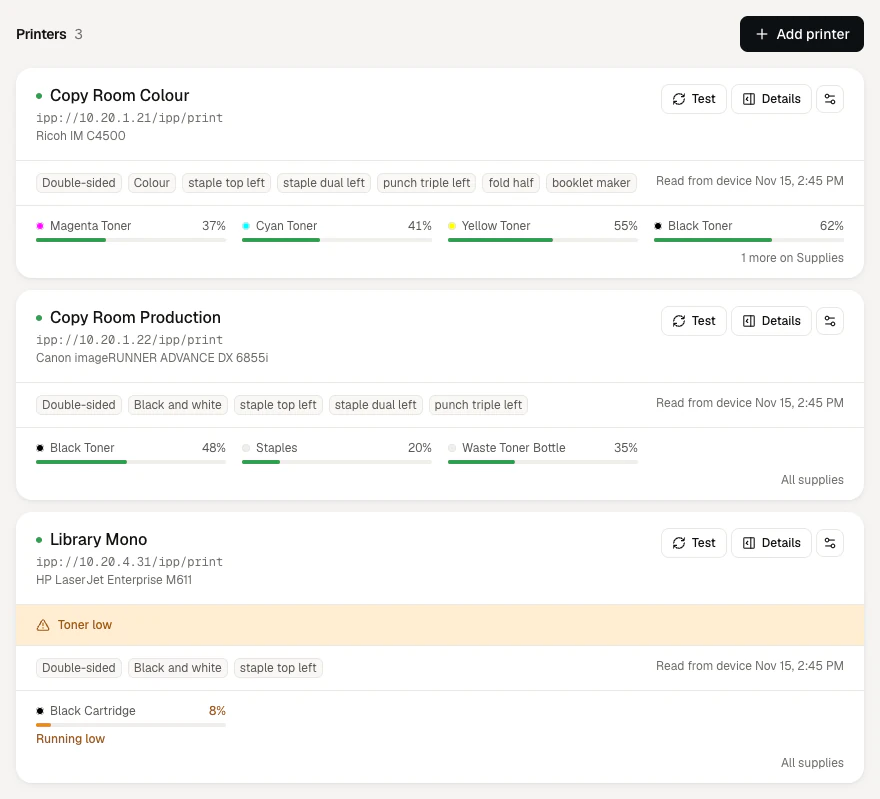
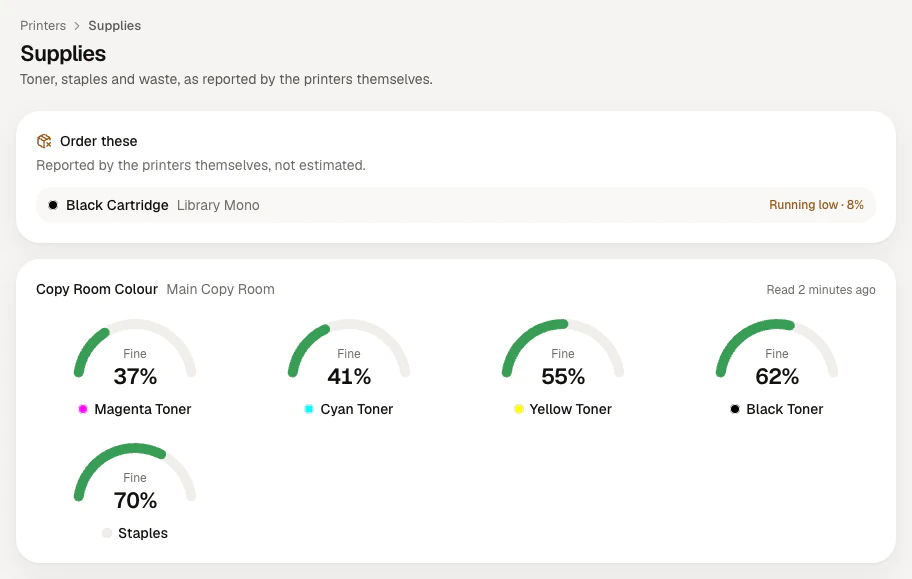 GuideCheck printer toner levels for every copier on one pageHow a school copy room checks printer toner levels on one page: what each copier reports, when low means order, waste bottles, and printers that stay silent.8 steps
- GuideWorking the queueThe Jobs page tabs, holding a job with a reason and releasing it to a printer.Help centre (help centre, opens in a new tab)
- GuideFinishing steps: lamination, binding and other hand servicesHow hand finishing is asked for, tracked and marked done.Help centre (help centre, opens in a new tab)
- GuideStations and the station boardSetting up laminating, binding and cutting stations and working their list.Help centre (help centre, opens in a new tab)
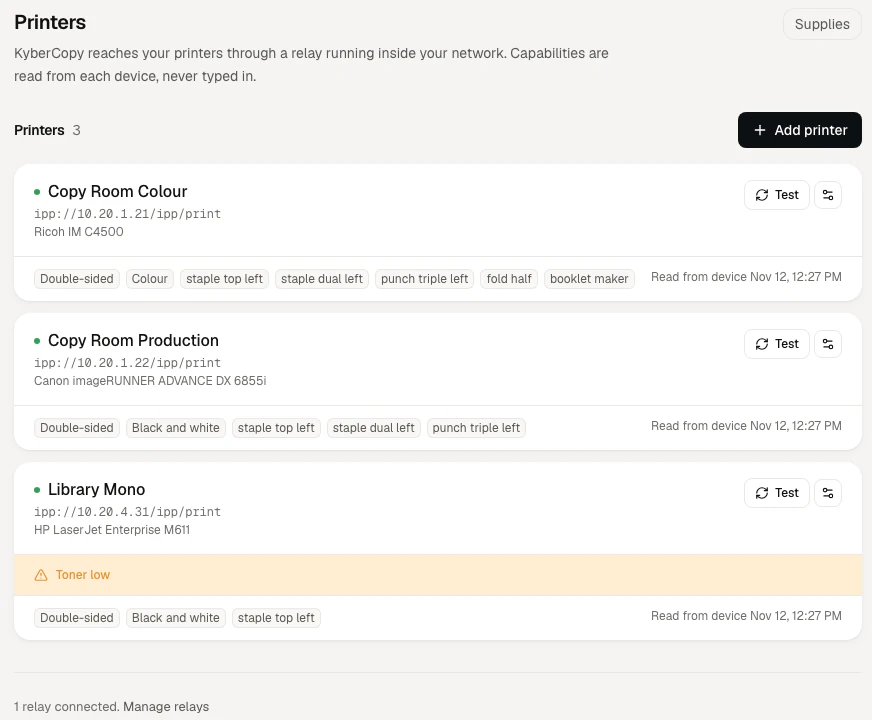
- GuidePrinter capabilities, supplies and silent substitutionsAdding a printer, what it reports about itself and paper levels.Help centre (help centre, opens in a new tab)
- GuideMy printer shows offline or unhealthyEach message on the Printers page and what to check for it.Help centre (help centre, opens in a new tab)
- GuideA job printed with different settings than I choseWhen a printer quietly changes a setting, and what KyberCopy does about it.Help centre (help centre, opens in a new tab)
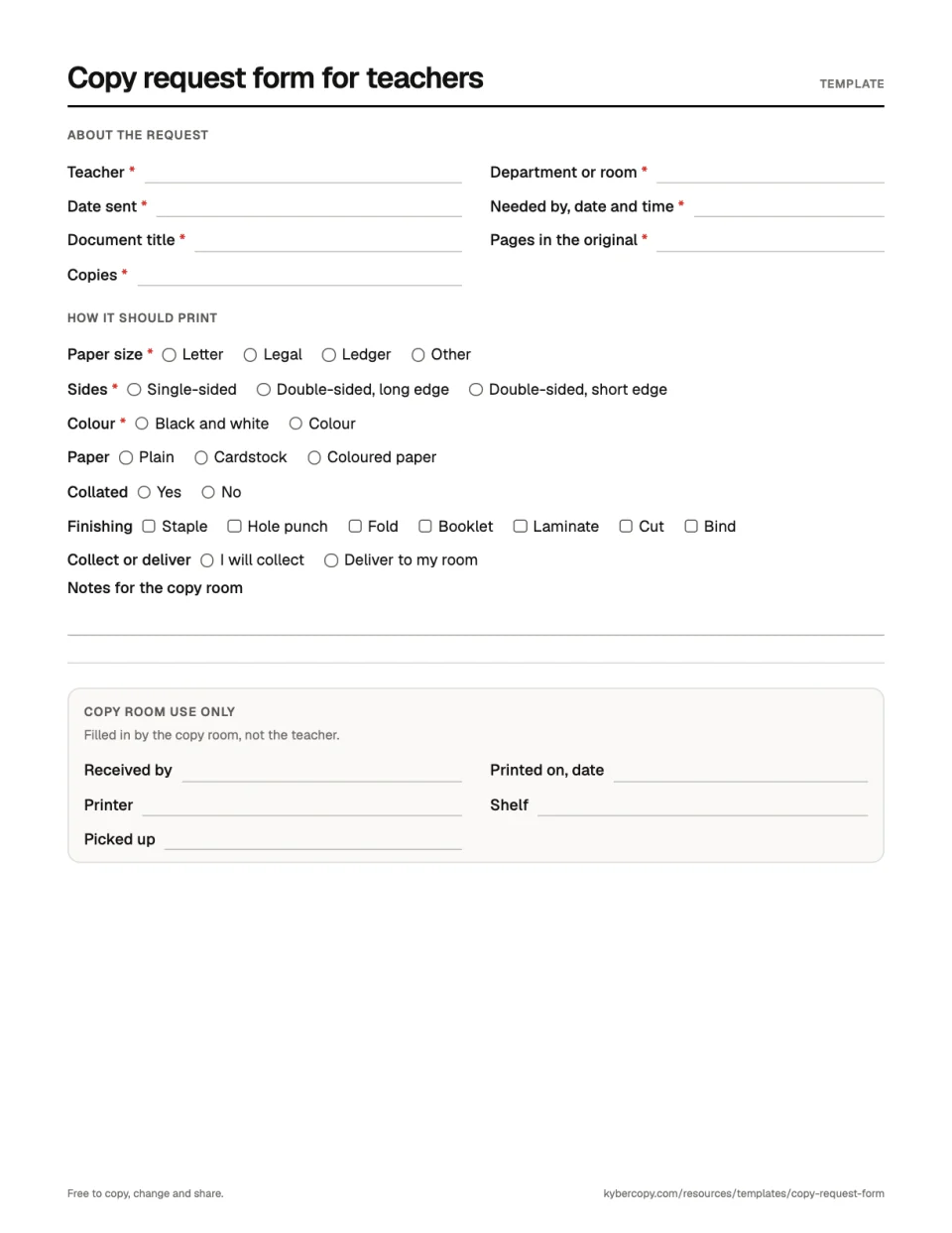 TemplateCopy request form for teachersA free, printable copy request form for teachers: copies, paper, sides, colour, finishing and the date needed, with a copy room section and a field list.Template · PDF, CSV
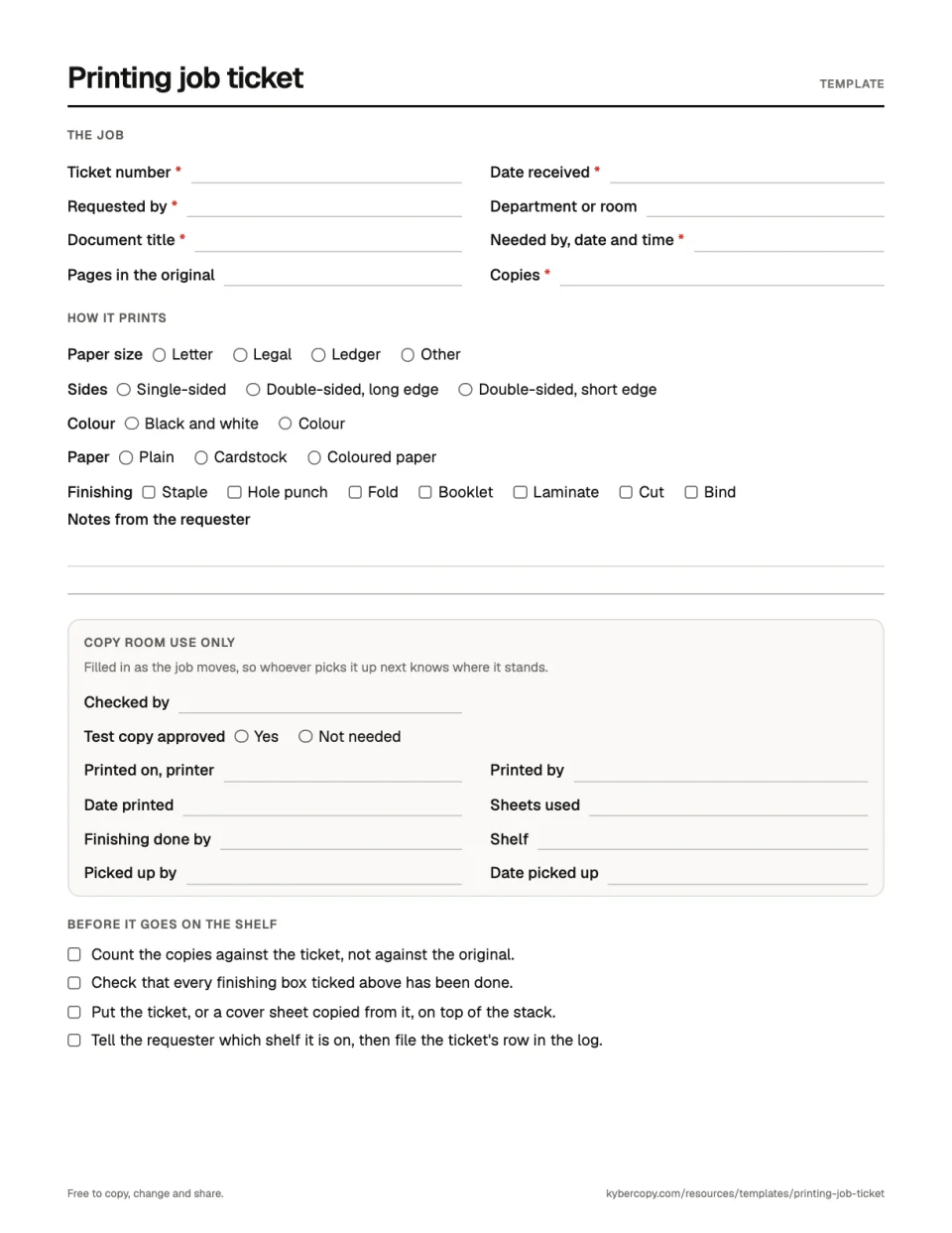 TemplatePrinting job ticketA free printing job ticket template for school copy rooms: the job, how it prints, who printed and finished it, the shelf, pickup, and a log of every ticket.Template · PDF, CSV
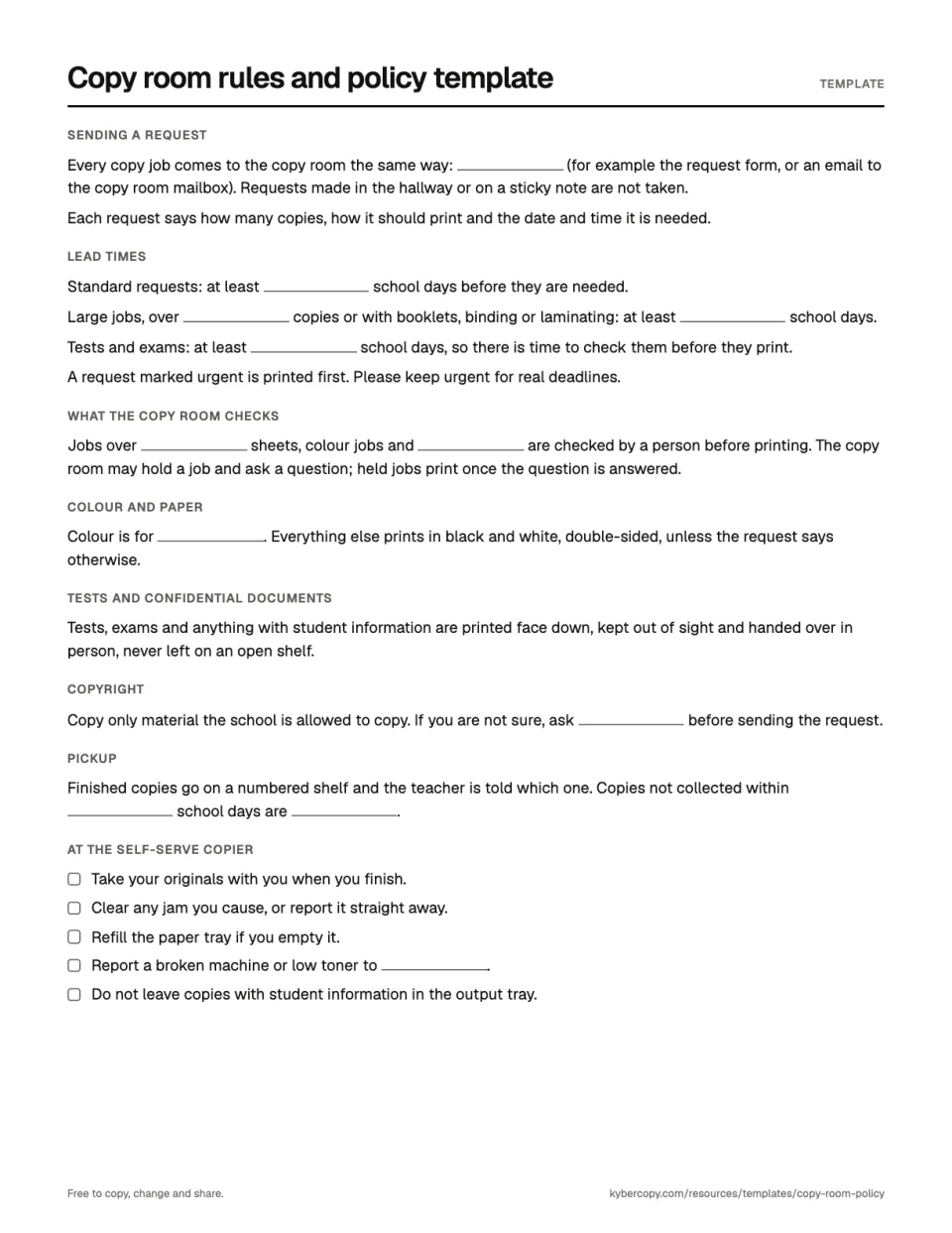 TemplateCopy room rules and policy templateA copy room rules and policy template for schools, with blanks for your lead times: how to send a request, what is checked, exams, pickup and machine etiquette.Template · PDF, TXT
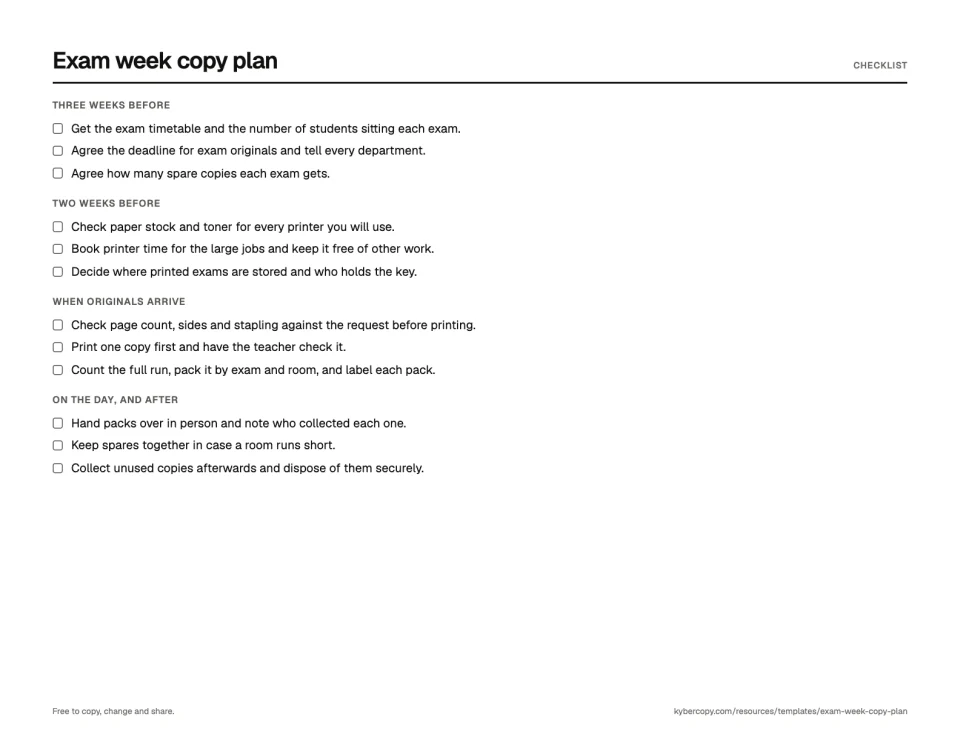 TemplateExam week copy planA checklist for printing exams without a last-minute rush: what to collect three weeks out, the originals deadline, checking, secure storage and the day itself.Checklist · PDF, CSV
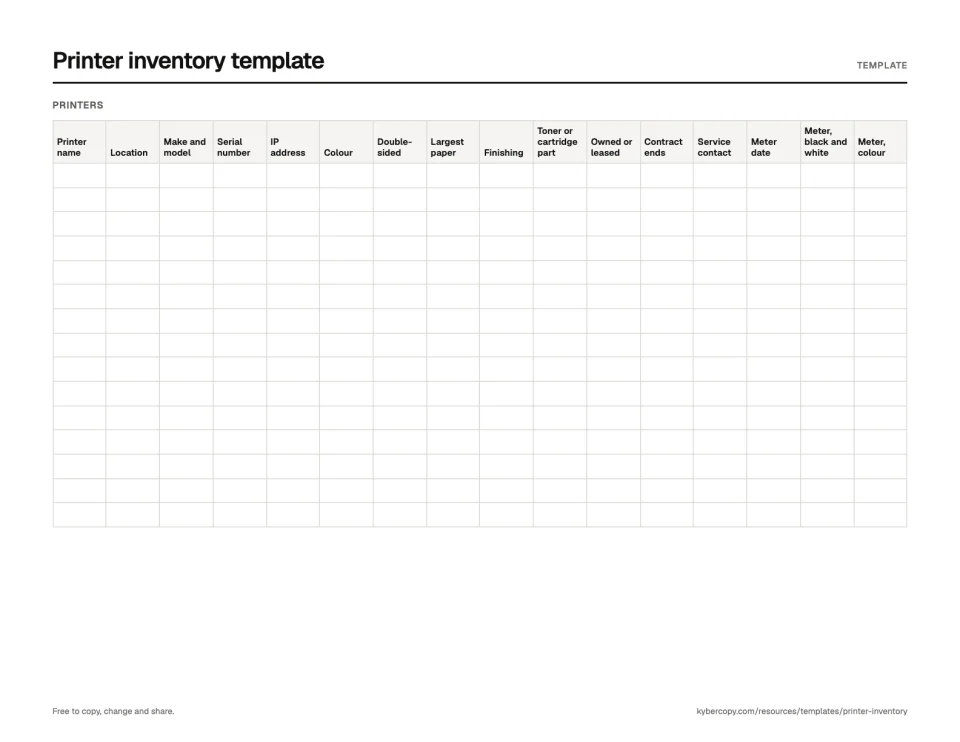 TemplatePrinter inventory templateA free printer inventory template for schools: location, model, serial, IP address, what each machine can do, supplies, lease end date and meter readings.Template · CSV, PDF
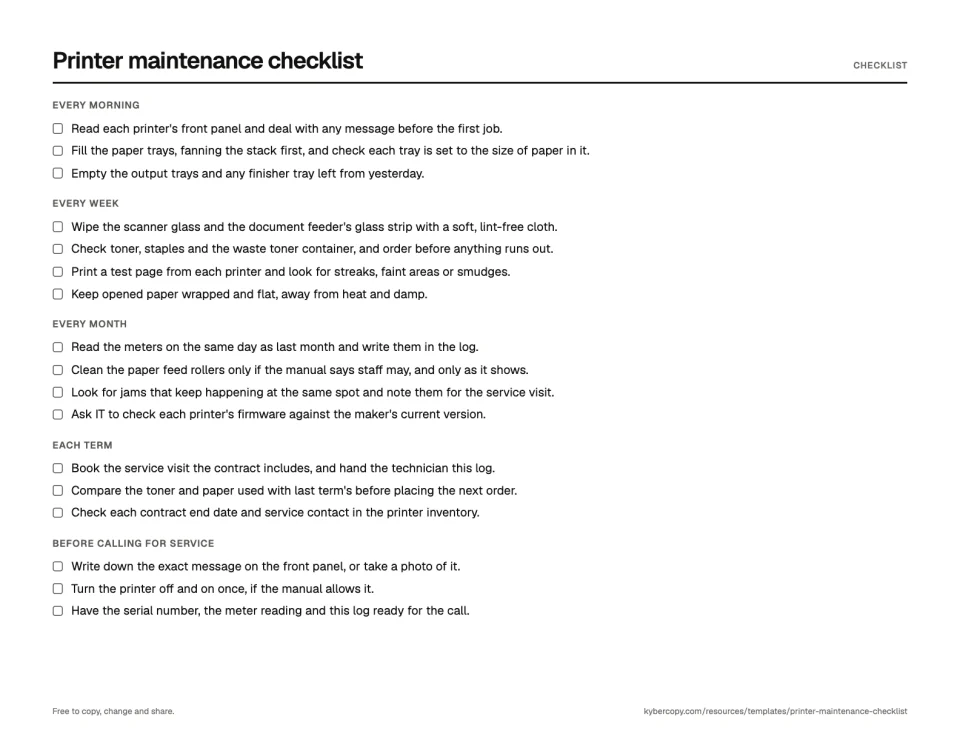 TemplatePrinter maintenance checklistA free printer maintenance checklist for school copiers: daily, weekly, monthly and termly checks, what to note before a service call, and a maintenance log.Checklist · PDF, CSV
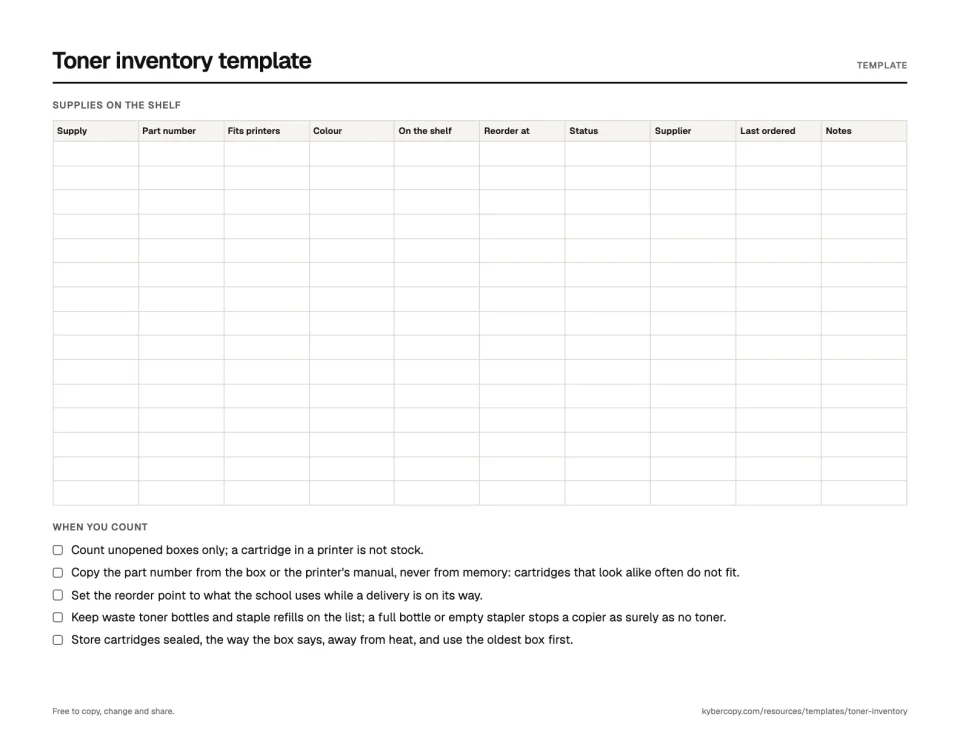 TemplateToner inventory templateA free toner inventory template for school copy rooms: each cartridge, staple and waste bottle on the shelf, its part number, reorder point and supplier.Template · CSV, PDF
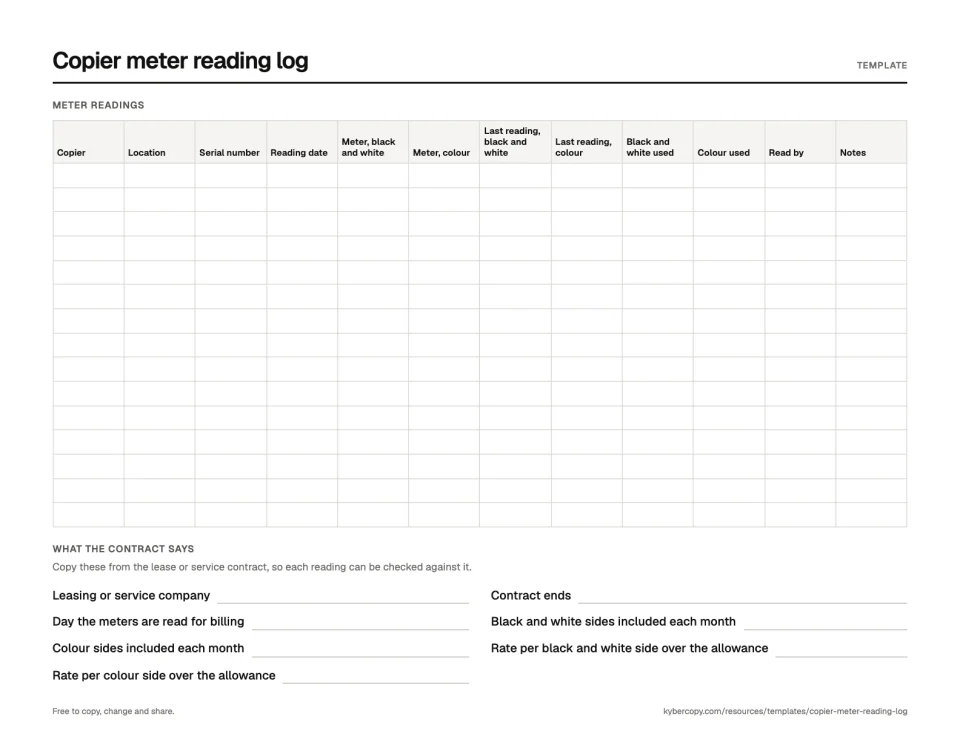 TemplateCopier meter reading logA free copier meter reading log for schools: each copier's black and white and colour meters on the same day each month, and the sides used worked out.Template · CSV, PDF
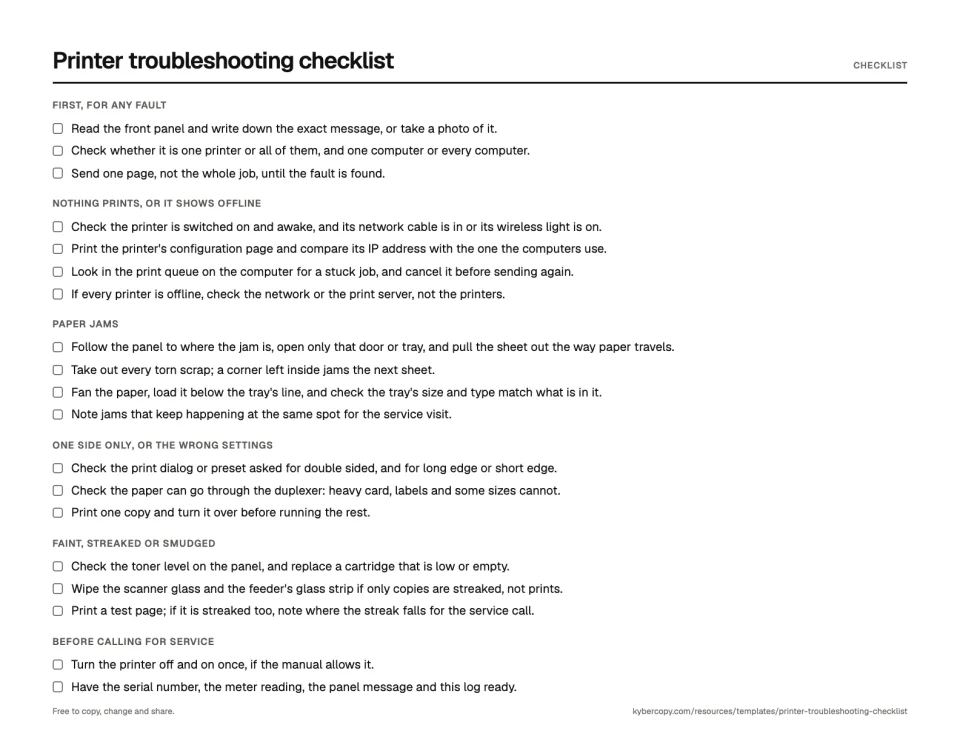 TemplatePrinter troubleshooting checklistA free printer troubleshooting checklist for school copy rooms: what to check, in order, when a copier will not print, jams, drops double sided or prints faint.Checklist · PDF, CSV
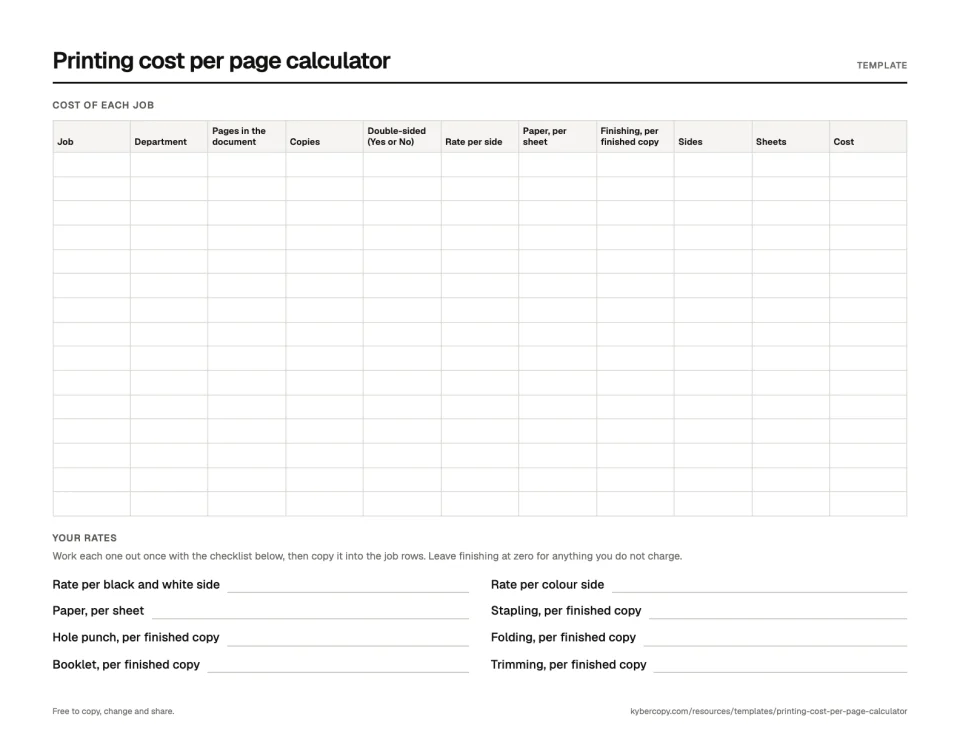 TemplatePrinting cost per page calculatorA free printing cost per page calculator for schools: your rates per side, paper per sheet and finishing per copy in, and what each job costs worked out.Template · CSV, PDF
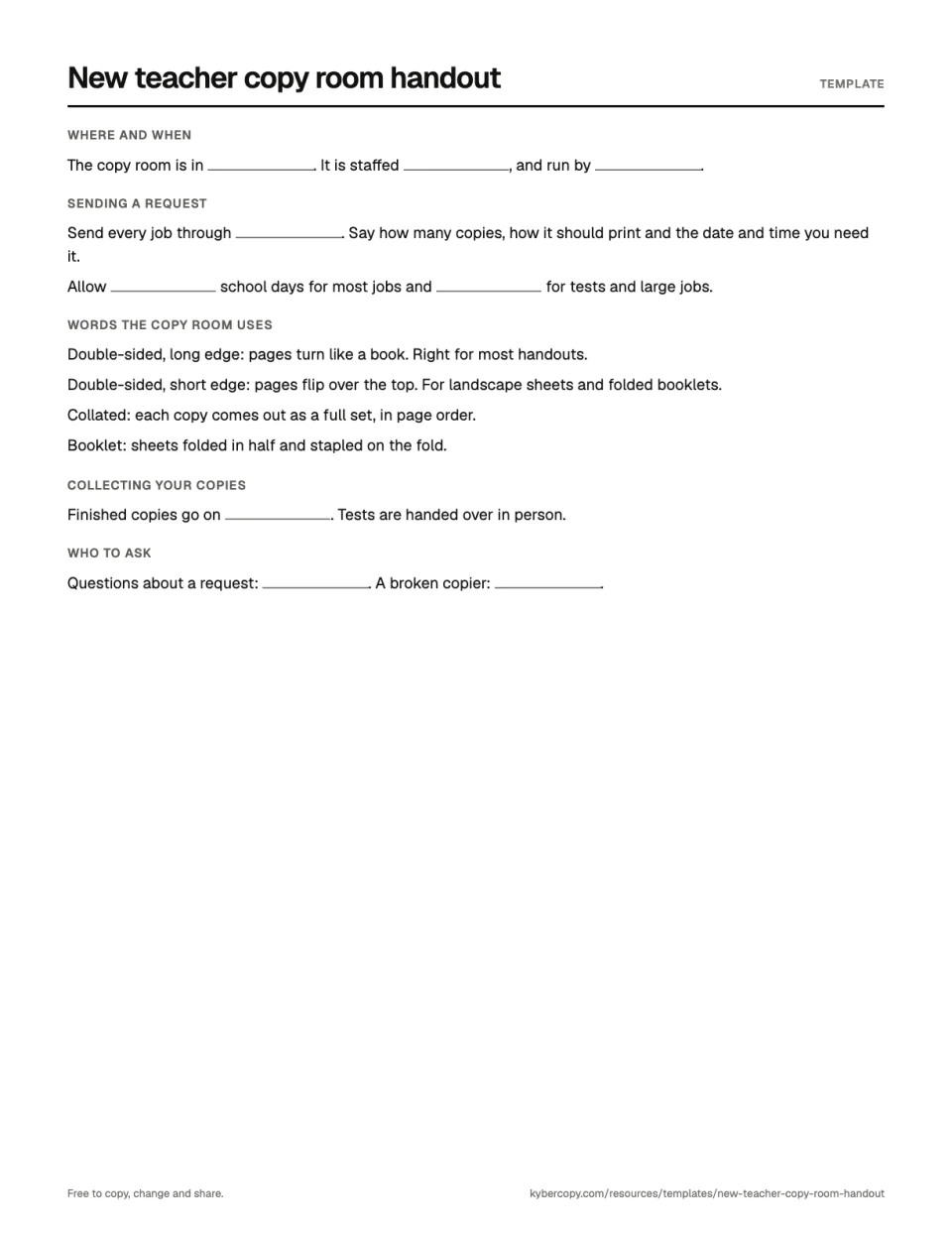 TemplateNew teacher copy room handoutA one-page copy room handout for new teachers: where it is, who runs it, how to send a request, lead times, how to collect copies and who to ask for help.Template · PDF, TXT
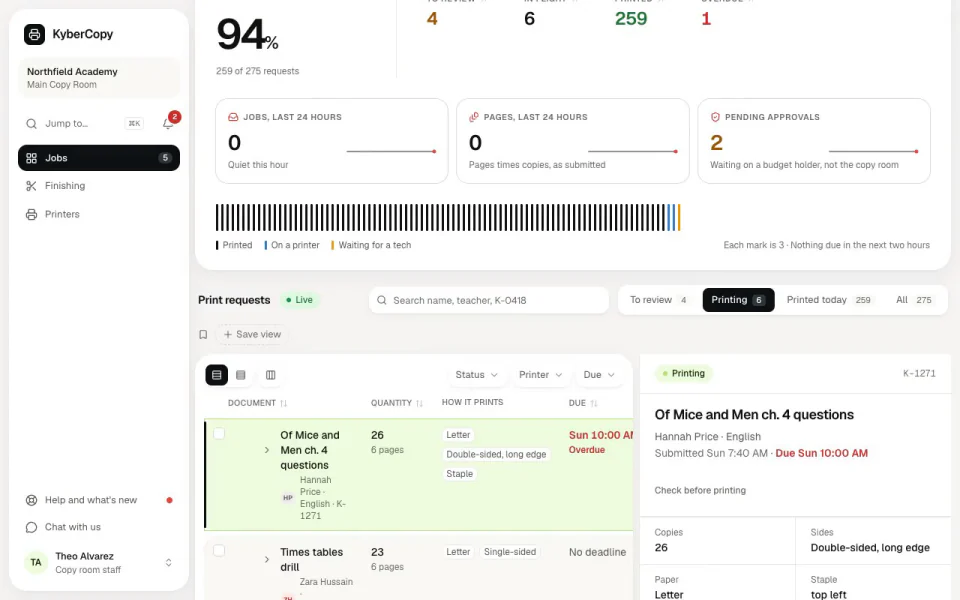 VideoPrint a request from the copy room queueThe copy room opens a teacher's request in the queue, checks its settings and prints it, and the job moves to the Printing tab.Video · 0:11
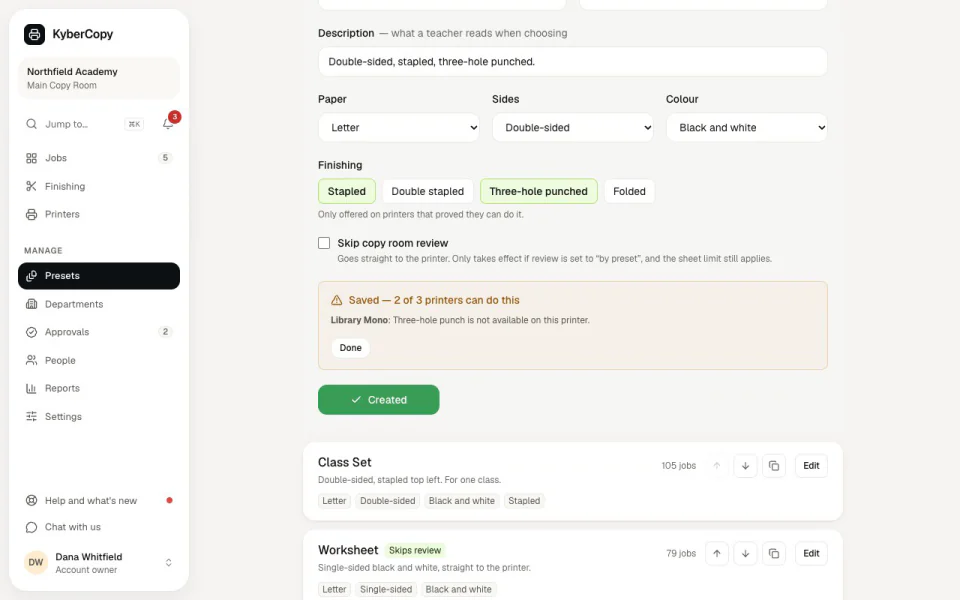 VideoWrite a preset and read the printer checkThe account owner writes an Exam Packet preset, double-sided, stapled and three-hole punched, creates it and reads which of the demo school's printers can do it.Video · 0:19
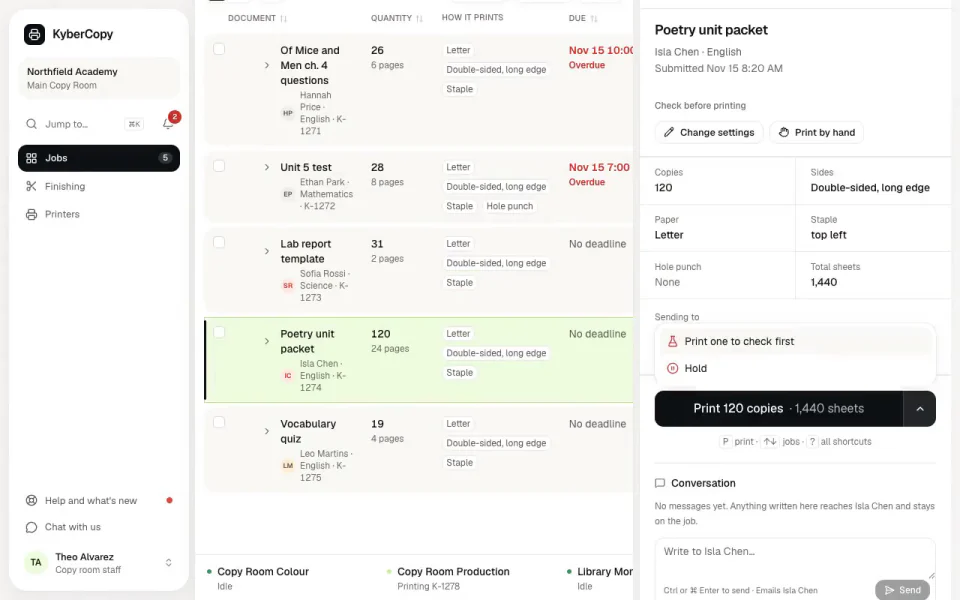 VideoCheck a big job and print one copy firstThe copy room opens a 120-copy packet waiting on To review, reads its settings, opens Change settings and backs out, prints one copy to check first, and sees the job go on hold until the full run.Video · 0:24
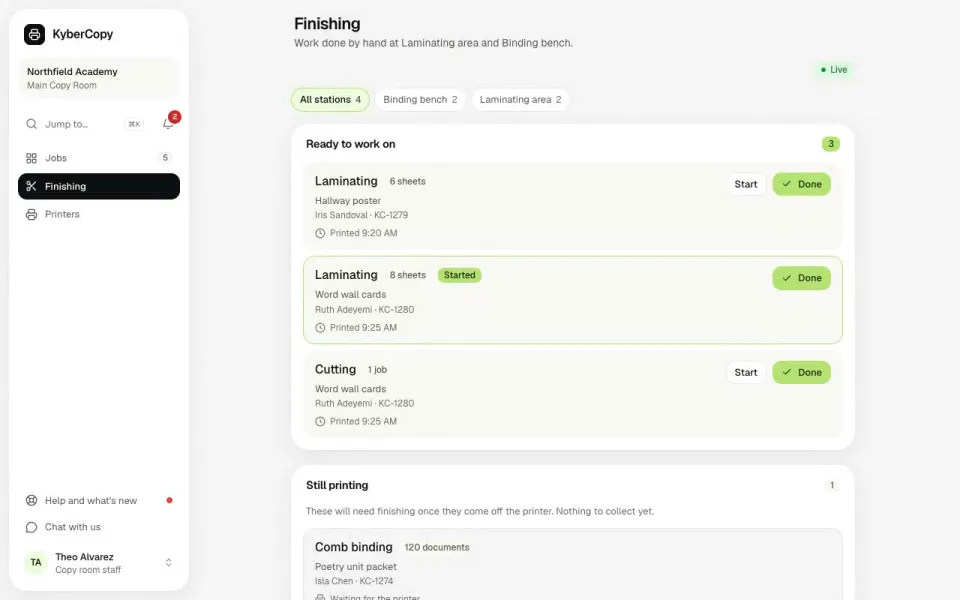 VideoWork laminating and cutting from the finishing boardThe copy room opens Finishing, filters to the Laminating area, starts one job and marks another done, then finishes the cutting at the Binding bench, the last step on that job, so only then is the teacher told it is ready.Video · 0:22
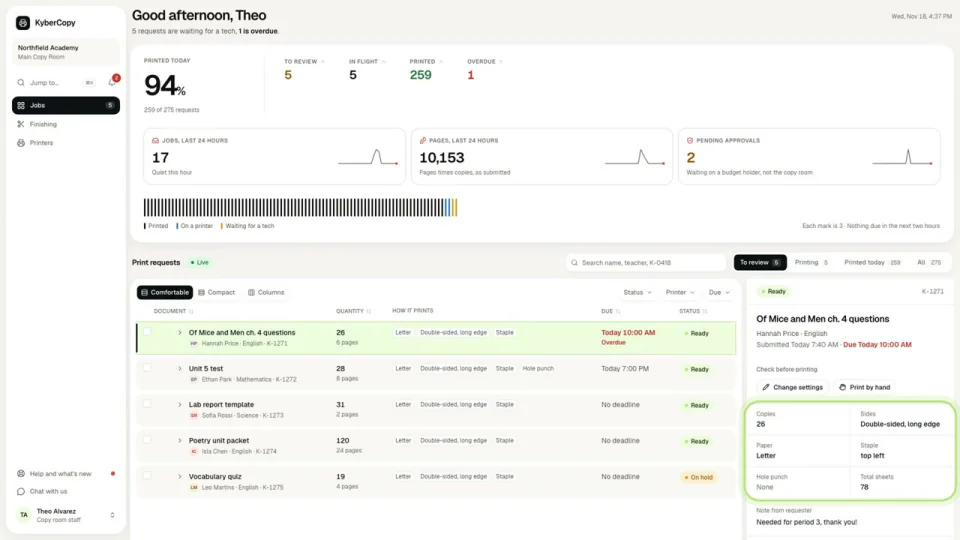 VideoPrint the day's queueOpen a request, check its settings, print it and mark it collected.Narrated video · 2:07
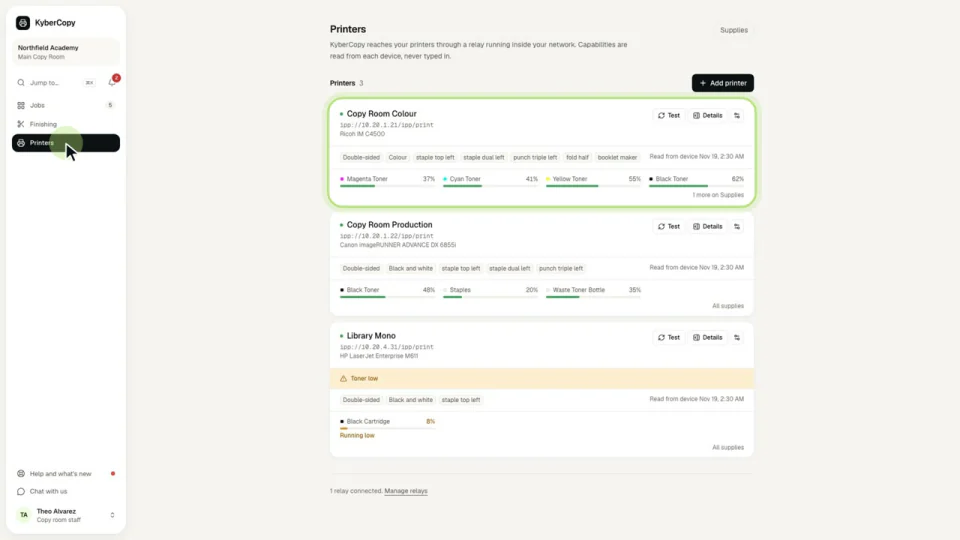 VideoPrinters and supplies at a glanceRead the printer strip, open a printer's detail, see what supplies to order and refill a tray.Narrated video · 2:03
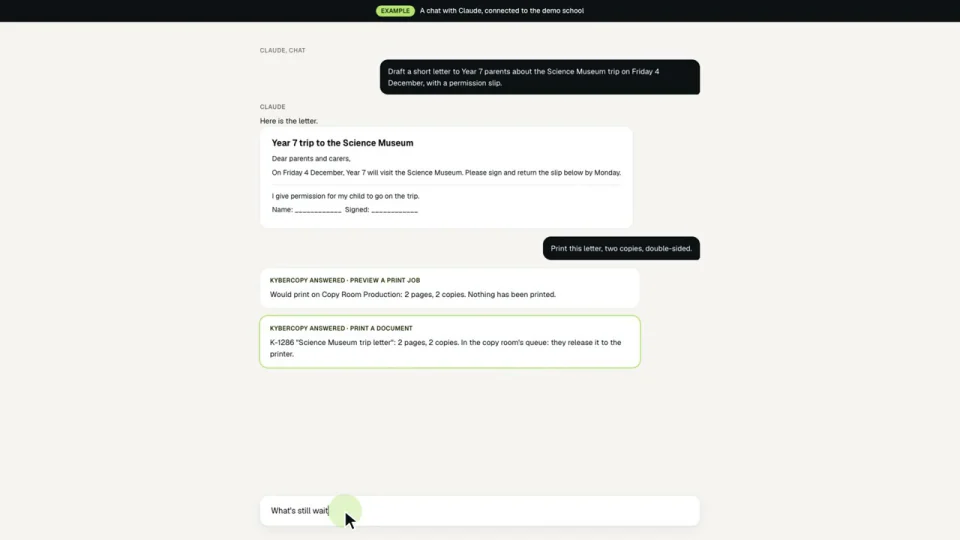 VideoPrint from ClaudeConnect KyberCopy in Claude, ask it to print, check your jobs and disconnect it.Narrated video · 2:03
- OverviewPrint job tracking for your copy roomTrack every print job in a school copy room: one queue for teachers' requests, settings checked before printing, a finishing board and pickup shelves.For copy rooms
- OverviewPrint requests by email, read the same wayTeachers email print requests to the copy room address they know. KyberCopy reads copies, sides and finishing from the message and replies with what it read.Email requests
- ReferencePrinting terms glossaryDuplex, saddle stitch, IPP, port 9100, chargeback and more, in plain words.
- ReferenceKyberCopy and emailWhat the copy room inbox already does well, what KyberCopy reads from the same email, and what it adds after.
- ReferenceChangelogWhat changed for teachers, the copy room, administrators and the business office.
Rather see it than read about it?
On the demo call we set up the demo school with your printers' names and walk through the guide you came here for, as a teacher, the copy room and the business office.
Book a demo