Resources
Everything for running the copy room.
Step-by-step guides, plain answers and reference pages for teachers, copy room staff, administrators, the business office and IT. Search them all, or pick your desk.
3 resources (videos, for IT).
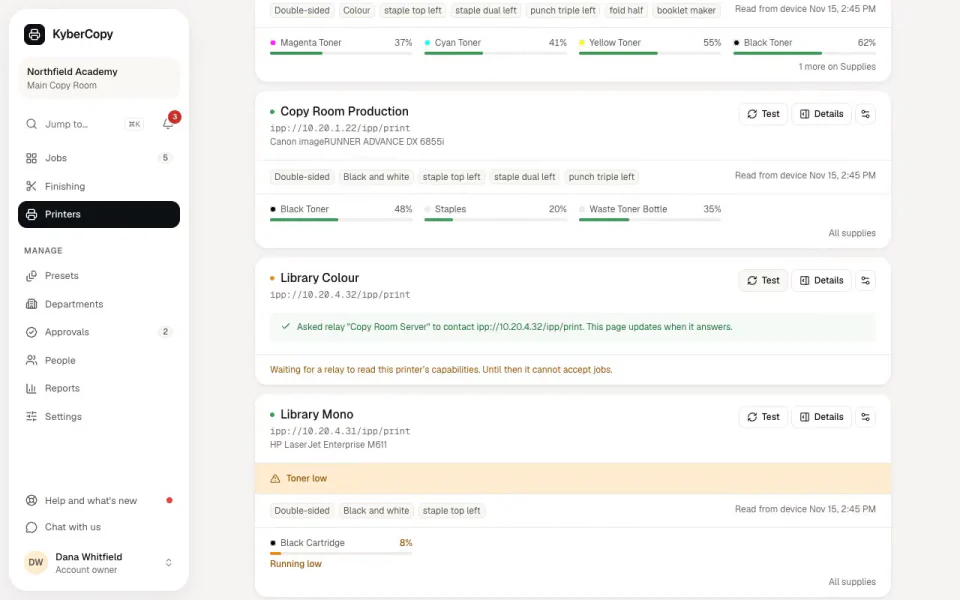 VideoAdd a printer and test itThe account owner adds a printer by its IP address alone, sees it wait for the relay to read what it can do, and presses Test to ask the relay to contact it.Video · 0:16
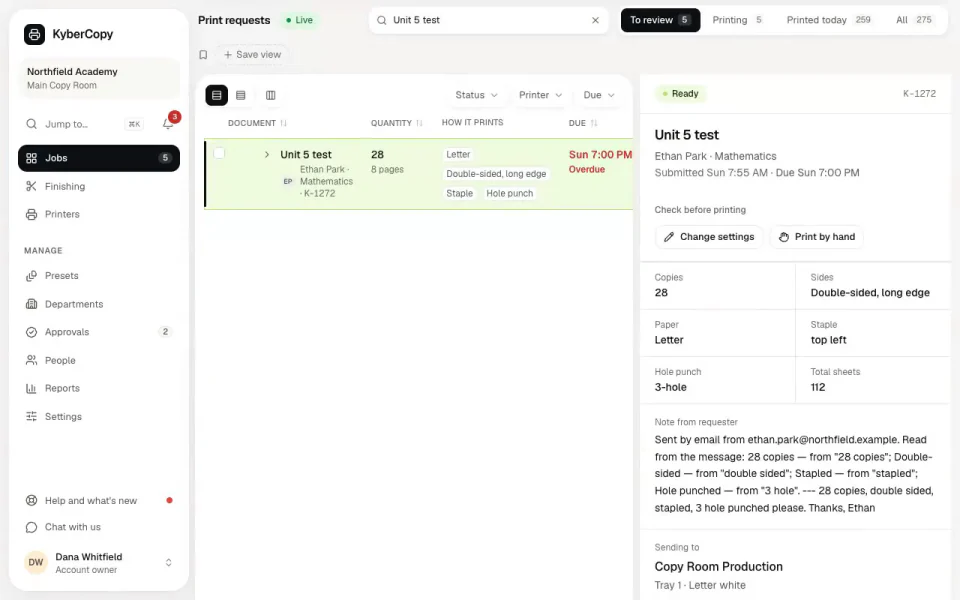 VideoCheck that email requests arriveThe account owner opens Email intake, sees the forwarding address, who may send and each recent email accepted or refused, then opens one emailed request.Video · 0:22
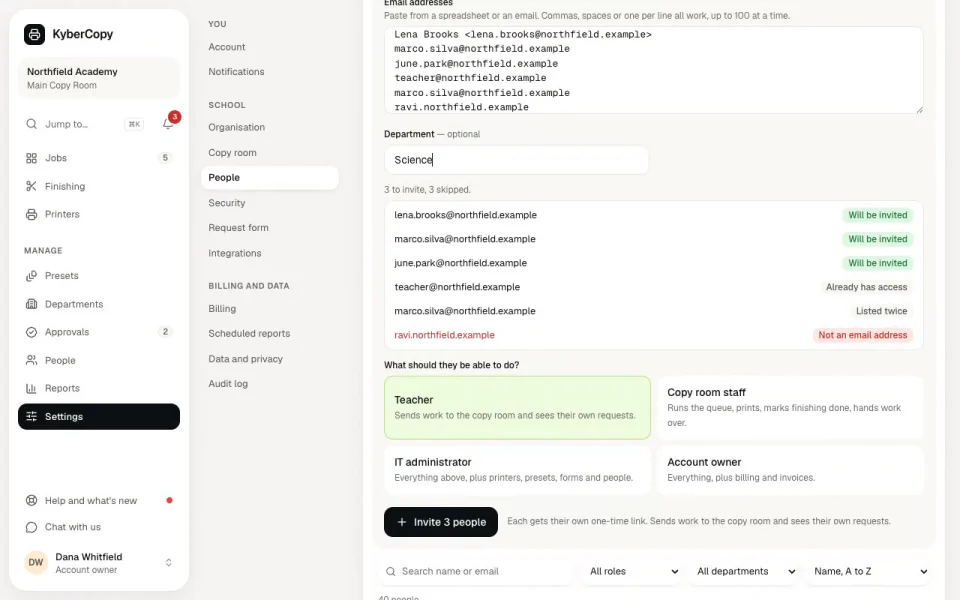 VideoInvite several staff at once and follow up the invitationsAn account owner pastes a list of addresses into Several at once, reads which will be invited and which are skipped and why, invites three teachers into Science, then finds them under Invited, not yet accepted and withdraws one.Video · 0:29
Rather see it than read about it?
On the demo call we set up the demo school with your printers' names and walk through the guide you came here for, as a teacher, the copy room and the business office.
Book a demo