Resources
Everything for running the copy room.
Step-by-step guides, plain answers and reference pages for teachers, copy room staff, administrators, the business office and IT. Search them all, or pick your desk.
4 resources (articles, for IT).
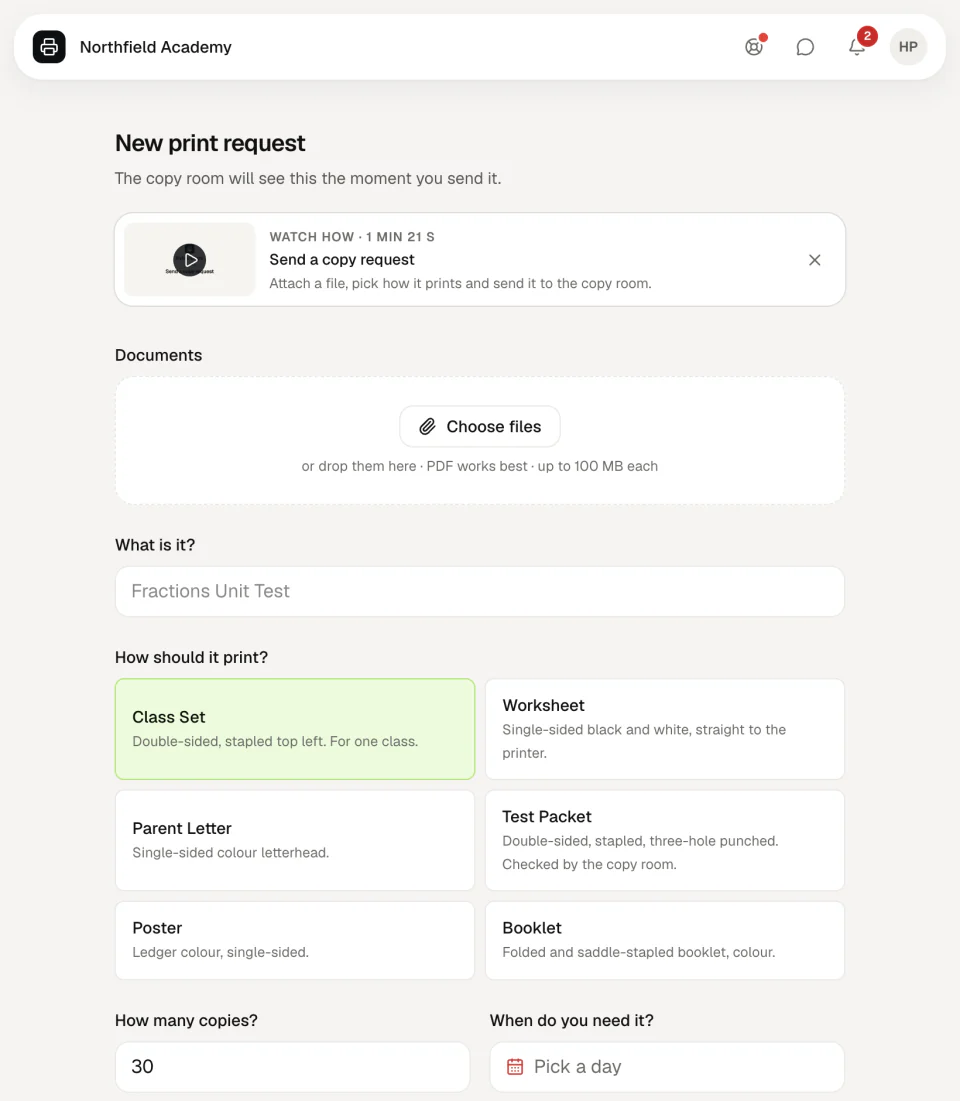 ArticleHow to print from a school iPad: AirPrint, the network, and sending work to the copy roomHow a school iPad prints with AirPrint, why it cannot find the printer across networks, the faults that come up most, and how to send work to the copy room.7 min read
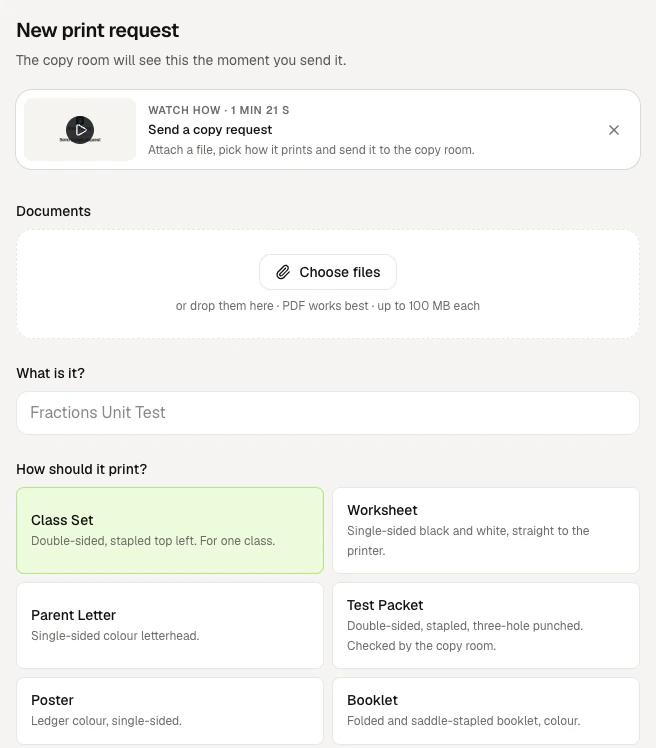 ArticleChromebook printing at school: how teachers print to the copier without a print serverWhy Chromebooks print differently at school, the three ways schools set it up, common faults, and how KyberCopy sends a Chromebook's job to the copy room.7 min read
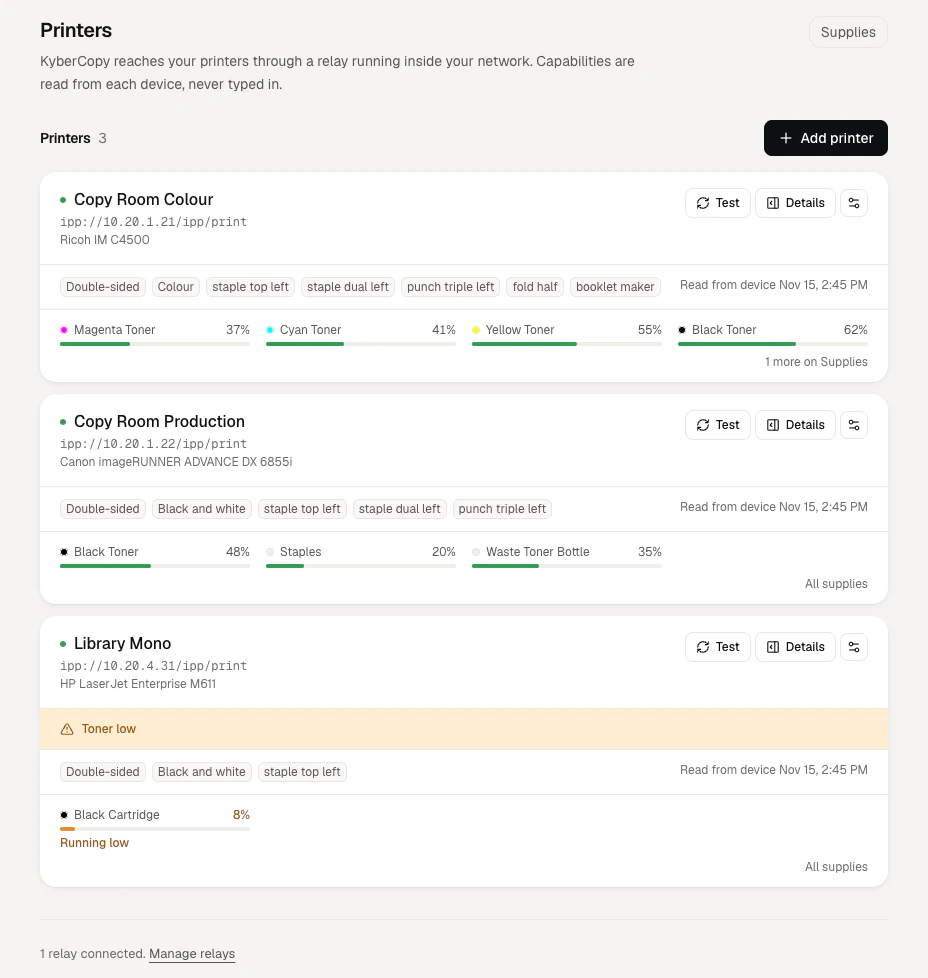 ArticleIPP vs TCP/IP printing: which one should a school printer use?What IPP and TCP/IP (port 9100) printing each do, which ports they use, what each tells you back, and why KyberCopy reads over IPP and prints over port 9100.9 min read
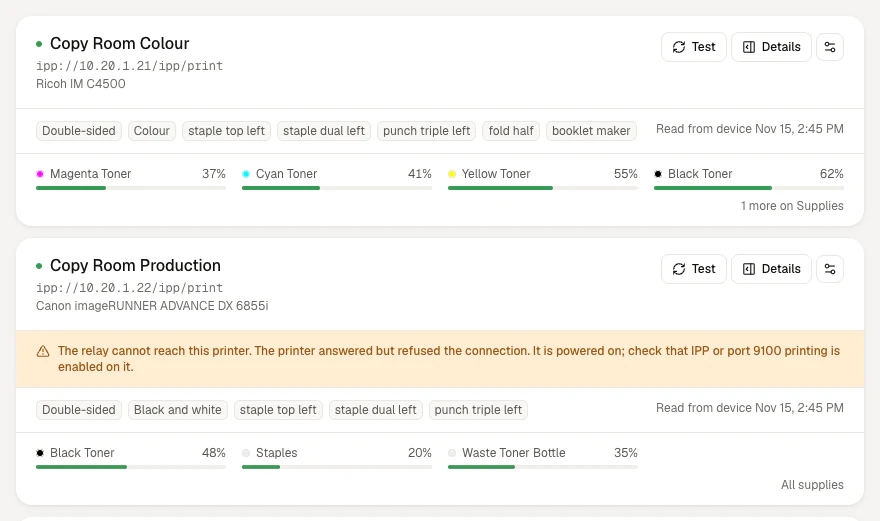 ArticleNetwork printer offline? How a school finds the cause and fixes itWhy a school network printer shows offline when it is switched on, how to find which of five causes it is, and how to stop the address changing again.8 min read
Rather see it than read about it?
On the demo call we set up the demo school with your printers' names and walk through the guide you came here for, as a teacher, the copy room and the business office.
Book a demo