Resources
Everything for running the copy room.
Step-by-step guides, plain answers and reference pages for teachers, copy room staff, administrators, the business office and IT. Search them all, or pick your desk.
12 resources (guides, for copy room).
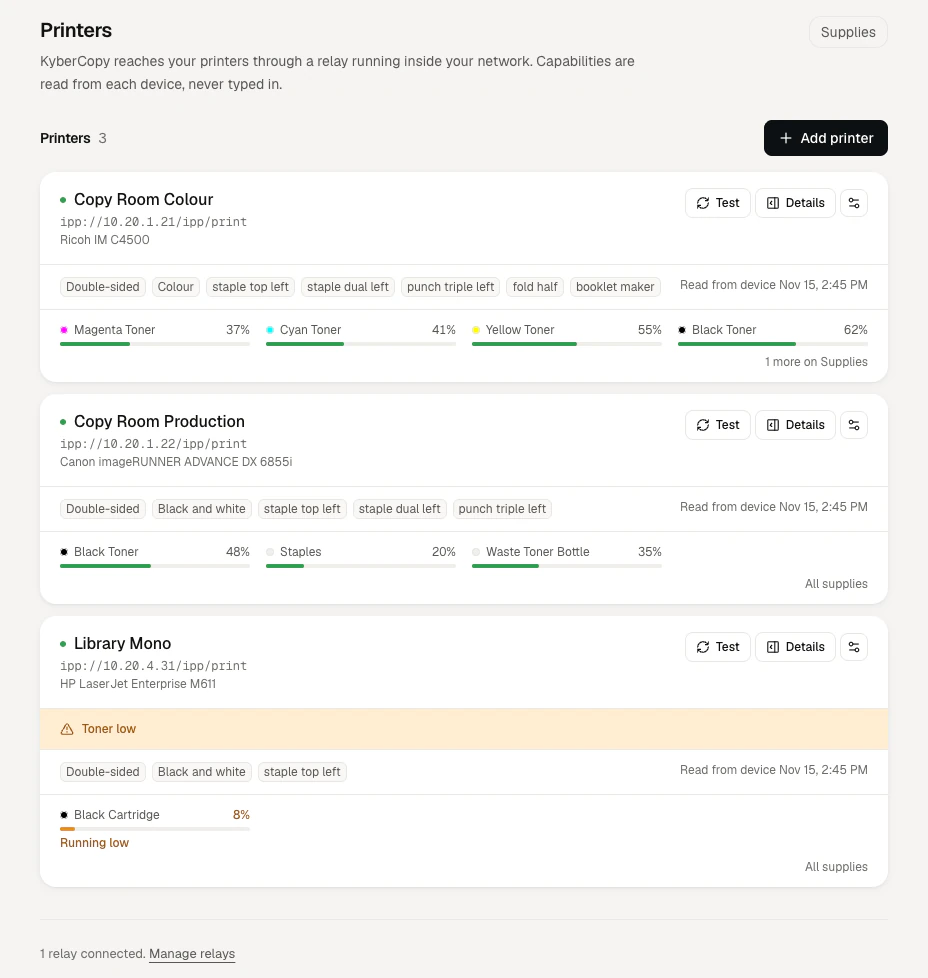 GuideHow to run a school copy roomHow to run a school copy room in eight steps: one way in for requests, printers that say what they can do, presets, review rules, finishing and pickup.8 steps
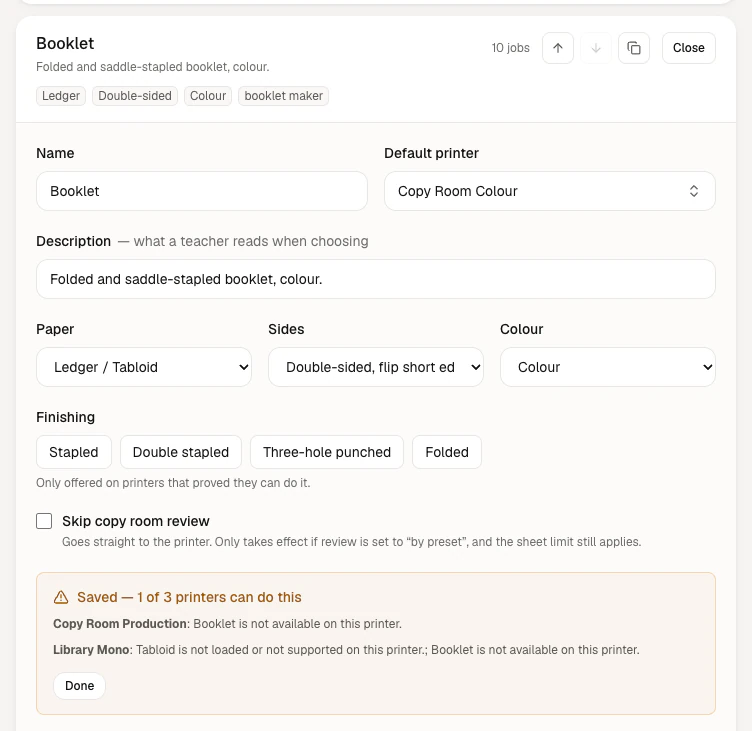 GuideWrite print presets for your teachersWrite presets such as Class Set and Test Packet once, check each against every printer when you save, and put the one teachers use most at the top.6 steps
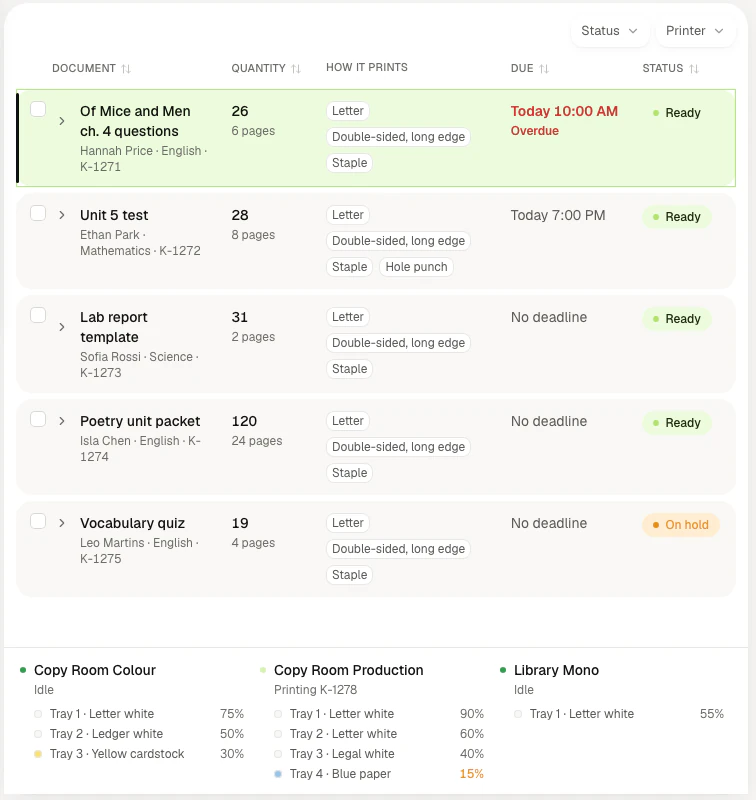 GuideWork the copy room queueA day in the copy room queue: read the tabs, check a job before printing, hold one with a reason, finish by hand and put the copies on a shelf.6 steps
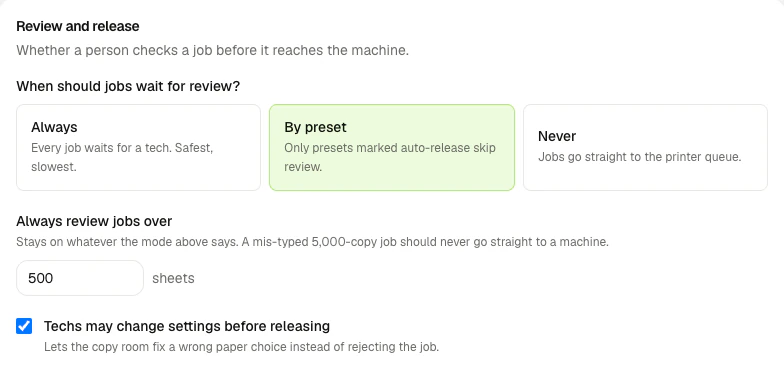 GuideCheck print jobs before they printDecide which copy room jobs wait for a person, keep a sheet limit, then check a job's pages, print one test copy and fix settings before the full run.7 steps
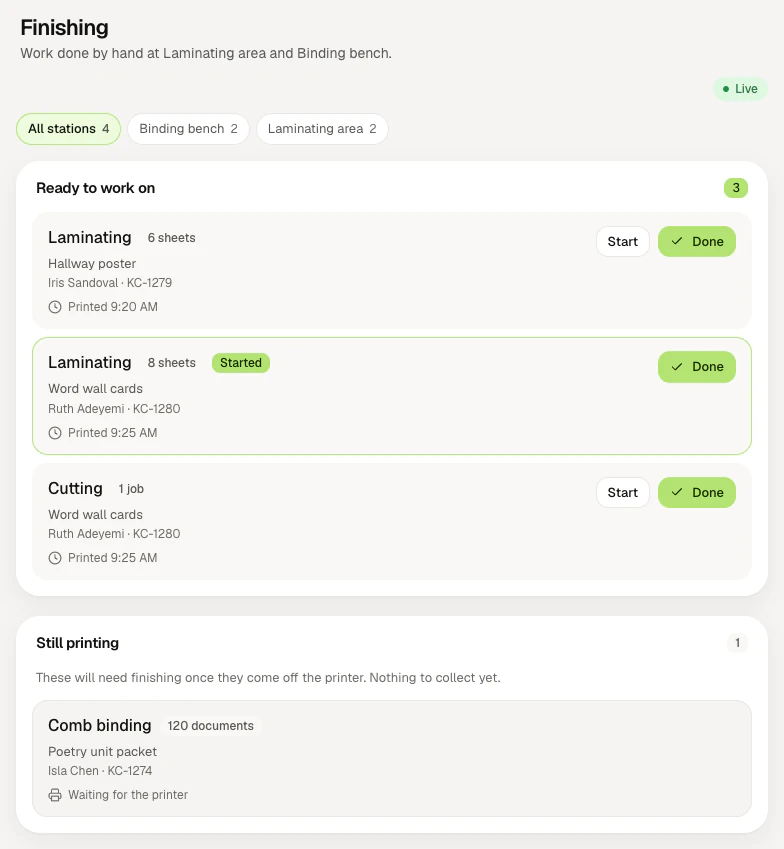 GuideTrack laminating, binding and cutting from request to shelfHow a school copy room takes laminating, binding and cutting requests, works them from the finishing board and tells the teacher only when all of it is done.8 steps
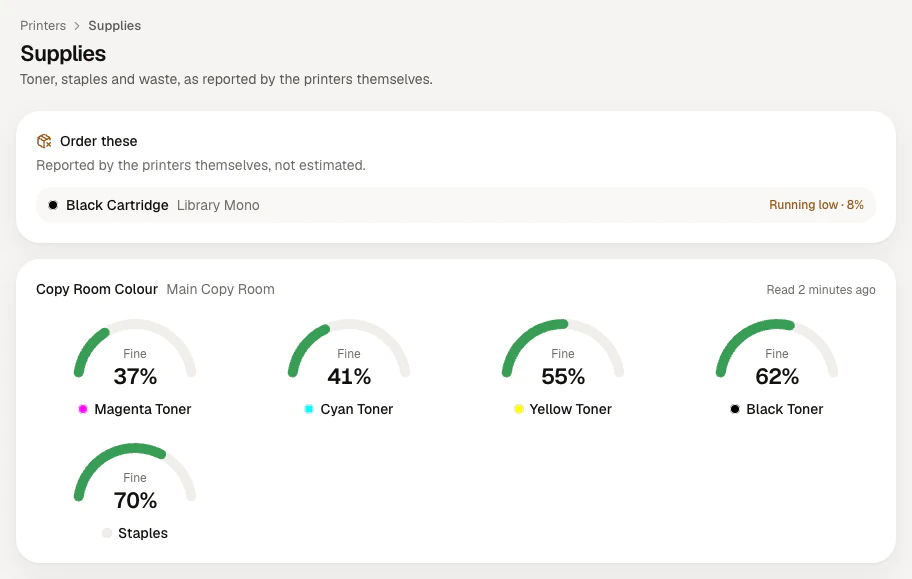 GuideCheck printer toner levels for every copier on one pageHow a school copy room checks printer toner levels on one page: what each copier reports, when low means order, waste bottles, and printers that stay silent.8 steps
- GuideWorking the queueThe Jobs page tabs, holding a job with a reason and releasing it to a printer.Help centre (help centre, opens in a new tab)
- GuideFinishing steps: lamination, binding and other hand servicesHow hand finishing is asked for, tracked and marked done.Help centre (help centre, opens in a new tab)
- GuideStations and the station boardSetting up laminating, binding and cutting stations and working their list.Help centre (help centre, opens in a new tab)
- GuidePrinter capabilities, supplies and silent substitutionsAdding a printer, what it reports about itself and paper levels.Help centre (help centre, opens in a new tab)
- GuideMy printer shows offline or unhealthyEach message on the Printers page and what to check for it.Help centre (help centre, opens in a new tab)
- GuideA job printed with different settings than I choseWhen a printer quietly changes a setting, and what KyberCopy does about it.Help centre (help centre, opens in a new tab)
Rather see it than read about it?
On the demo call we set up the demo school with your printers' names and walk through the guide you came here for, as a teacher, the copy room and the business office.
Book a demo