Resources
Everything for running the copy room.
Step-by-step guides, plain answers and reference pages for teachers, copy room staff, administrators, the business office and IT. Search them all, or pick your desk.
65 resources (for administrators).
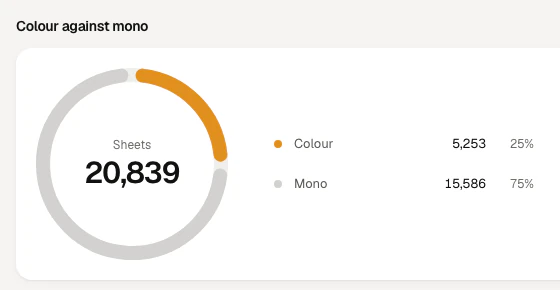 ArticleColour vs black and white printing: what the gap costs a school, and how to keep colour for what needs itWhy colour printing costs more than black and white, how to work out the gap from your own invoices, and how a school keeps colour for the jobs that need it.8 min read
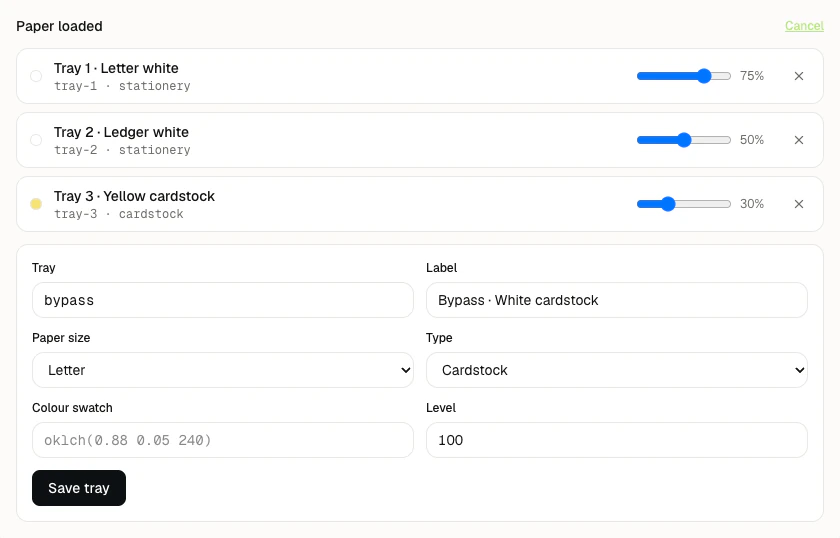 ArticleHow to print on cardstock at school: settings, trays and why it jamsThe paper type setting, which tray to use, why cardstock jams or will not print, and how a school copy room keeps cardstock jobs off the wrong drawer.8 min read
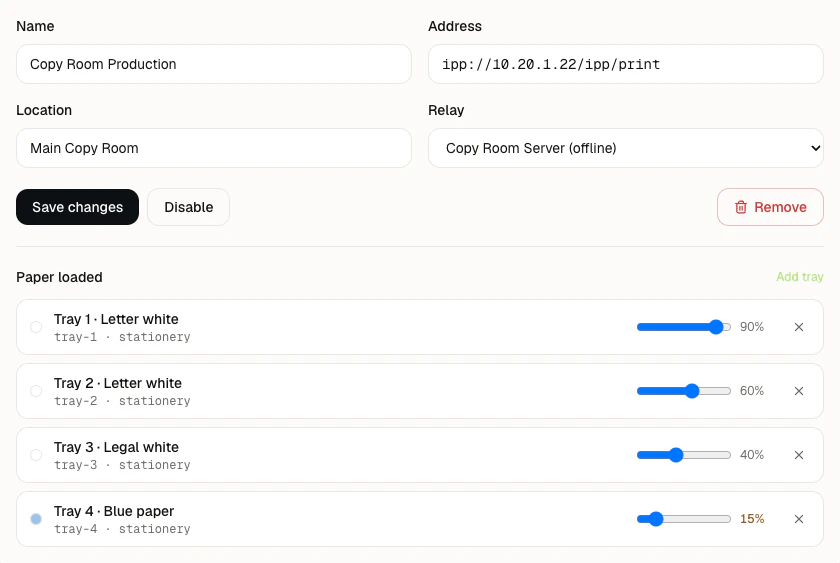 ArticleHow to print on colored paper at school: trays, settings and what to check firstWhich tray to load colored paper in, the settings that matter, why print colors shift on tinted stock, and how a school copy room keeps colored jobs off white.8 min read
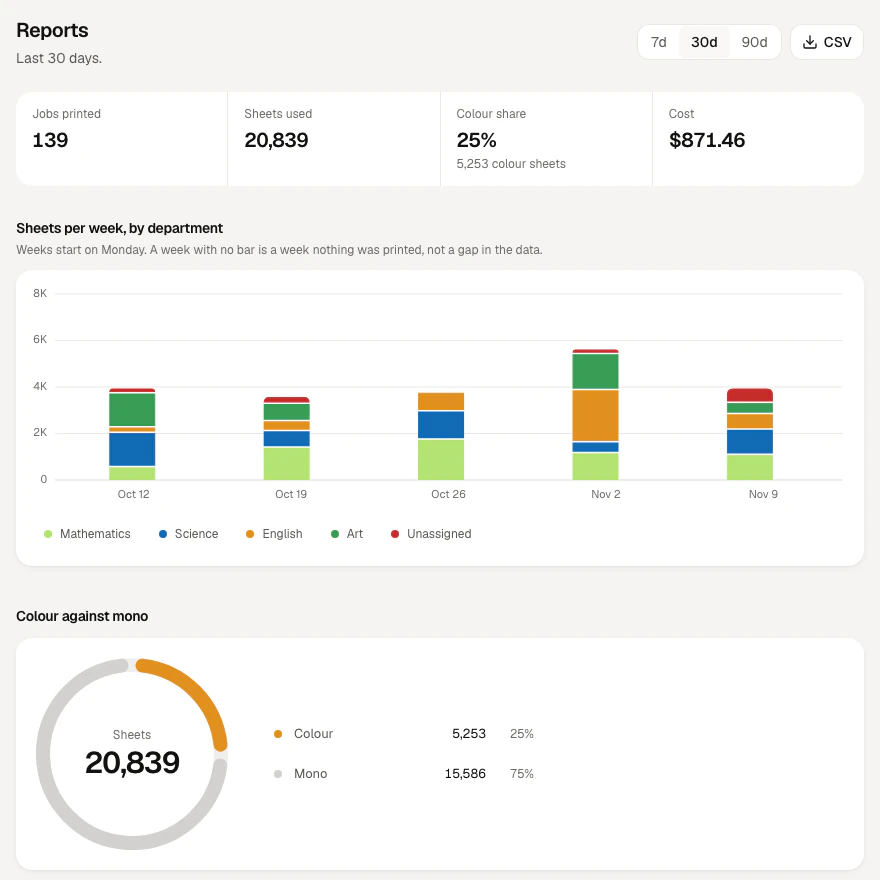 ArticleHow to reduce paper waste in schools: where the copy room's paper goes and what to changeWhere a school's paper really goes, the copy room habits that waste it, ten changes that cut it without a fight, and how to measure whether they worked.7 min read
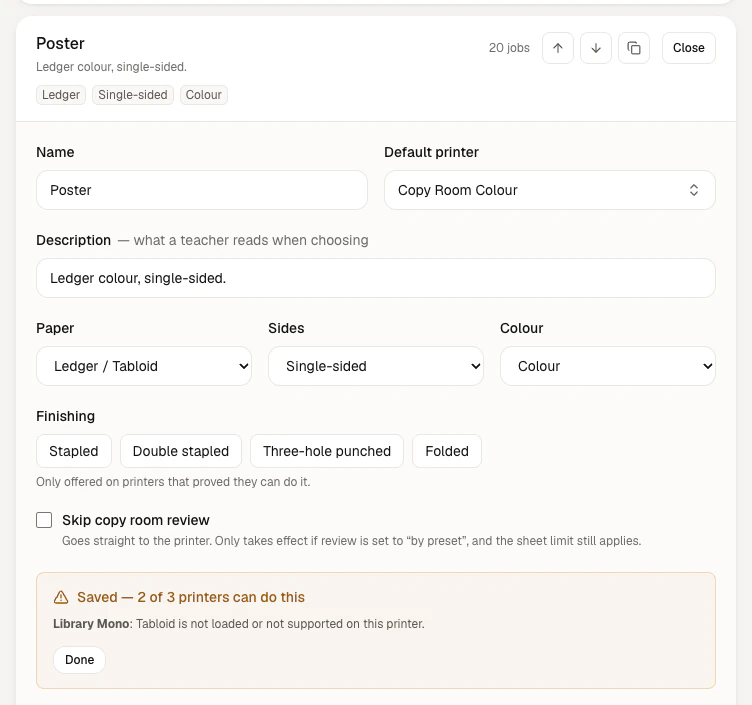 ArticleHow to print on 11x17 paper: tabloid and ledger size at schoolWhat 11x17, tabloid and ledger mean, how to set the size in Word, Excel and a PDF, why a copier still prints on Letter, and how a copy room sets it once.7 min read
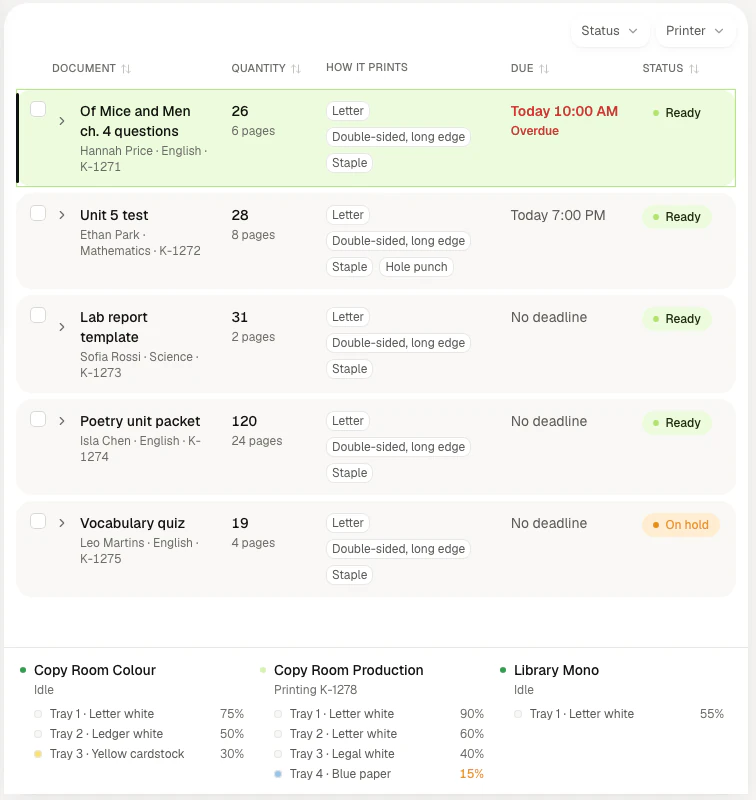 ArticlePrinter not printing double sided? Why it happens and how to fix itWhy a printer prints one side when double-sided was chosen, how to check the driver, the paper and the printer itself, and how a school copy room stops it.8 min read
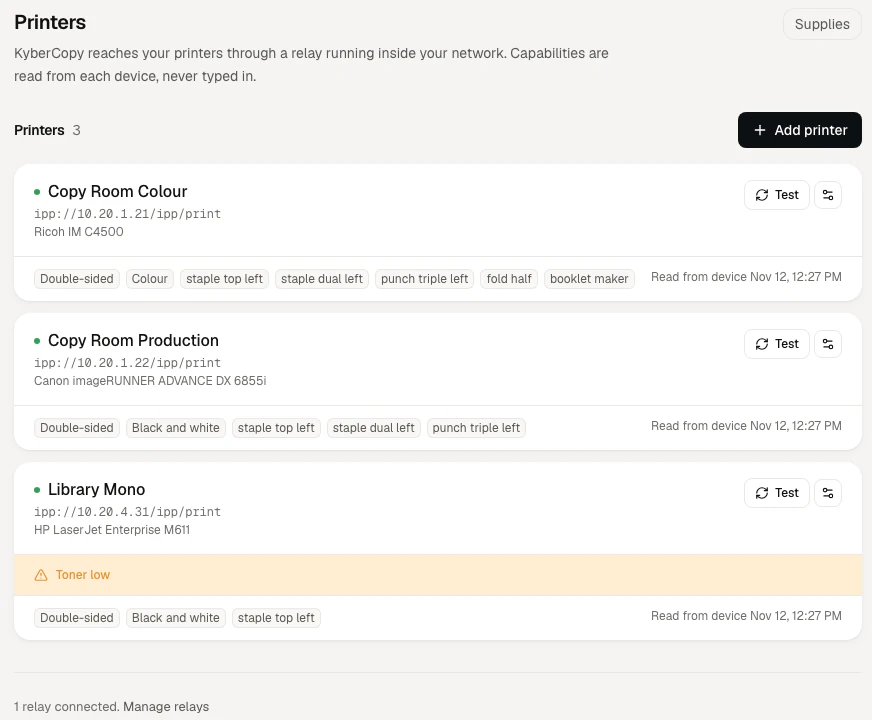 ArticleHow to print stapled and 3-hole punched copies at schoolWhere the staple and holes go on a class set, which printer setting picks them, why a copier sometimes skips them, and how a copy room can set it once.7 min read
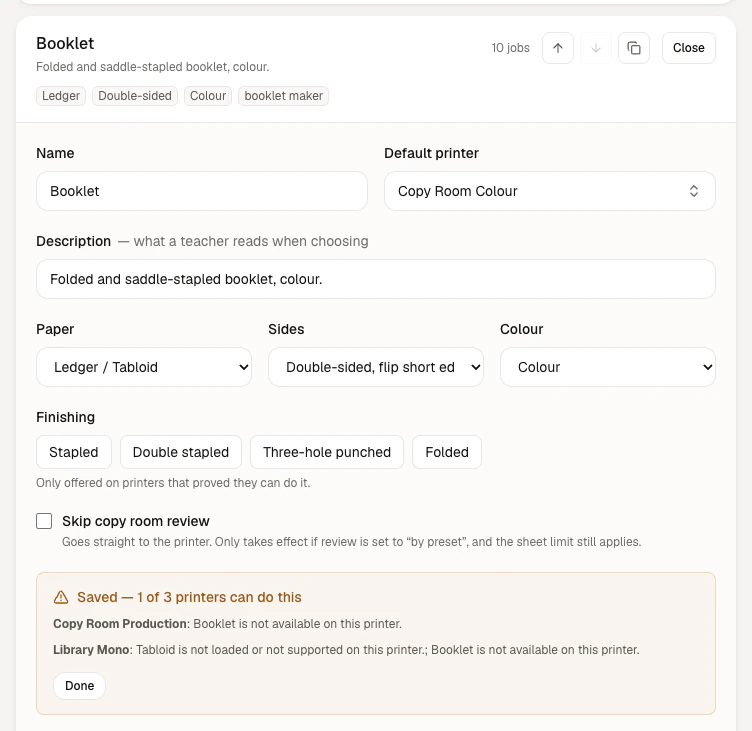 ArticleLong edge vs short edge: which way should double-sided copies flip?What long edge and short edge mean on double-sided copies, which one a portrait packet, a landscape handout and a folded booklet need, and how to stop guessing.7 min read
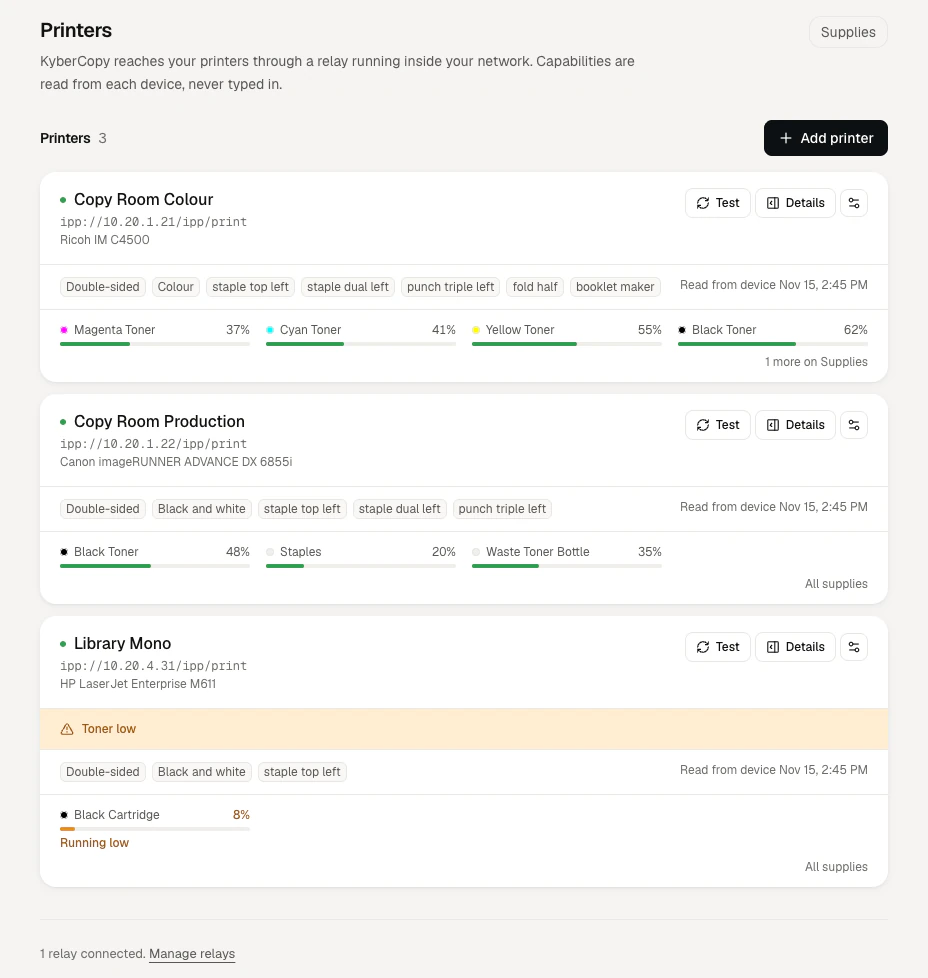 GuideHow to run a school copy roomHow to run a school copy room in eight steps: one way in for requests, printers that say what they can do, presets, review rules, finishing and pickup.8 steps
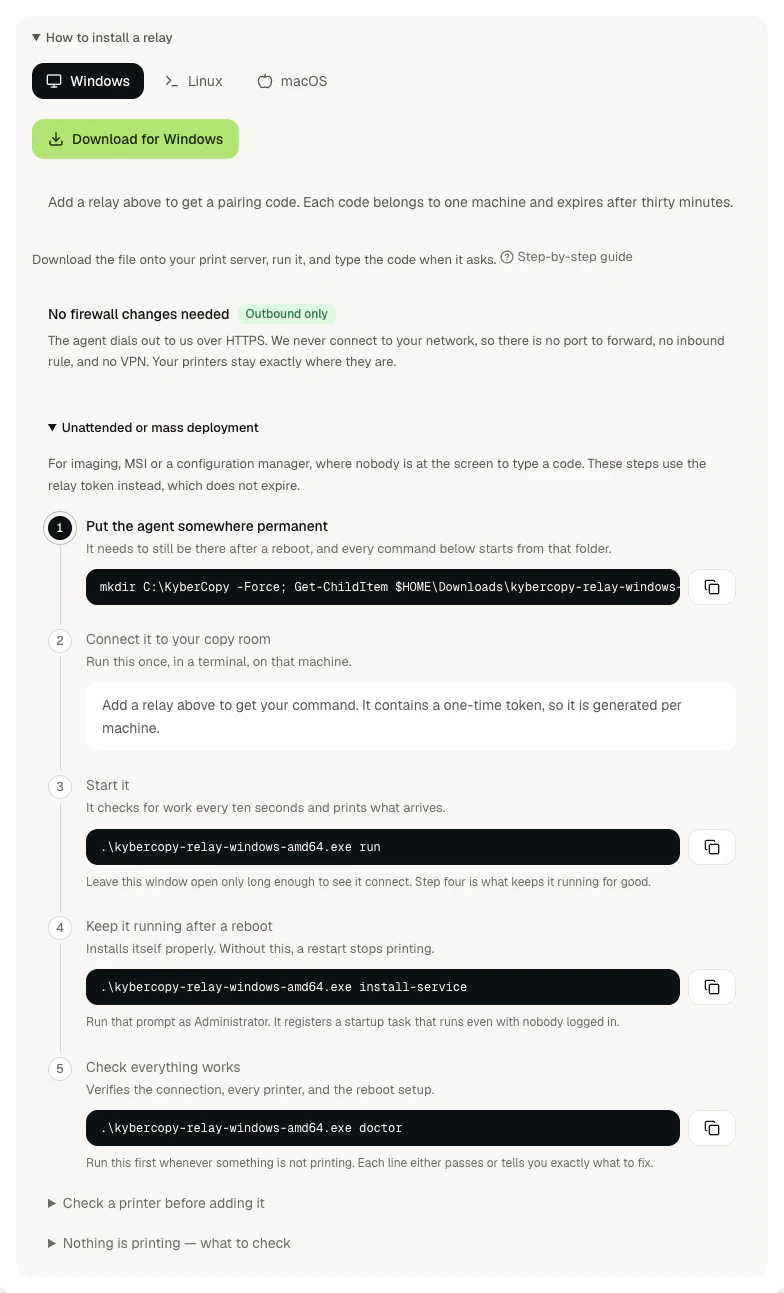 GuideConnect your printers with the relayInstall the outbound-only relay on a school computer, pair it, keep it running after a reboot, then add each printer and the paper in its trays.6 steps
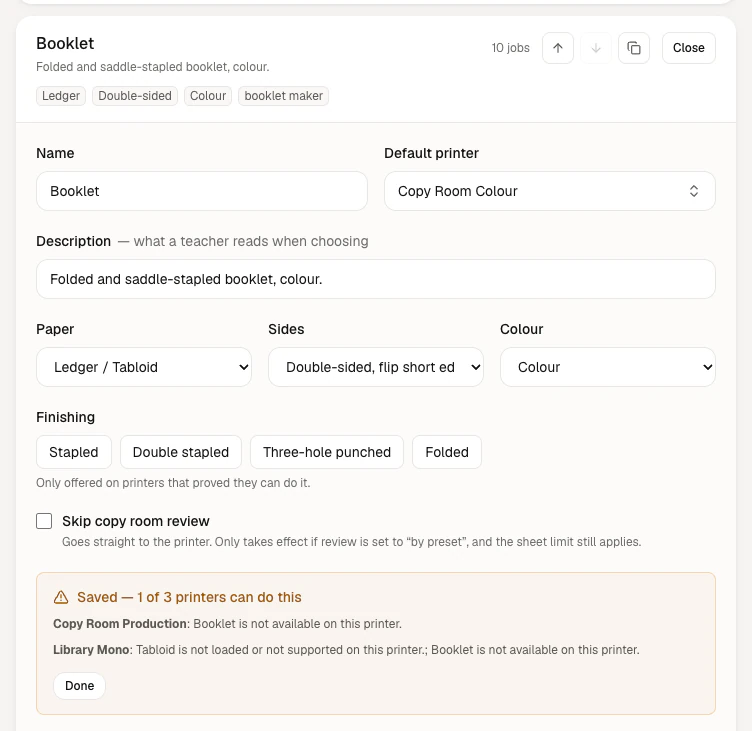 GuideWrite print presets for your teachersWrite presets such as Class Set and Test Packet once, check each against every printer when you save, and put the one teachers use most at the top.6 steps
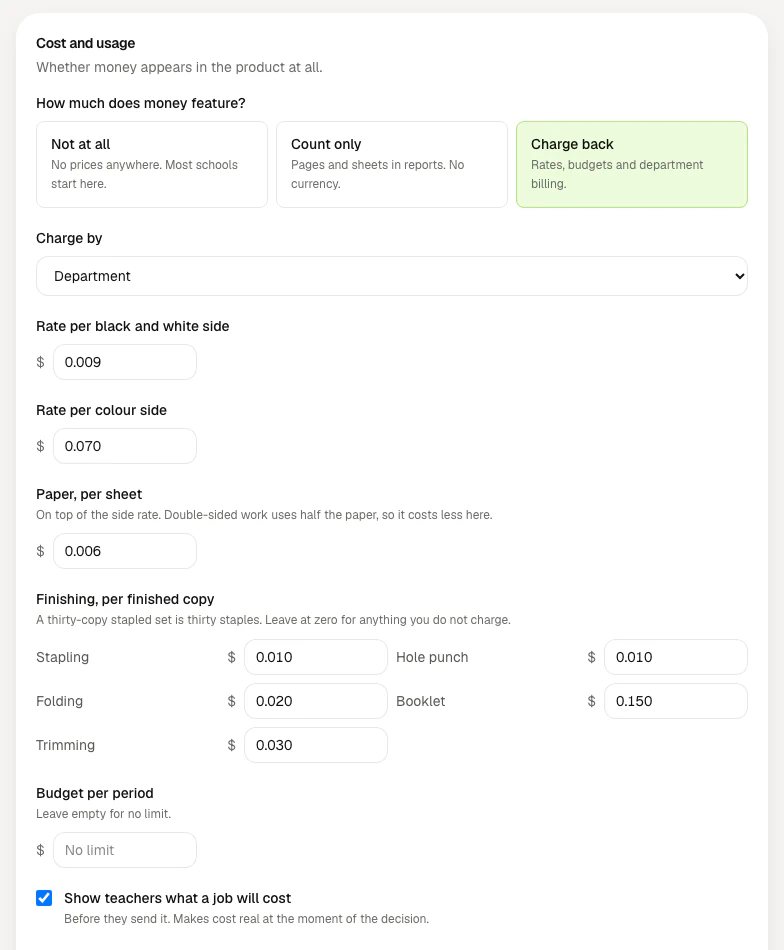 GuideSet department budgets and approvalsTurn on charge back with your own rates, give each department a budget and a budget holder, choose which requests wait for approval, and read the alerts.5 steps
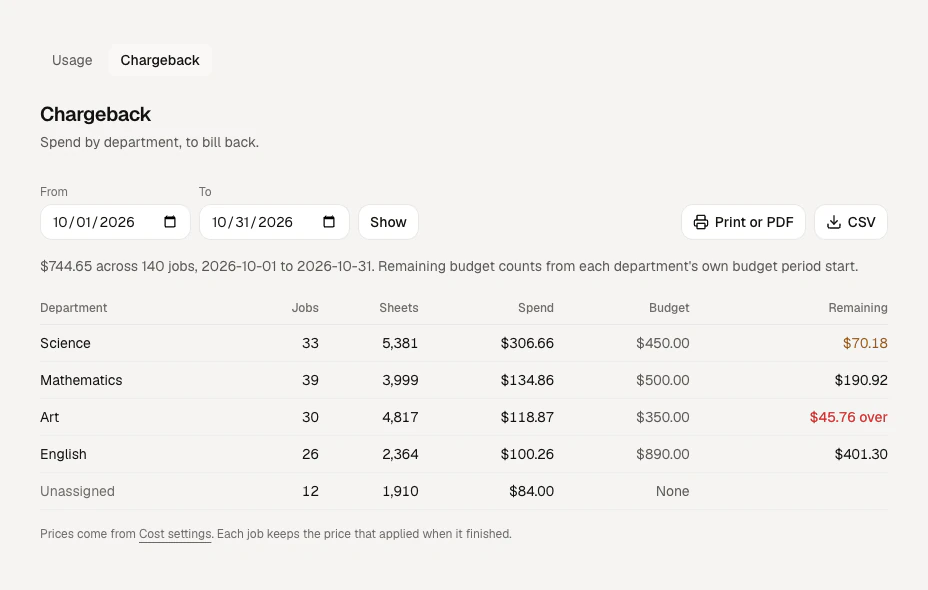 GuideBill printing back to departments each monthRead a month of copy room spend by department, clear the Unassigned row, file it as a PDF or spreadsheet, and have it emailed to the business office on the 1st.6 steps
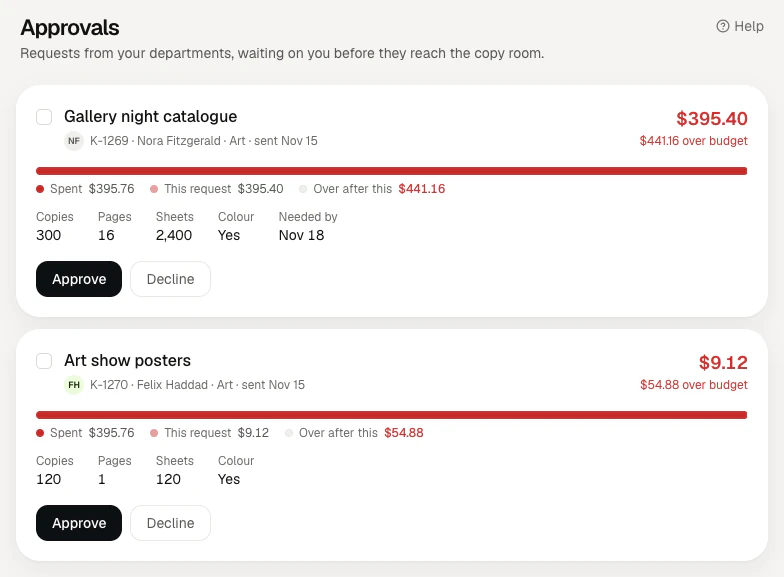 GuideApprove or decline your department's print requestsFor a department's budget holder: the Approval needed email, reading cost against budget, approving several at once, and declining with a reason.7 steps
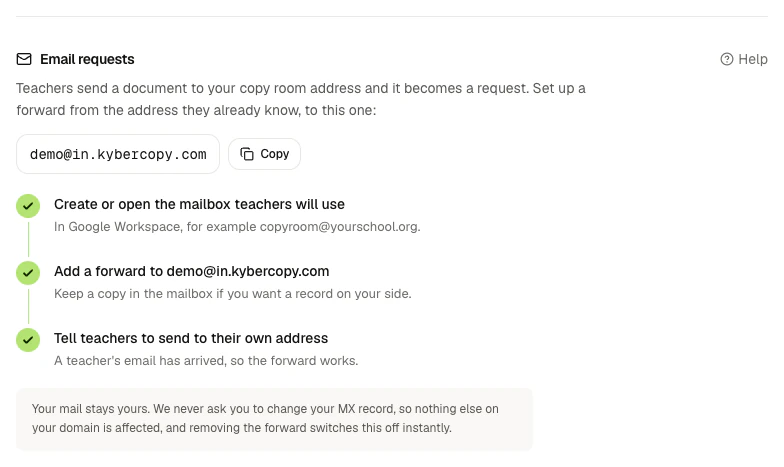 GuideSet up email print requestsLet teachers email documents to the copy room mailbox they already use: turn on email intake, add one forward, and check the first request arrives.5 steps
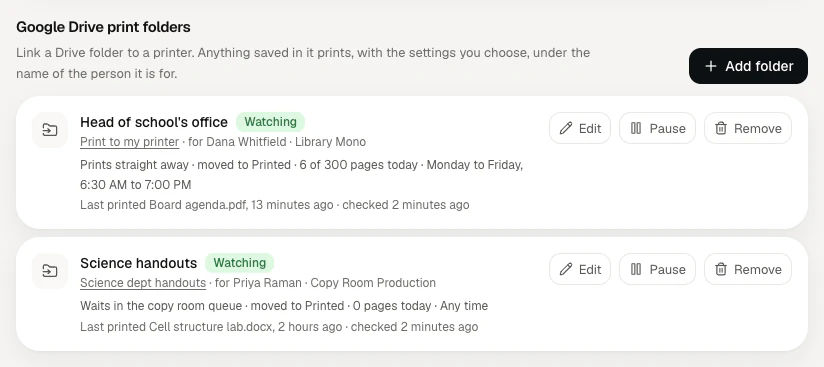 GuidePrint from a Google Drive folderLink a Google Drive folder to a school printer so anything saved in it prints by itself: share it, Verify, choose the settings and hours, then watch it.7 steps
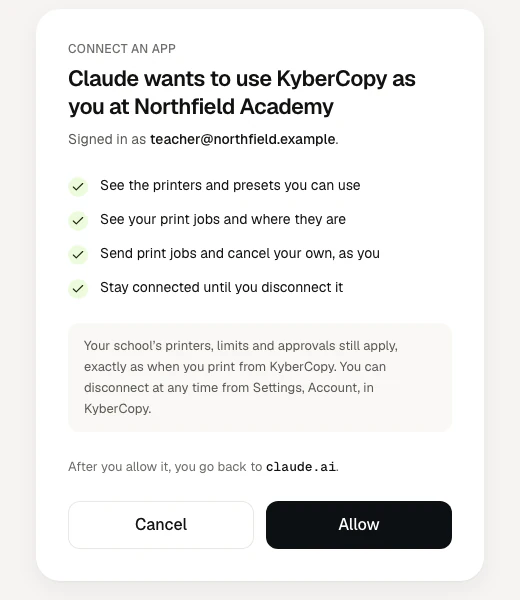 GuidePrint from ClaudeAdd KyberCopy to Claude, connect it as yourself, then ask Claude to print, preview, check or cancel jobs at your school, with its limits and approvals.7 steps
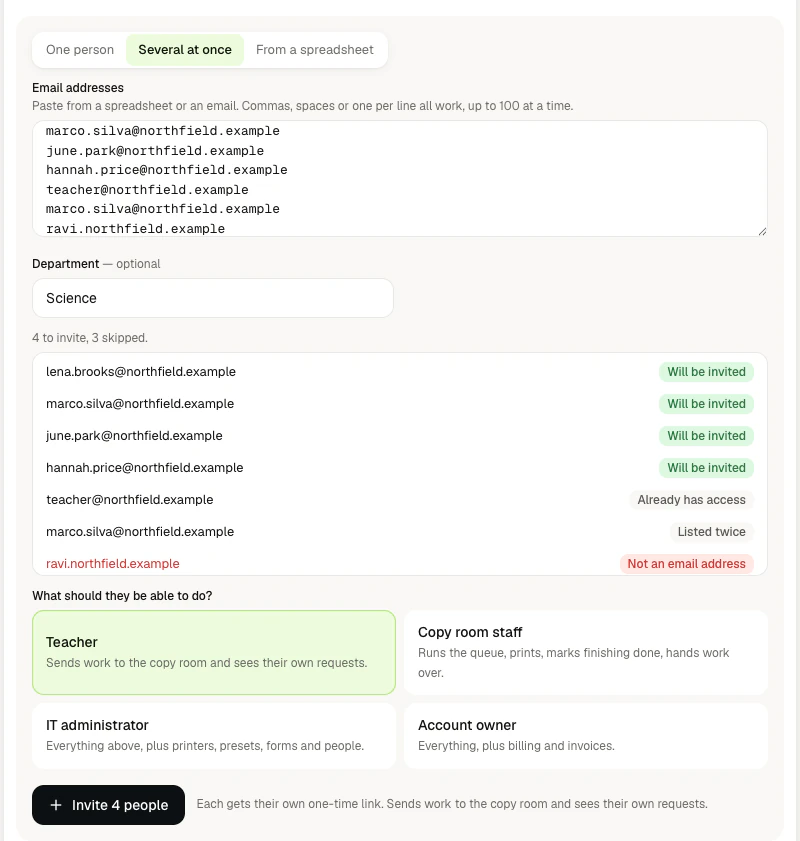 GuideInvite your staff and give each the right roleGet school staff into KyberCopy: invite one person, paste a list or import a spreadsheet, pick each role, follow up invites and let Google accounts join.7 steps
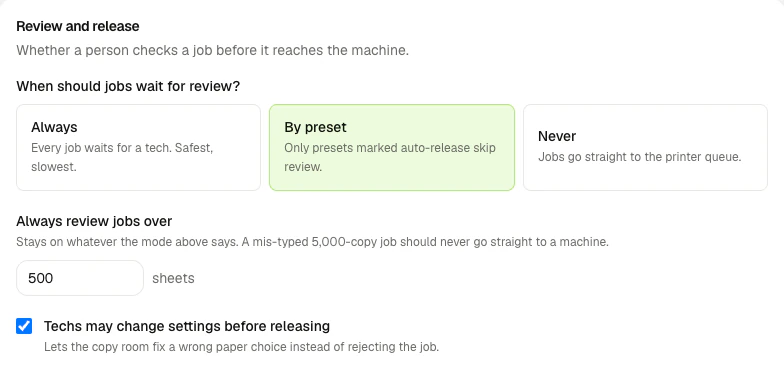 GuideCheck print jobs before they printDecide which copy room jobs wait for a person, keep a sheet limit, then check a job's pages, print one test copy and fix settings before the full run.7 steps
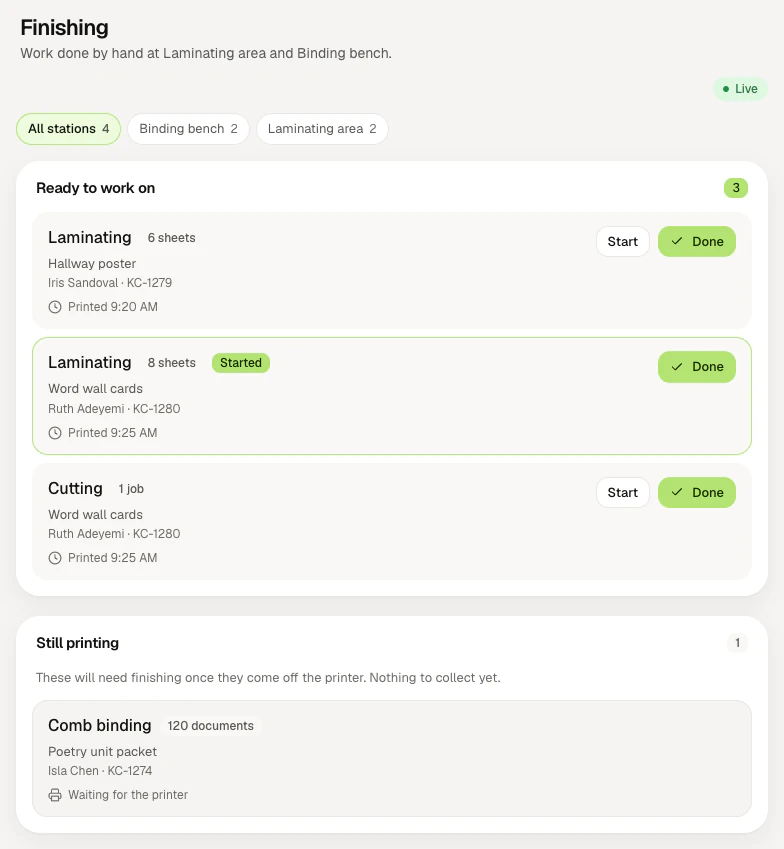 GuideTrack laminating, binding and cutting from request to shelfHow a school copy room takes laminating, binding and cutting requests, works them from the finishing board and tells the teacher only when all of it is done.8 steps
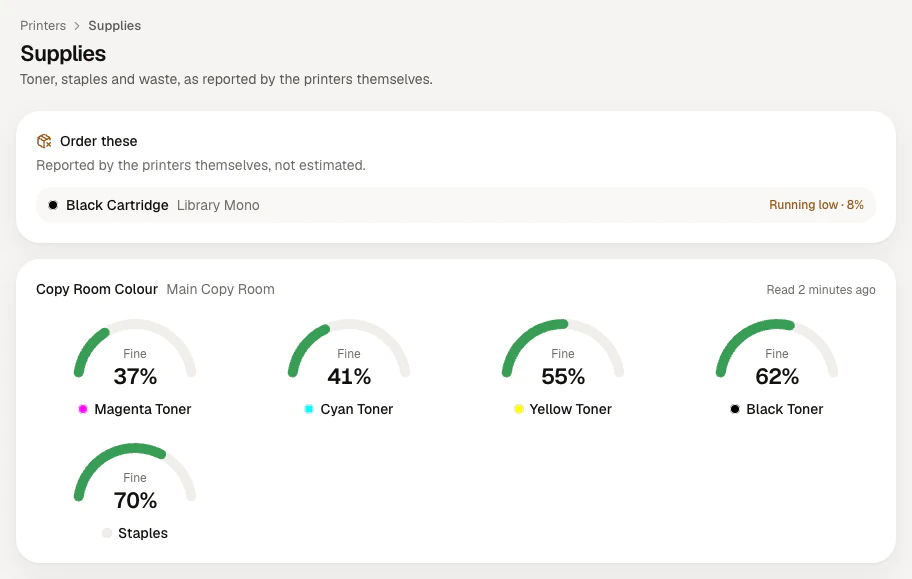 GuideCheck printer toner levels for every copier on one pageHow a school copy room checks printer toner levels on one page: what each copier reports, when low means order, waste bottles, and printers that stay silent.8 steps
- GuideConnecting your printers with the relay agentInstalling the outbound-only relay and checking it can reach each printer.Help centre (help centre, opens in a new tab)
- GuidePrinter capabilities, supplies and silent substitutionsAdding a printer, what it reports about itself and paper levels.Help centre (help centre, opens in a new tab)
- GuideCreating presetsNaming a preset, its default printer and how each setting is checked.Help centre (help centre, opens in a new tab)
- GuidePeople, departments and rolesInviting people, departments and what each role can see and do.Help centre (help centre, opens in a new tab)
- GuideApprovals and budgetsCopy room review, department budgets and budget holder approval.Help centre (help centre, opens in a new tab)
- GuideReportsUsage windows, the CSV download and scheduled reports by email.Help centre (help centre, opens in a new tab)
- GuideSetting up email intakeForwarding the copy room mailbox, reversible in one click.Help centre (help centre, opens in a new tab)
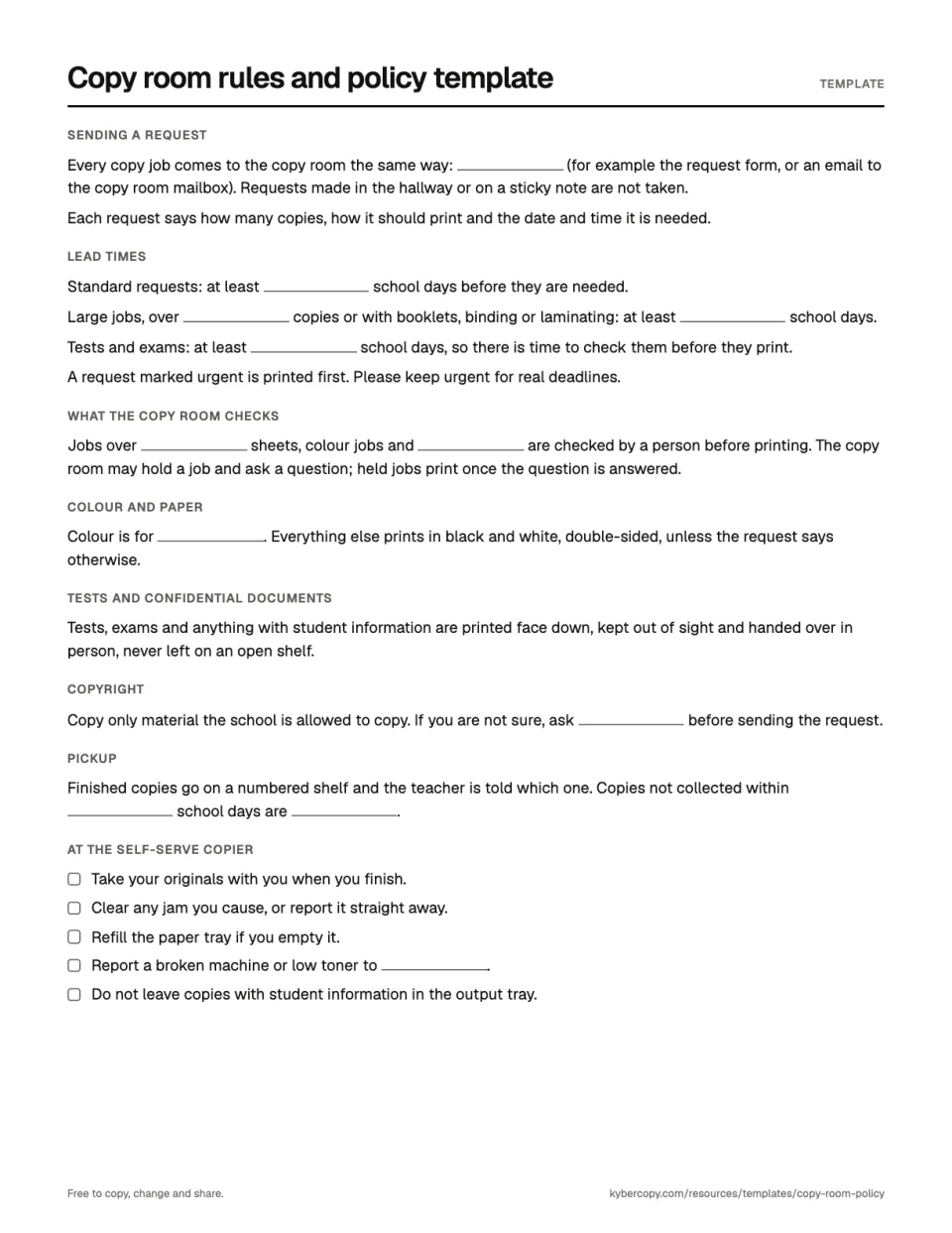 TemplateCopy room rules and policy templateA copy room rules and policy template for schools, with blanks for your lead times: how to send a request, what is checked, exams, pickup and machine etiquette.Template · PDF, TXT
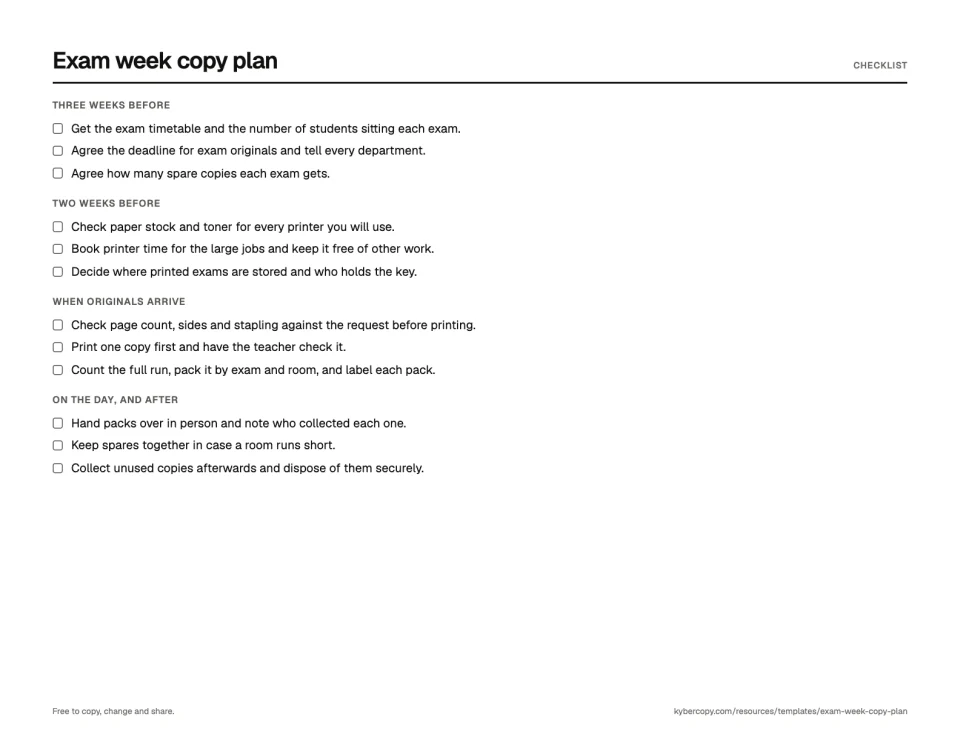 TemplateExam week copy planA checklist for printing exams without a last-minute rush: what to collect three weeks out, the originals deadline, checking, secure storage and the day itself.Checklist · PDF, CSV
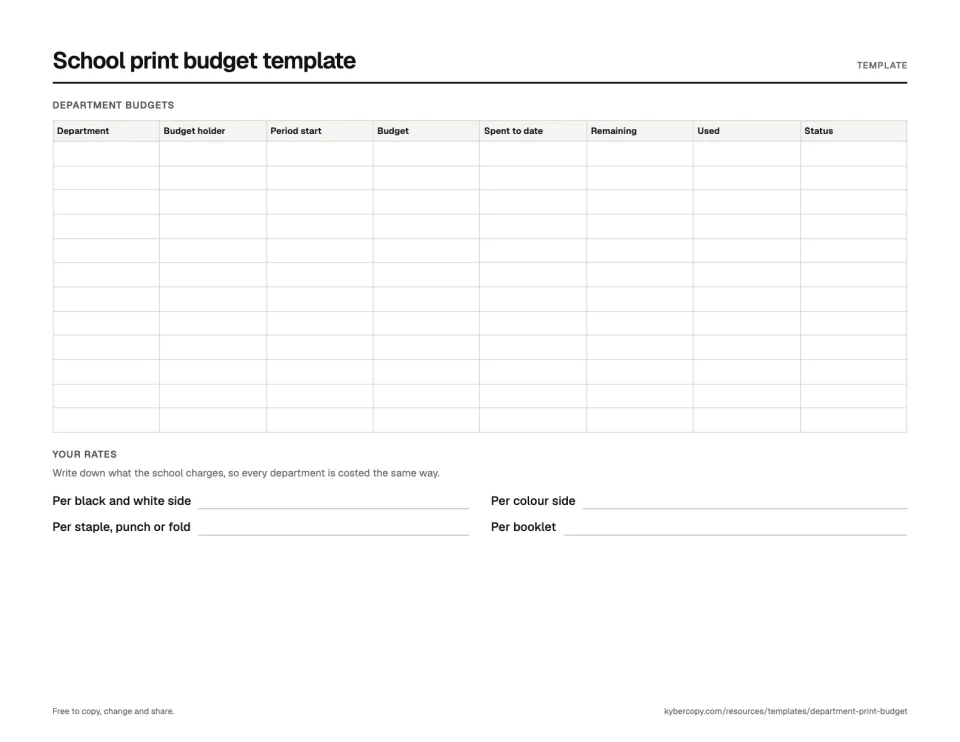 TemplateSchool print budget templateA free school print budget template: one row per department with its budget holder, budget and spending, and what is left and the share used worked out.Template · CSV, PDF
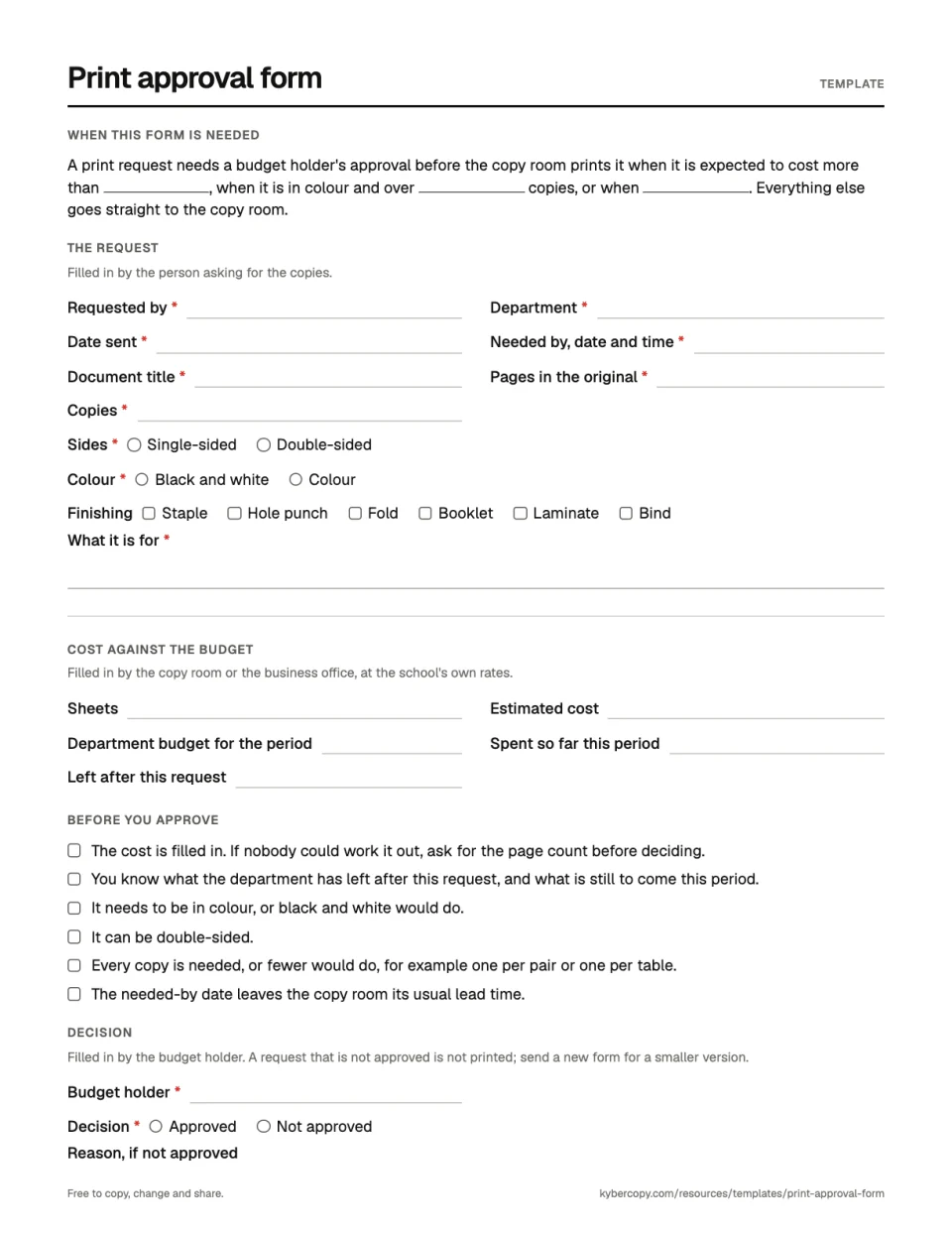 TemplatePrint approval formA free print approval form for schools: the request, its cost against the department's budget, checks before approving, and the budget holder's decision.Template · PDF, CSV
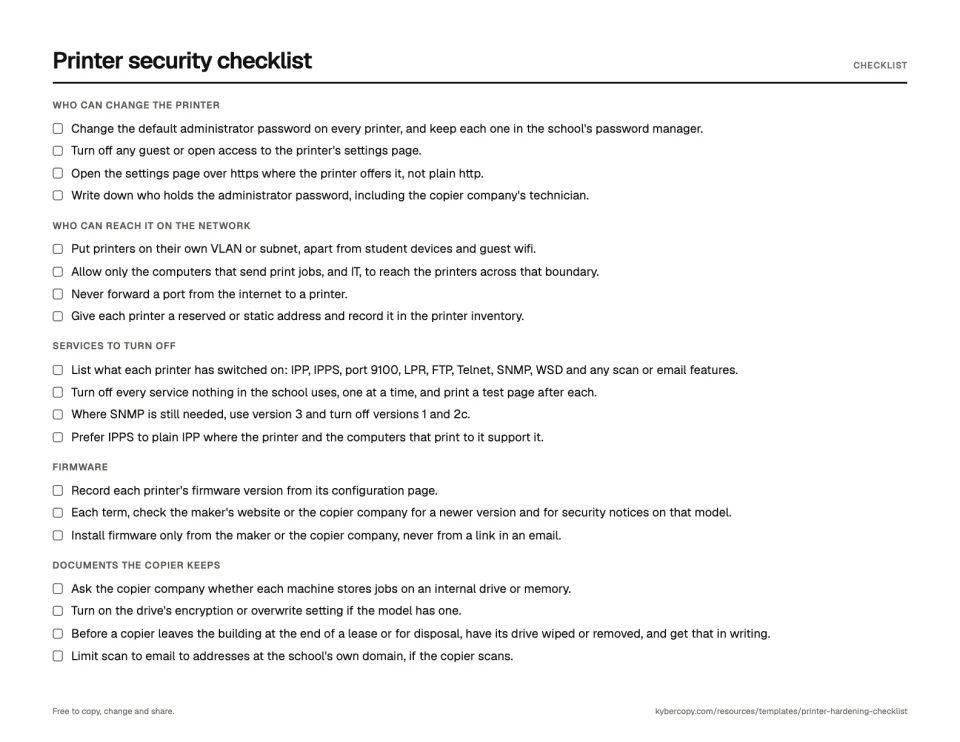 TemplatePrinter security checklistA free printer hardening checklist for schools: admin passwords, VLANs, services to turn off, firmware, stored data on copiers, and a log for every printer.Checklist · PDF, CSV
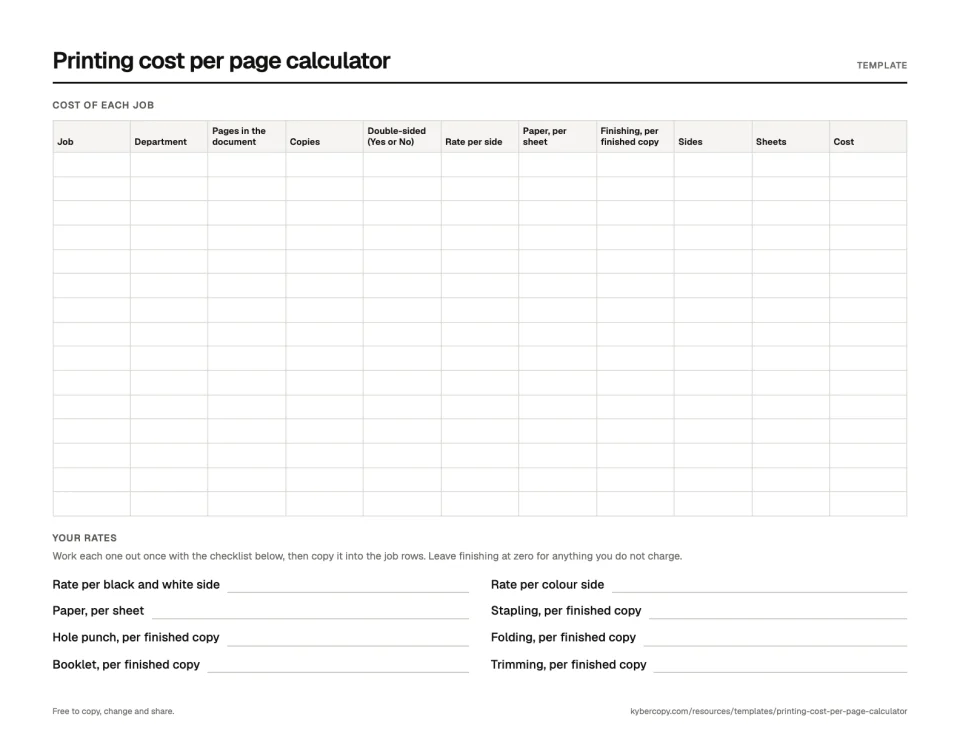 TemplatePrinting cost per page calculatorA free printing cost per page calculator for schools: your rates per side, paper per sheet and finishing per copy in, and what each job costs worked out.Template · CSV, PDF
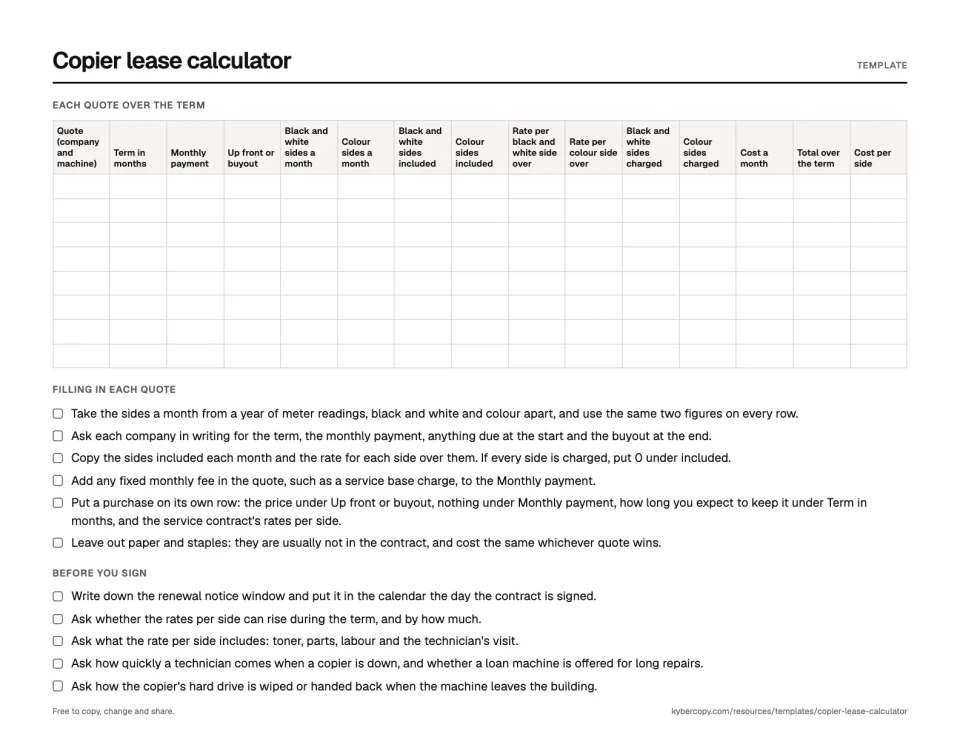 TemplateCopier lease calculatorA free copier lease calculator for schools: compare lease and purchase quotes on the total over the term, at your own monthly volume, and the cost per side.Template · CSV, PDF
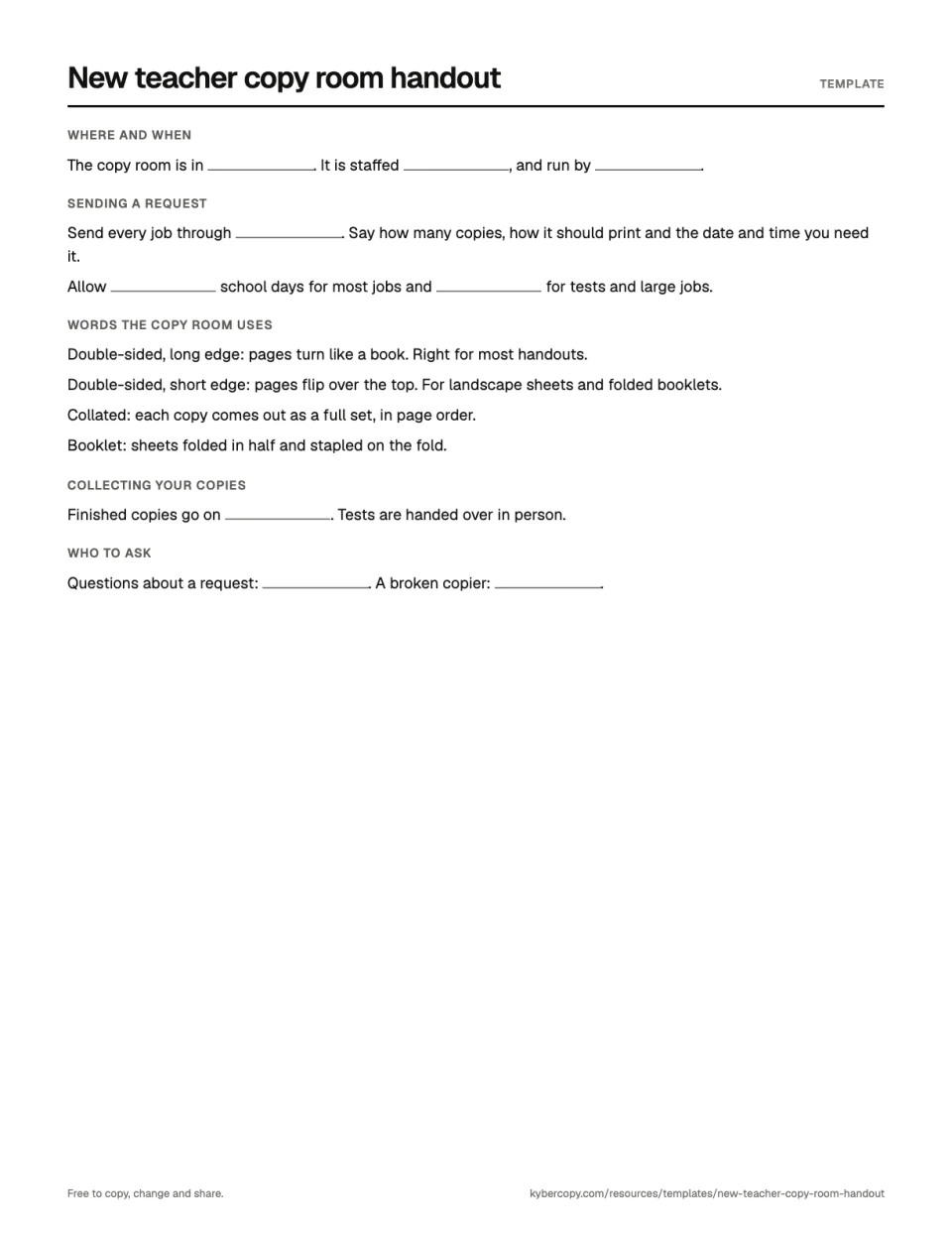 TemplateNew teacher copy room handoutA one-page copy room handout for new teachers: where it is, who runs it, how to send a request, lead times, how to collect copies and who to ask for help.Template · PDF, TXT
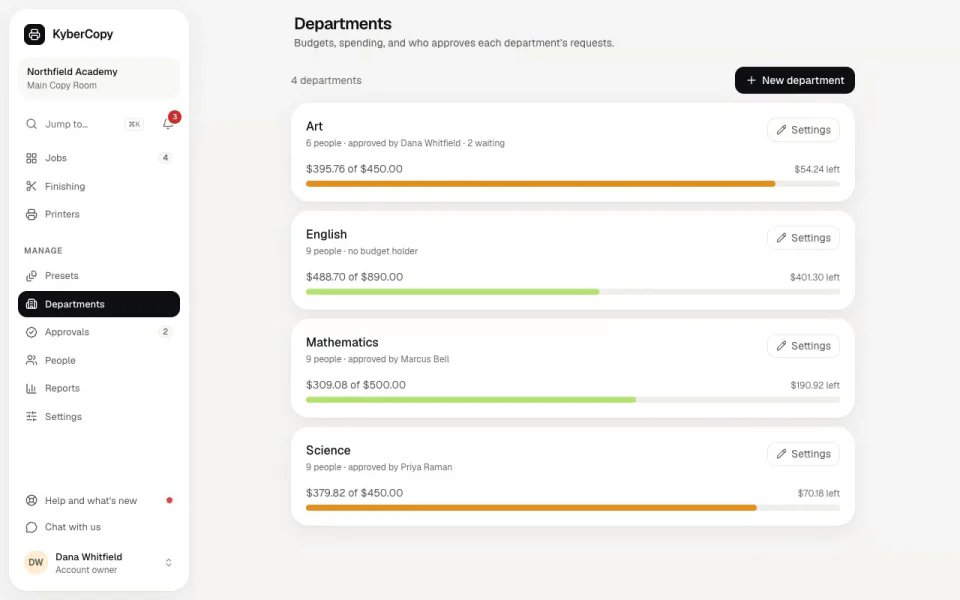 VideoSet a department budgetThe account owner opens the Art department's settings, raises its budget for the period, and once it is stored the bar changes from over budget to past 80 percent.Video · 0:09
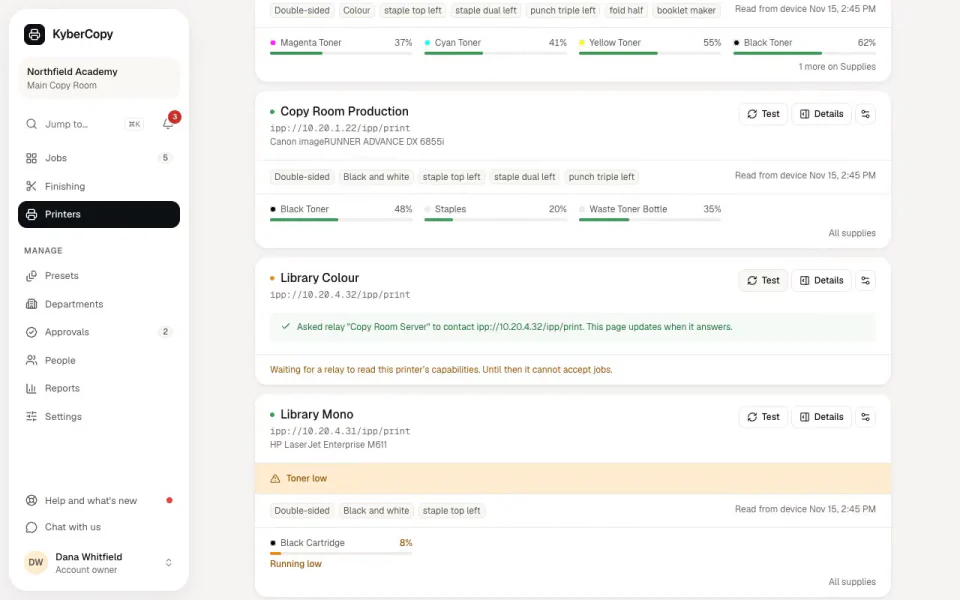 VideoAdd a printer and test itThe account owner adds a printer by its IP address alone, sees it wait for the relay to read what it can do, and presses Test to ask the relay to contact it.Video · 0:16
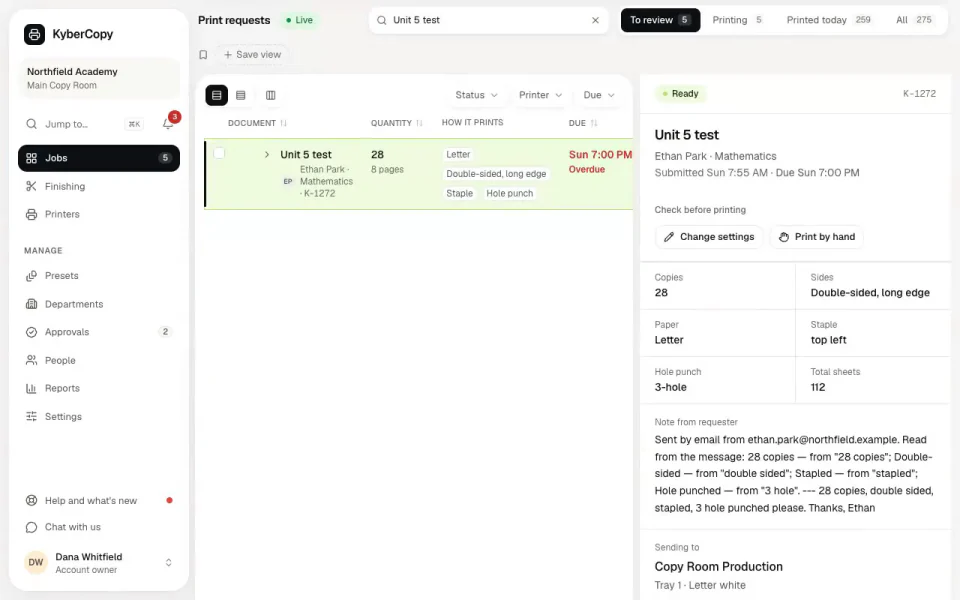 VideoCheck that email requests arriveThe account owner opens Email intake, sees the forwarding address, who may send and each recent email accepted or refused, then opens one emailed request.Video · 0:22
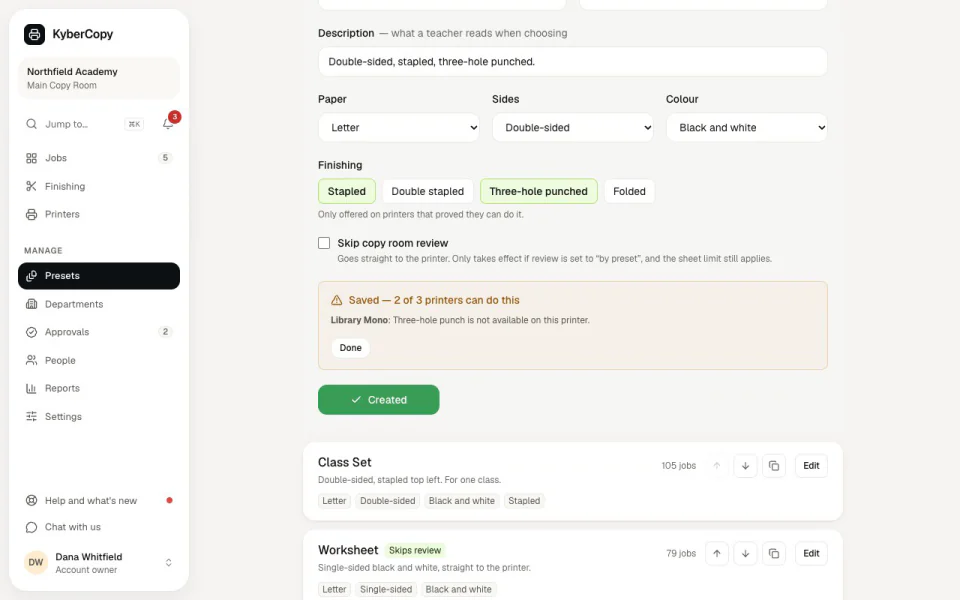 VideoWrite a preset and read the printer checkThe account owner writes an Exam Packet preset, double-sided, stapled and three-hole punched, creates it and reads which of the demo school's printers can do it.Video · 0:19
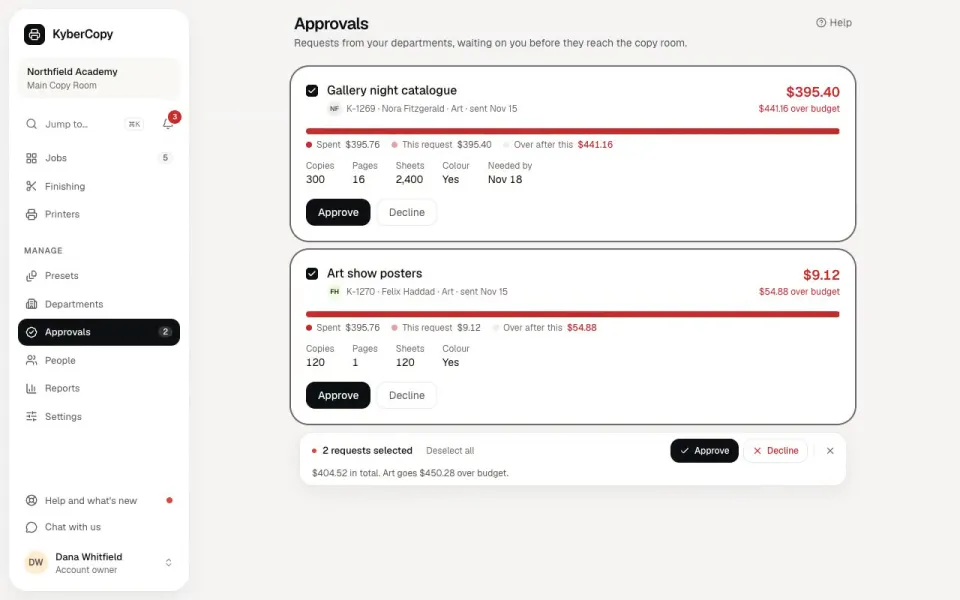 VideoApprove or decline a department's print requestsArt's budget holder in the demo school ticks two held requests to see what they cost together, approves the posters, declines the catalogue with a reason, and reads Decided recently.Video · 0:23
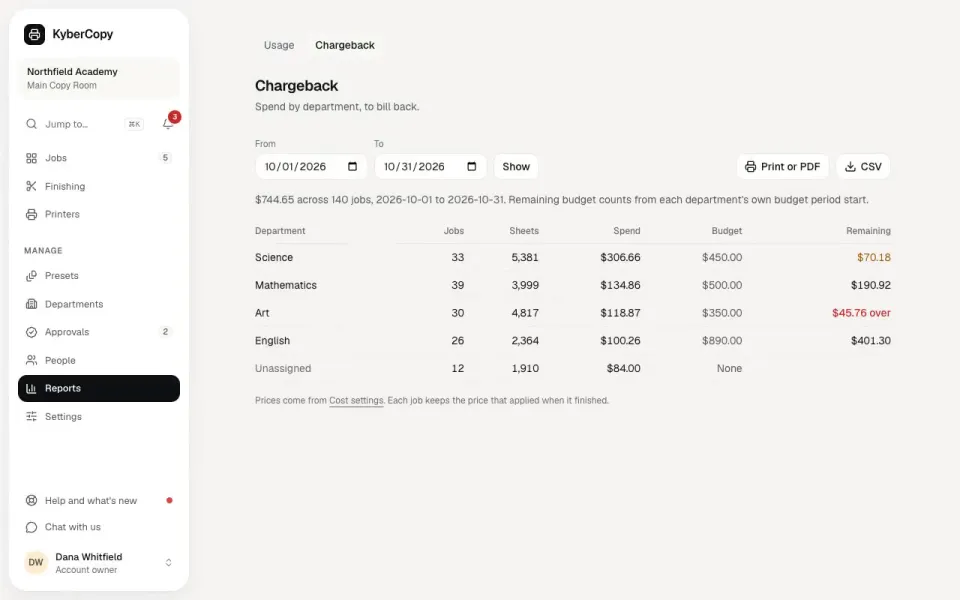 VideoBill a month of printing back to departmentsThe account owner opens the Chargeback tab on Reports, picks October, reads each department's spend against what is left of its budget, and opens the printable chargeback.Video · 0:21
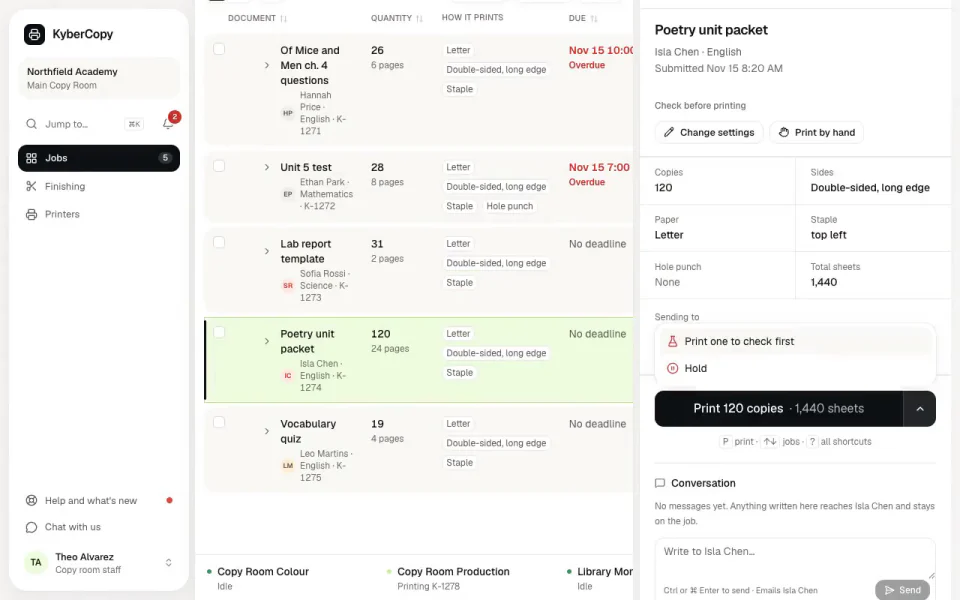 VideoCheck a big job and print one copy firstThe copy room opens a 120-copy packet waiting on To review, reads its settings, opens Change settings and backs out, prints one copy to check first, and sees the job go on hold until the full run.Video · 0:24
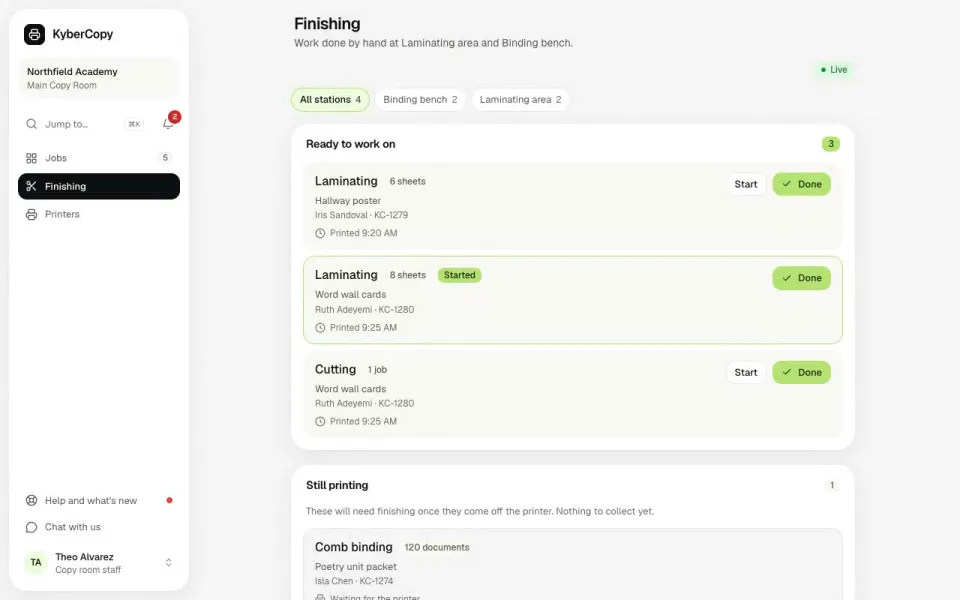 VideoWork laminating and cutting from the finishing boardThe copy room opens Finishing, filters to the Laminating area, starts one job and marks another done, then finishes the cutting at the Binding bench, the last step on that job, so only then is the teacher told it is ready.Video · 0:22
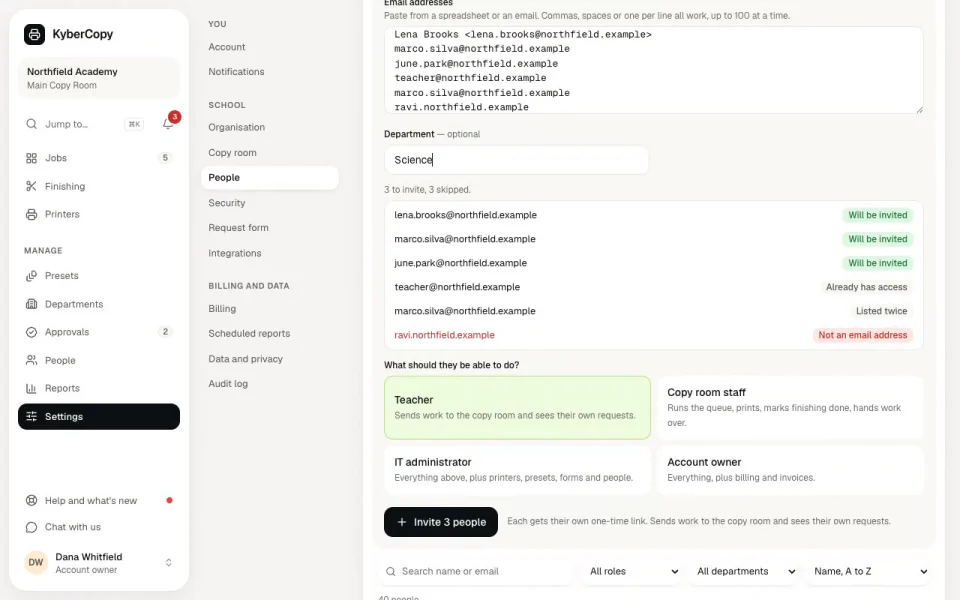 VideoInvite several staff at once and follow up the invitationsAn account owner pastes a list of addresses into Several at once, reads which will be invited and which are skipped and why, invites three teachers into Science, then finds them under Invited, not yet accepted and withdraws one.Video · 0:29
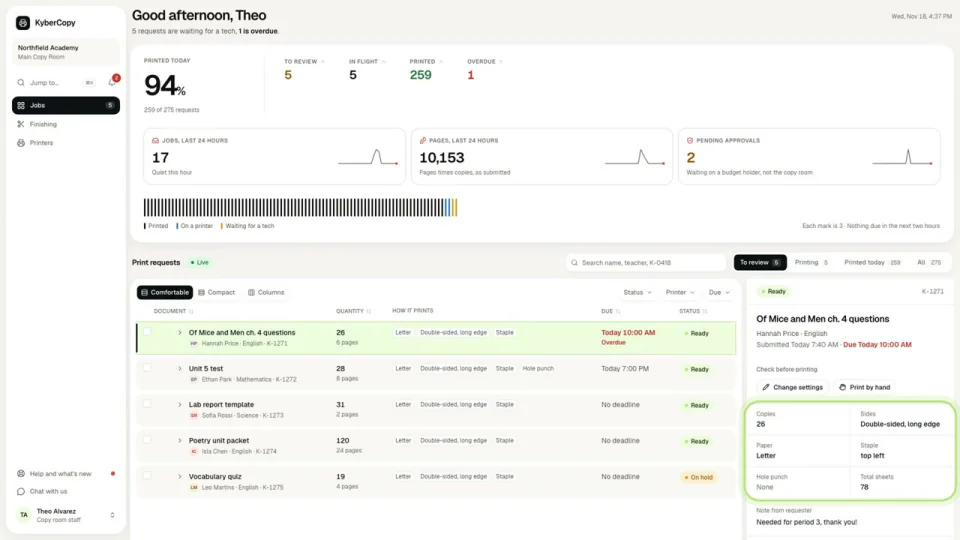 VideoPrint the day's queueOpen a request, check its settings, print it and mark it collected.Narrated video · 2:07
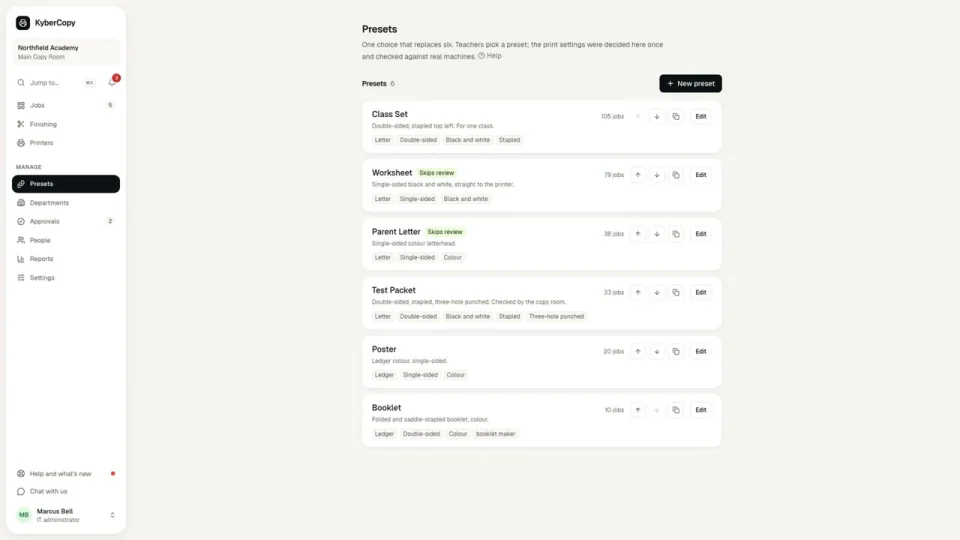 VideoSet up presetsCreate a preset, check which printers can do it and put it first for teachers.Narrated video · 2:15
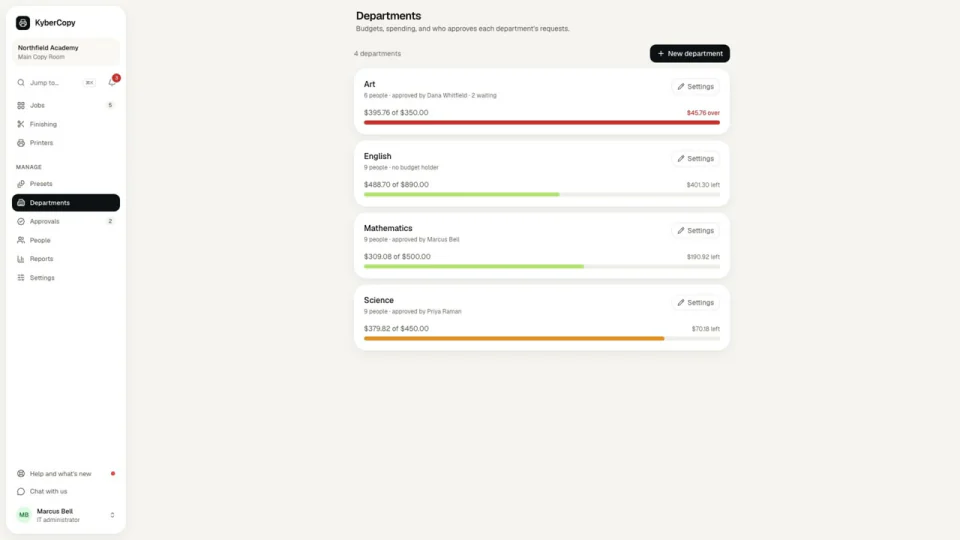 VideoDepartment budgets and approvalsSet a budget holder and a limit, then approve or decline what is over it.Narrated video · 2:13
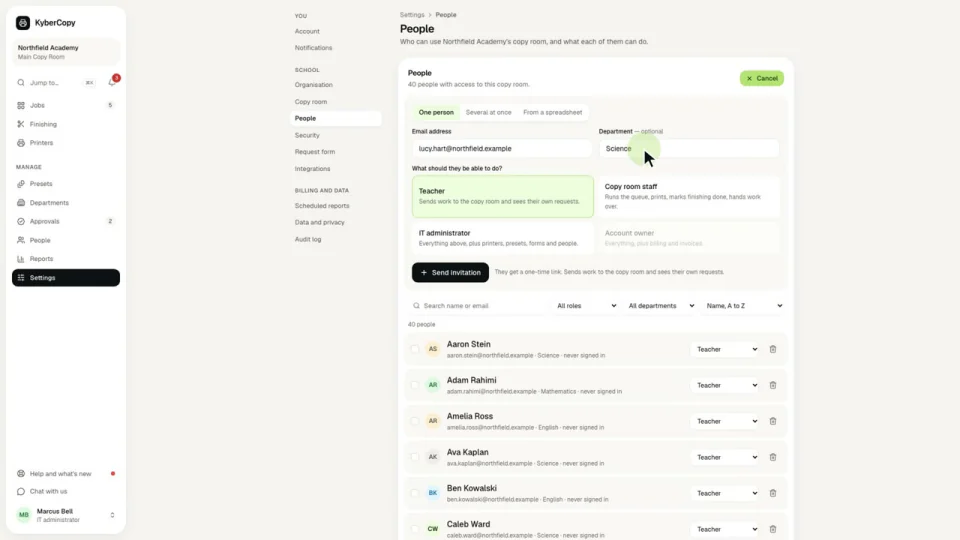 VideoInvite your staffInvite people by email, choose what each can do, then resend or withdraw an invite.Narrated video · 1:55
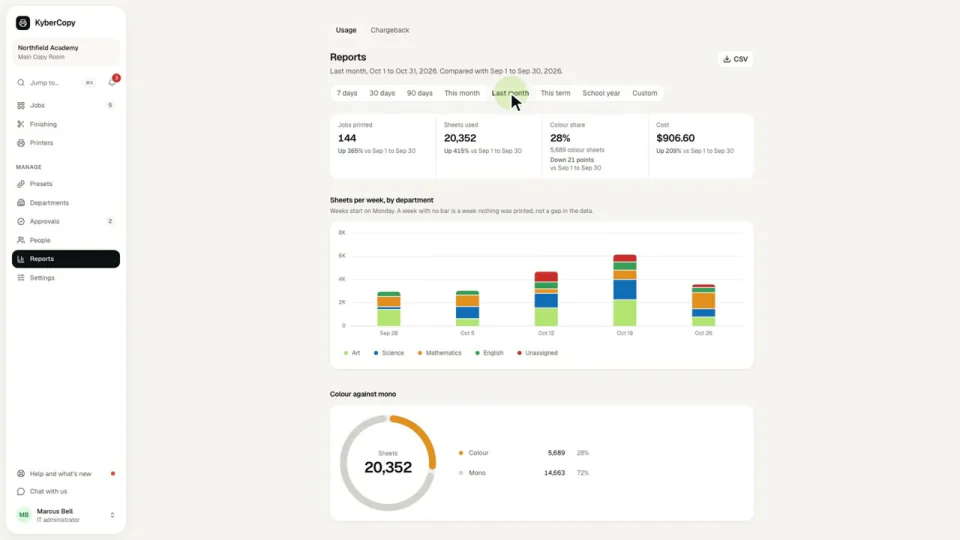 VideoUsage reports and chargebackPick a date range, see who prints what, bill it back and email it on a schedule.Narrated video · 2:05
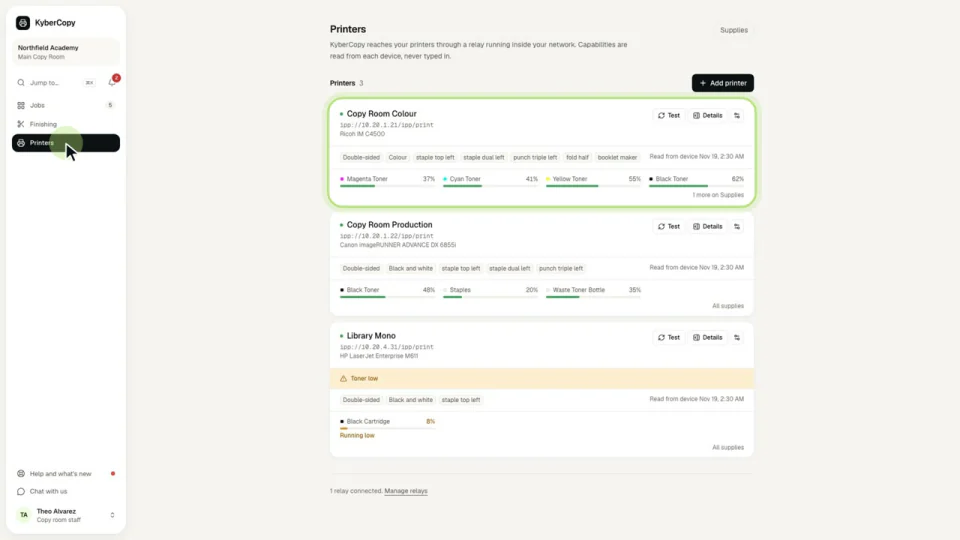 VideoPrinters and supplies at a glanceRead the printer strip, open a printer's detail, see what supplies to order and refill a tray.Narrated video · 2:03
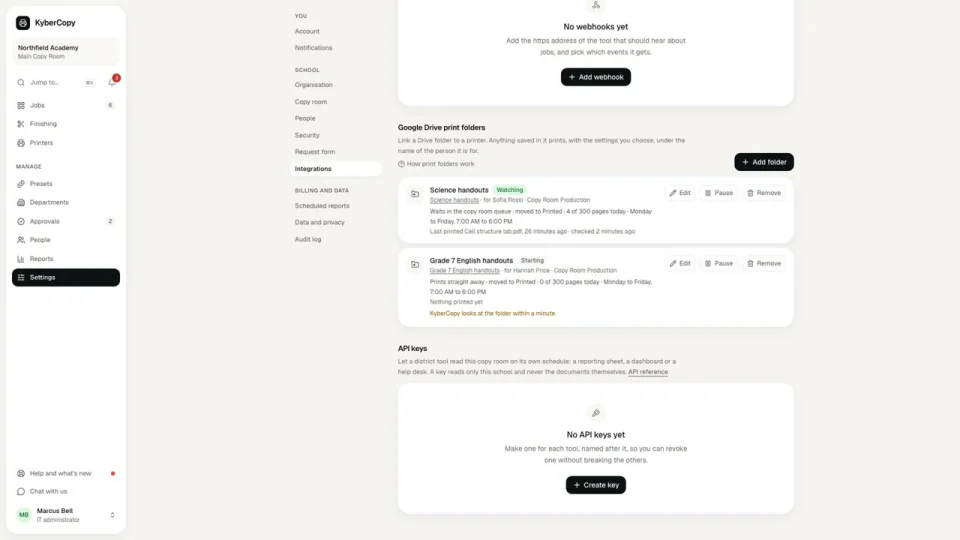 VideoPrint from a Google Drive folderShare a folder with KyberCopy, choose who it prints for and how, and watch it print by itself.Narrated video · 2:29
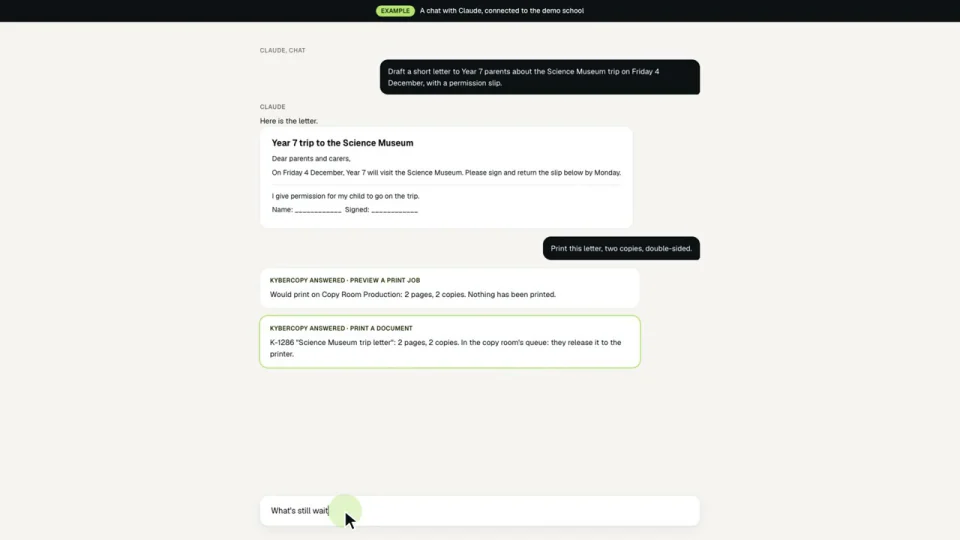 VideoPrint from ClaudeConnect KyberCopy in Claude, ask it to print, check your jobs and disconnect it.Narrated video · 2:03
- OverviewA copy room for every campusRun a district print shop with KyberCopy: one copy room per campus, each with its own queue and printers, invoices against your PO, reports by email.For districts
- OverviewPresets, checked against every printerWrite print presets for teachers once, in your school's words. Each is checked against every printer when saved, and teachers pick one instead of settings.Presets
- OverviewApprove the cost before it printsPrint approval for schools: big or costly requests wait for the department's budget holder, who sees the cost and what is left before saying yes.Approvals
- OverviewA copy budget for every departmentGive each department a copy budget for its own period, see spending against it as jobs print, and email the budget holder at 80% and 100%.Budgets
- OverviewClaude prints. Your school sets the rulesAdd KyberCopy to Claude once. Each person connects as themselves, asks Claude to print, preview or cancel, and the school's limits and approvals still apply.Claude
- OverviewSave it in the folder. It printsLink a Google Drive folder to a school printer. Files saved there print on their own, under one person's name, within the hours, caps and budgets you set.Google Drive
- ReferenceSecurityThe relay, outbound only, how each school's data is kept apart, and what is not done yet.
- ReferencePrinting terms glossaryDuplex, saddle stitch, IPP, port 9100, chargeback and more, in plain words.
- ReferenceCase studiesStories from schools using KyberCopy, published only with each school's approval, and how to talk with one.
- ReferenceKyberCopy and PaperCutWhich job each one does, the shared comparison rows, and the one row PaperCut has that KyberCopy does not.
- ReferenceKyberCopy and emailWhat the copy room inbox already does well, what KyberCopy reads from the same email, and what it adds after.
- ReferenceChangelogWhat changed for teachers, the copy room, administrators and the business office.
Rather see it than read about it?
On the demo call we set up the demo school with your printers' names and walk through the guide you came here for, as a teacher, the copy room and the business office.
Book a demo